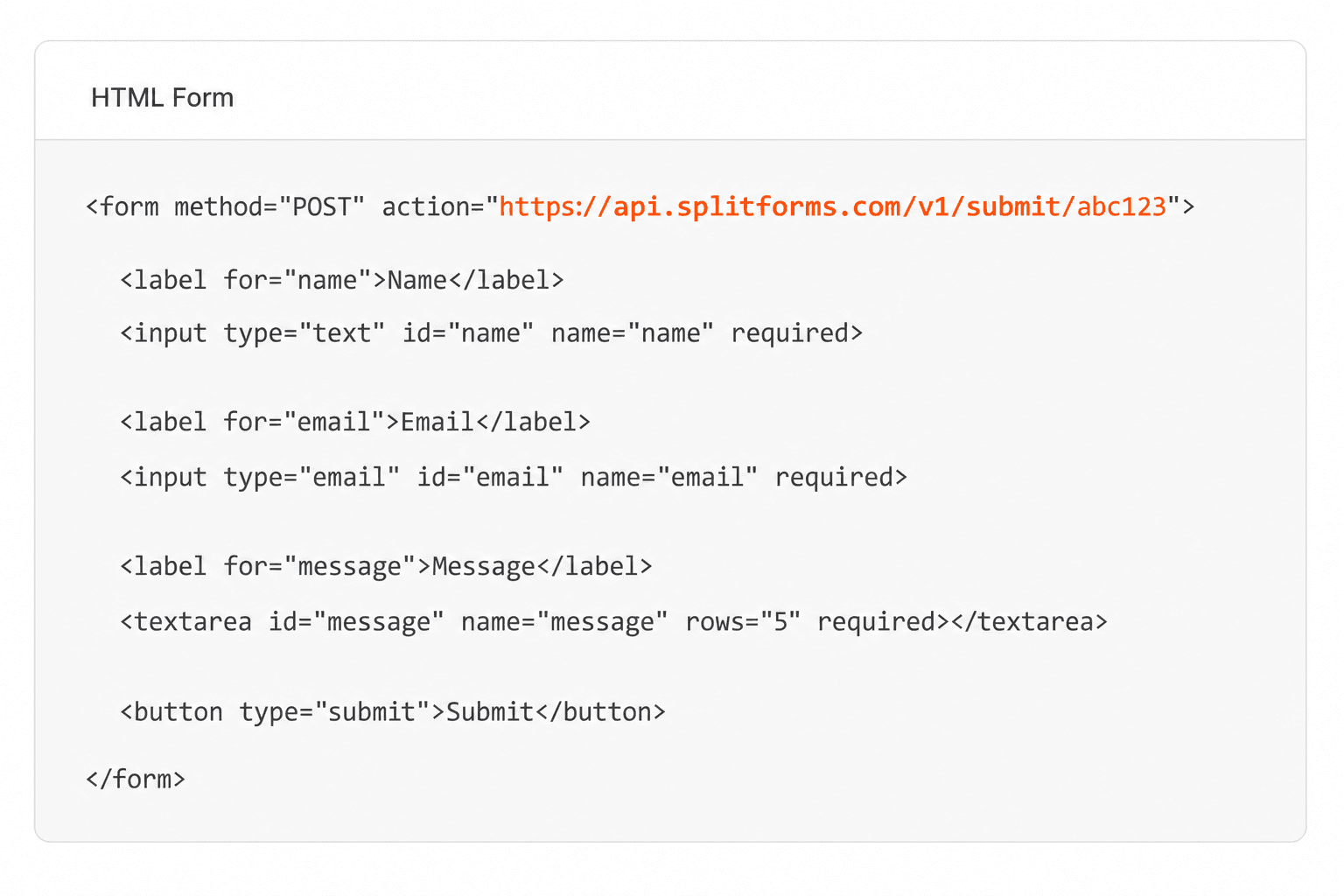
Key facts
What does type=email check?
The browser checks the value against the HTML Standard's valid email address rule, which the spec calls a willful violation of RFC 5322: simpler than the RFC, and strict about the domain. An empty field passes unless it is required.
| Fact | Detail |
|---|---|
| The rule | Exactly one @. Before it: letters, digits, dots and symbols such as +, _, - and '. After it: one or more labels split by dots, each 1–63 letters, digits or hyphens, not starting or ending with a hyphen. |
| Not checked | Whether the domain exists, has mail servers or a real top-level domain. name@example passes, and so does a typo such as name@gmial.com. |
| Not supported | Quoted local parts ("john doe"@example.com), IP-address domains (name@[192.0.2.1]) and non-ASCII letters before the @, even though RFC 5322 or later RFCs allow some of them. |
| Spaces | Leading and trailing spaces and line breaks are stripped from the value. A space inside the address fails. |
| JavaScript | el.validity.typeMismatch is true while a non-empty value is not a valid address. el.checkValidity() runs the check. |
| Mobile keyboard | Most mobile browsers show an email keyboard with @ and . close at hand. inputmode="email" asks for the same keyboard on a plain text field. |
| Autofill | autocomplete="email" tells the browser the field wants the person's email address, so it can offer the saved one. |
| Security | None. Anyone can POST to the form's action URL without running the check, so validate the address on the server too. |
Sources: WHATWG HTML Standard: email state · WHATWG: valid email address · WHATWG: suffering from a type mismatch · WHATWG: autofill email · MDN: <input type="email"> · MDN: ValidityState.typeMismatch · RFC 5322: Internet Message Format