splitforms.com

HTML · FORM ATTRIBUTE

HTML novalidate and formnovalidate: skip form validation

Last reviewed

The novalidate attribute on a <form> tells the browser to skip its built-in checks, such as required, type="email" and pattern, when the form is submitted. formnovalidate does the same for one submit button only, which is handy for a "Save draft" button. Your server still has to check the data.

  • Live, editable example
  • Copy-paste snippet
  • Attributes & common mistakes
Live demo · nothing is sent

What gets submitted

Fill in the form above and press its button. The demo stops the request and lists every name=value pair the browser would send, plus the controls it leaves out.

With a free access key in the form, these fields land in your splitforms dashboard; access_key and botcheck are read by splitforms, not stored as lead data.

Edit the HTML and re-run it
Runs in a sandbox. Nothing is sent.

Minimal snippet

novalidate-example.html
<form novalidate>
  <input type="email" name="email" required>
  <button type="submit">Submit</button>
</form>

<form>
  <input type="email" name="email" required>
  <button type="submit">Submit</button>
  <button type="submit" formnovalidate name="draft" value="1">Save draft</button>
</form>

Copy-paste code

HTML novalidate Attribute code you can paste today.

Replace YOUR_ACCESS_KEY with a key from your free splitforms dashboard. The form posts to one endpoint — submissions land in your inbox and dashboard with spam filtering built in.

Get free access key
novalidate.html
<form action="https://splitforms.com/api/submit" method="POST">
  <input type="hidden" name="access_key" value="YOUR_ACCESS_KEY">

  <label for="email">Email</label>
  <input type="email" id="email" name="email" autocomplete="email" required>

  <label for="message">Message</label>
  <textarea id="message" name="message" rows="5"></textarea>

  <!-- Honeypot: hidden from people, bots fill it in -->
  <input type="checkbox" name="botcheck" style="display:none" tabindex="-1" autocomplete="off">

  <!-- Checks the fields before sending -->
  <button type="submit">Send</button>
  <!-- Skips the checks, so a half-filled form can be saved -->
  <button type="submit" formnovalidate name="draft" value="1">Save draft</button>
</form>

Key facts

How do novalidate and formnovalidate behave?

novalidate stops the browser from blocking a submit because of invalid fields. The fields are still marked valid or invalid, so scripts and CSS can read the result.

How do novalidate and formnovalidate behave?
FactDetail
What it skipsThe submit-time checks for required, type checks like type="email" and type="url", pattern, min / max / step and minlength / maxlength. The browser shows no error bubbles and sends the form as it is.
What still workscheckValidity(), reportValidity(), validity and the :invalid / :valid CSS selectors still report each field's state. The JavaScript Constraint Validation API keeps working.
Boolean attributeIts presence turns it on. novalidate, novalidate="" and even novalidate="false" all switch validation off; remove the attribute to turn it back on.
formnovalidateWorks only on submit buttons: <button type="submit">, <input type="submit"> and <input type="image">. It skips the checks for submits made with that button only.
Common useCustom validation messages: the form gets novalidate so the browser's bubbles don't show, and your script calls checkValidity() or reportValidity() itself before sending.

Sources: WHATWG HTML Standard: novalidate · MDN: form novalidate

Attributes · novalidate

Which HTML novalidate Attribute attributes matter?

These attributes decide how the novalidate behaves and what actually gets emailed to your inbox when someone submits.

HTML novalidate Attribute attributes and what each one does
AttributeWhat it does
novalidateSet on the <form>. Skips the browser's built-in checks for every submit of that form.
formnovalidateSet on a submit button. Skips the checks only when the form is sent with that button, such as "Save draft".
requiredMakes a field mandatory. It is one of the checks that novalidate turns off.
patternA regular expression the value must match. novalidate skips this check too.

Common mistakes

HTML novalidate Attribute not working? Here's why.

Most broken forms come down to a few small mistakes with the novalidate. Check these before you ship, then forward every submission to Slack or a webhook.

  1. novalidate is not security

    Browser checks were never a safety barrier: anyone can POST to your endpoint without them. Always check the data on the server; see the [server-side form validation](/guides/server-side-form-validation) guide.

  2. No checks of your own means empty forms get through

    With novalidate and no JavaScript checks, a visitor can send a blank or half-filled form. If you add novalidate for custom messages, call checkValidity() or reportValidity() before sending.

  3. novalidate="false" still turns it on

    It is a boolean attribute, so any value counts as present. To turn validation back on, remove the attribute, for example with form.noValidate = false.

  4. formnovalidate does nothing on a plain button

    It only works on submit buttons. On <button type="button"> or <button type="reset"> it is ignored.

Sources: WHATWG HTML Standard: novalidate · MDN: form novalidate
Copy-paste ready

The HTML novalidate Attribute example below is a complete, working form — paste it into any HTML page and it submits, no edits to the markup required.

No backend to build

Your html novalidate attribute form posts to one endpoint. No server, PHP, or API route — accepted submissions are saved to your dashboard before owner notification email is attempted; delivery time and inbox placement depend on provider and recipient settings.

A form that really submits

Unlike a static reference snippet, this novalidate form actually sends data to a free splitforms backend, with spam filtering built in.

How it works

How to add HTML novalidate Attribute to any page.

Copy the html novalidate attribute example, drop in your free access key, and paste it into any page — submissions start landing in your dashboard.

Copy the code

Copy the HTML novalidate Attribute example below.

Add your access key

Replace YOUR_ACCESS_KEY with a free splitforms key from the dashboard.

Paste into your site

Drop the form into any HTML page. Submissions arrive in your dashboard.

How SplitForms works

What happens after someone submits your form?

splitforms receives the submission, filters spam, saves it to your dashboard and emails you — then, on paid plans, sends it on to your webhooks and integrations. No backend infrastructure to build.

A SplitForms contact form submission launching straight to your inbox

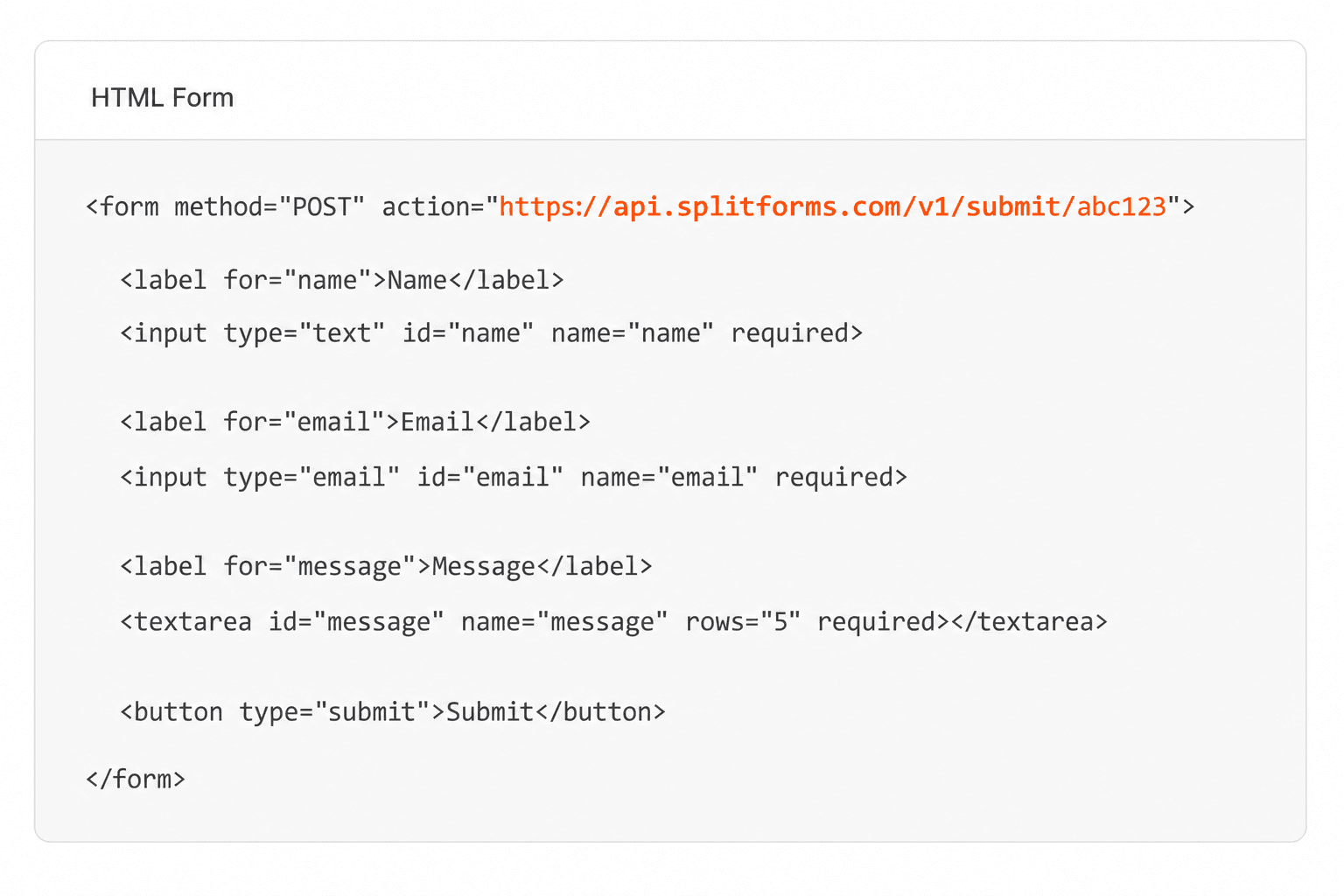
Add your endpoint

Point your form to your unique SplitForms endpoint. That's it.

HTML form pointing at a SplitForms submit endpoint

Receive submissions

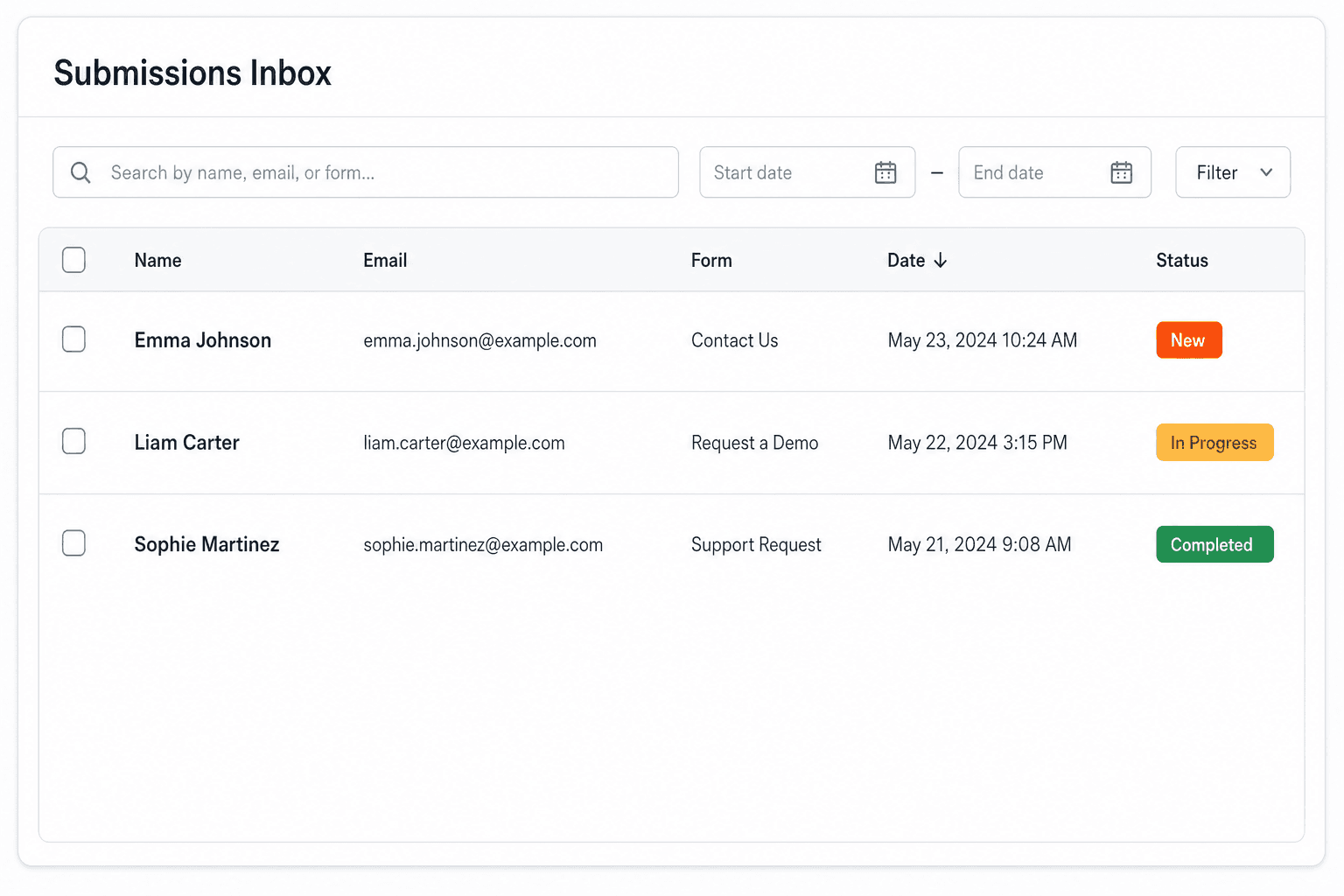
We instantly capture and organize every submission in your inbox.

Submissions inbox with searchable leads and status pills

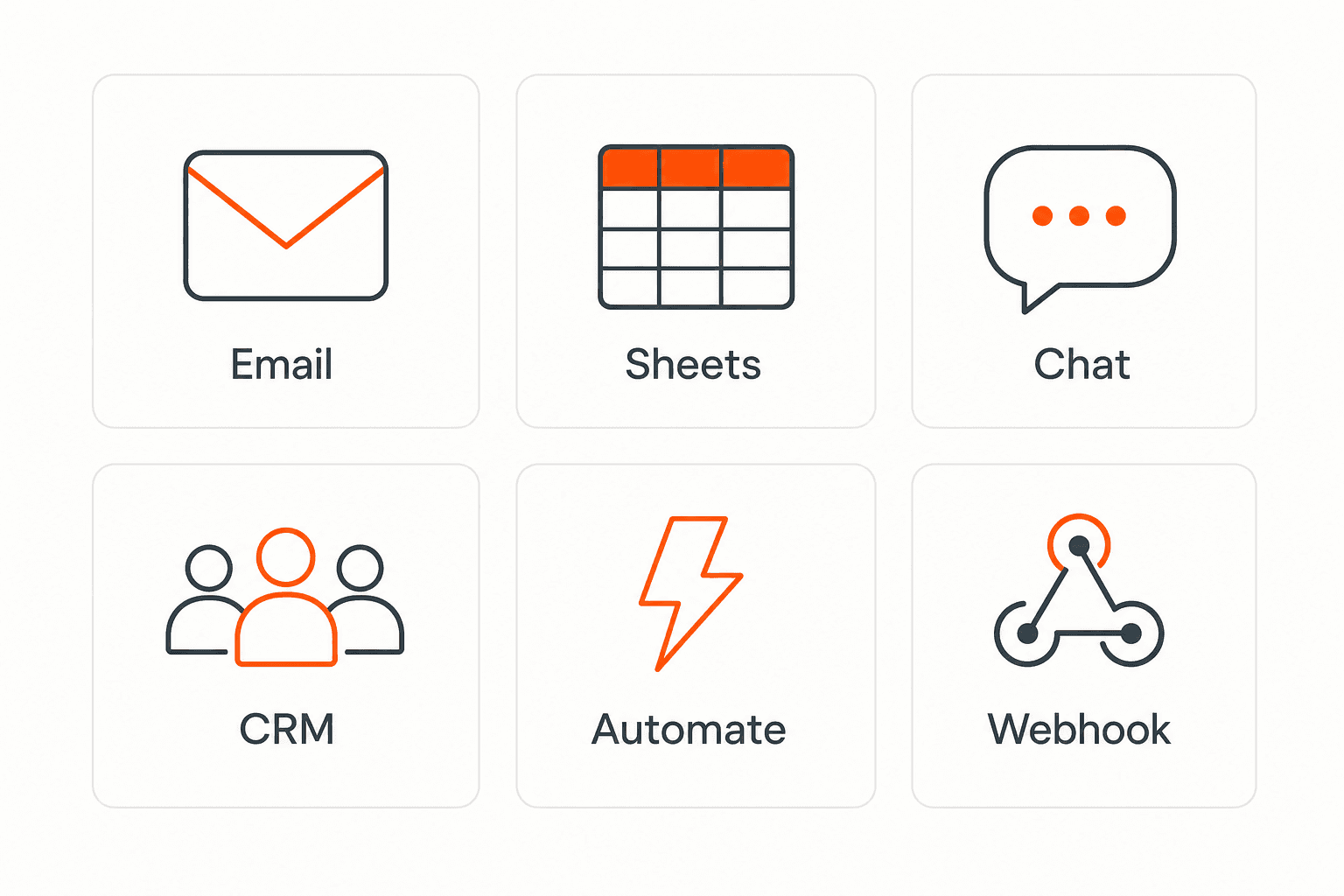
Route anywhere

Send data to email, spreadsheets, CRMs, webhooks, and 7,000+ apps.

Generic integration tiles for email, sheets, chat, CRM, automate, and webhook

No credit card required. Set up in under 60 seconds.

Connect & automate

Where can submissions go besides email?

On paid plans, submissions can also go to Slack, Discord, Google Sheets, Notion, Airtable, Zapier or any signed webhook — and splitforms works on the platforms you build on, from WordPress and Shopify to Next.js. With Stripe connected, your forms can take payments too.

Connect your SplitForms form to Slack, Google Sheets, Mailchimp, Zapier and more
NewTake payments on your formsDeposits, bookings, order forms — submitters check out through Stripe and the money goes straight to your Stripe account. Included on every paid plan.See payment forms →Need time slots? Online booking →

Setup guides for the stacks you use

Questions

HTML novalidate Attribute questions, answered.

View all FAQs
What does novalidate do?

It turns off the browser's built-in validation for a form. Fields with required, type="email", pattern or length limits no longer block the submit, and no error bubbles appear, so the form is sent as it is.

How do I skip validation for a Save draft button?

Add formnovalidate to that submit button, for example <button type="submit" formnovalidate name="draft" value="1">Save draft</button>. Submits from that button skip the checks; the normal Submit button still runs them.

Does novalidate stop :invalid styles?

No. novalidate only stops the browser from blocking the submit. Fields are still checked, so :invalid and :valid CSS still match and checkValidity() still returns false for a bad field.

Is it safe to use novalidate?

Yes, as long as you check the data somewhere else. Use JavaScript for friendly messages in the browser, and always validate on the server, because browser checks can be skipped by anyone.

Simple pricing

How much does splitforms cost?

Free gives you 500 submissions for $0 — no card, no time limit. Pro is $5/month for 5,000 submissions a month, and Annual is $49/year for 15,000 a month with every Pro feature.

Free

$0— 500 submissions
 

No card, no time limit

Best for testing

For side projects and indie devs.

  • 500 free submissions
  • Unlimited forms
  • Email notifications included
  • Smart spam filtering
  • Submissions dashboard
  • Redirect after submit
  • MCP server included

Annual

$49/ year
About $4.08 per month, billed yearly
Best value

Every Pro feature with triple the volume — $0.27 per 1,000 at full use.

  • 15,000 submissions per month
  • Unlimited forms
  • Everything in Pro
  • File uploads with 5 GB storage
  • 3 team seats
  • Priority email support

No credit card required on Free • Cancel anytime • Full pricing and FAQ