Why chatbot traffic was missing
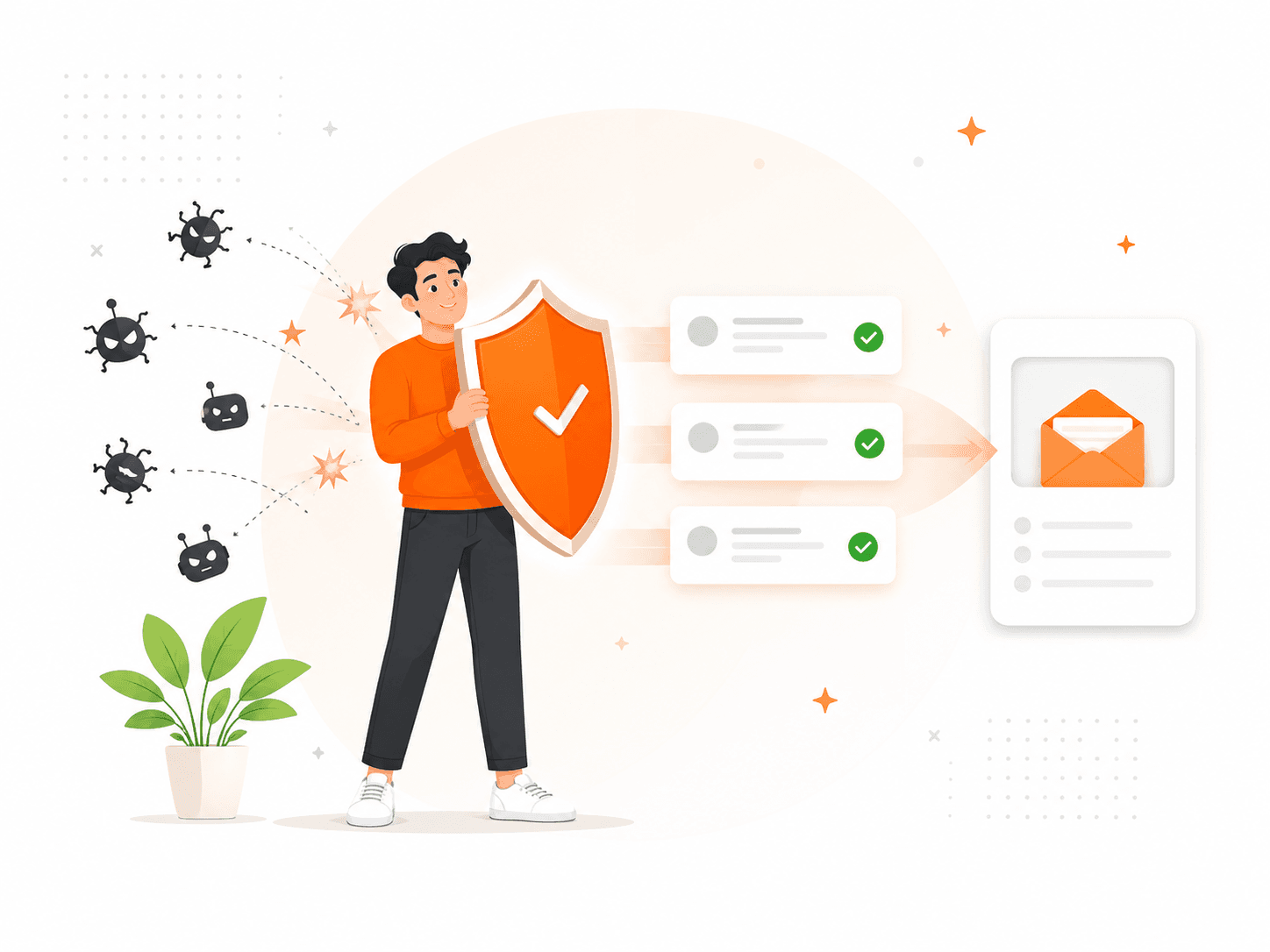
Search engines rank pages, not wishes. If a site only talks about contact forms and form backends, it has weak relevance for searches like "AI chatbot lead capture", "chatbot leads to email", or "chat bot webhook". This page gives that intent a clear home while keeping the product promise precise.
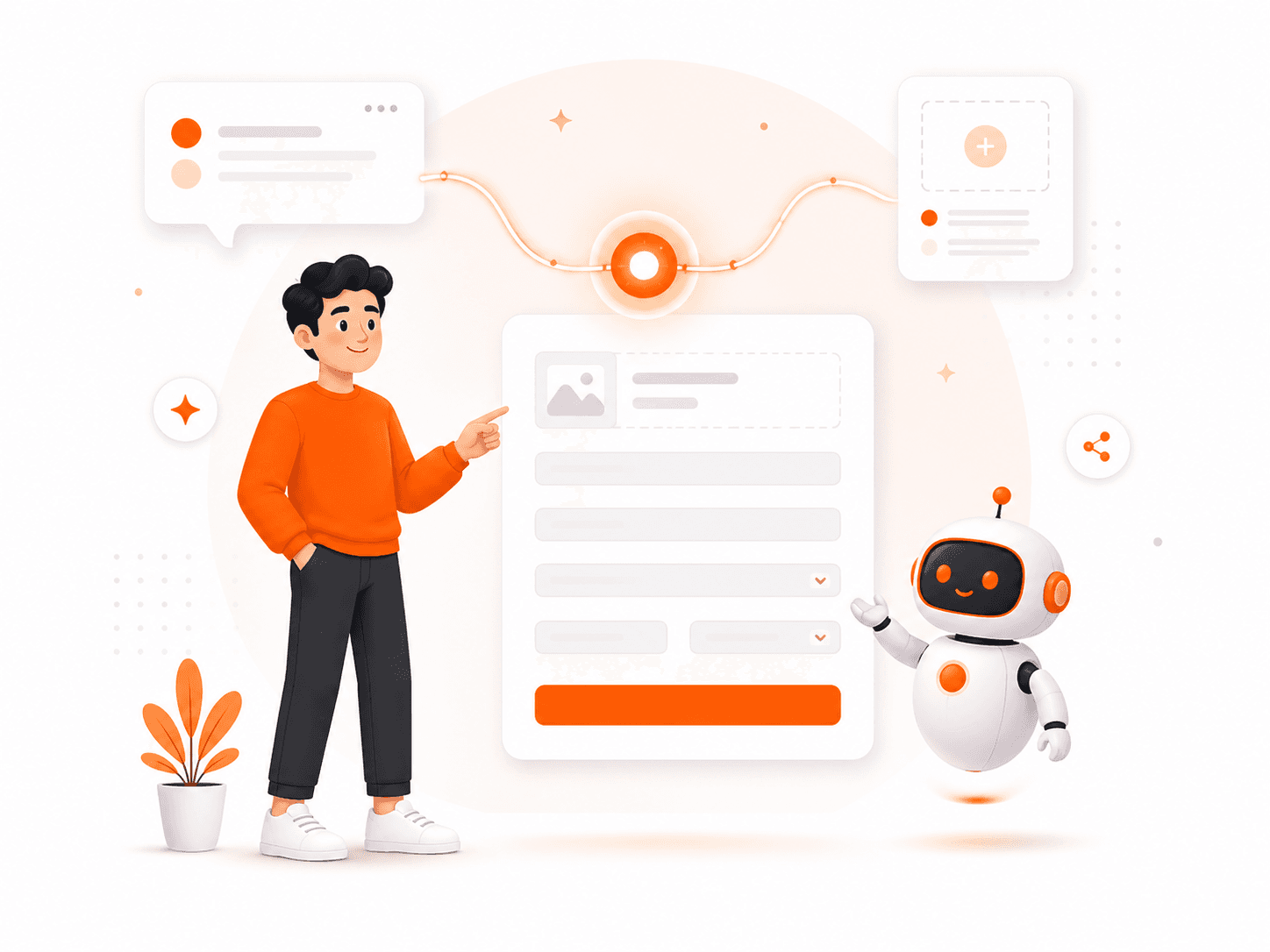
The right angle is not "splitforms is an AI chatbot." The right angle is: splitforms is the backend that turns chatbot conversations into routed, stored, trackable leads.
Chatbot only
- Conversation happens
- Lead may stay inside the chat vendor
- Harder to audit or route
Chatbot plus splitforms
- Lead is saved as a normal submission
- Email, dashboard, webhooks, and integrations run
- Sales gets structured fields plus transcript context
Qualify the visitor in chat
Have the AI chatbot ask for the visitor's goal, budget, timeline, email, phone, and any product-specific details your sales team needs.
POST the lead to splitforms
Send the final fields from your chatbot or AI agent to https://splitforms.com/api/submit with your access key and the captured transcript or summary.
Route the lead to your team
Use email notifications, Slack, Google Sheets, Notion, HubSpot, Zapier, Make, n8n, or a signed webhook to send the lead wherever your team works.
await fetch("https://splitforms.com/api/submit", {
method: "POST",
headers: { "Content-Type": "application/json" },
body: JSON.stringify({
access_key: "YOUR_ACCESS_KEY",
form_name: "AI chatbot lead",
name: lead.name,
email: lead.email,
phone: lead.phone,
company: lead.company,
budget: lead.budget,
timeline: lead.timeline,
qualification_score: lead.score,
page_url: window.location.href,
chatbot_name: "website-ai-assistant",
transcript_summary: lead.summary,
botcheck: ""
})
});Send AI chatbot leads to the tools you already use.
Instant lead notifications with reply-to set to the visitor.
Slack or Discord
Post qualified leads into the channel your team watches.
Google Sheets
Append every chatbot lead to a spreadsheet for reporting.
Notion or Airtable
Create a lightweight CRM without copying from chat logs.
HubSpot or CRM
Forward structured lead data through webhooks or Zapier.
Custom webhook
Send a signed JSON payload to your own routing logic.
Can splitforms collect leads from an AI chatbot?
Yes. Use your chatbot, website chat widget, or AI agent to ask qualifying questions, then POST the collected lead fields to splitforms. splitforms stores the submission, emails your team, filters spam, and forwards the lead through webhooks or integrations.
Is splitforms an AI chatbot builder?
No. splitforms is the lead capture backend for a chatbot or AI agent. You keep using your chat UI or AI framework, and splitforms handles the form submission, notifications, dashboard, file uploads, spam filtering, and webhook delivery.
What fields should an AI chatbot send for lead capture?
Start with name, email, phone, company, budget, timeline, source URL, and the conversation transcript or summary. Add hidden fields such as chatbot_name, campaign, page_url, and qualification_score so sales can prioritize the lead.
Can chatbot leads go to Slack, Notion, HubSpot, or Google Sheets?
Yes. splitforms can email the lead, store it in the dashboard, and forward it to Slack, Discord, Notion, HubSpot, Airtable, Google Sheets, Zapier, Make, n8n, or any custom webhook endpoint.
How do I stop chatbot lead spam?
Send chatbot leads through splitforms with a honeypot value left empty, source metadata, and normal validation fields. splitforms applies spam filtering and keeps suspicious submissions out of the normal lead flow.
Turn the next chat conversation into a real lead.
Create a free access key, send one test chatbot payload, and watch the lead appear in your inbox and dashboard.
Start free