splitforms.com

HTML · ATTRIBUTE

HTML enterkeyhint: Change the Mobile Enter Key Label

Last reviewed

enterkeyhint is a global attribute that hints which label or icon a virtual keyboard shows on its Enter key. Its values are enter, done, go, next, previous, search and send. It changes only the label, not the behavior: pressing Enter in a single-line input can still submit the form through implicit submission, and `next` does not move focus by itself. Desktop keyboards ignore it.

  • Live, editable example
  • Copy-paste snippet
  • Attributes & common mistakes
Live demo · nothing is sent

What gets submitted

Fill in the form above and press its button. The demo stops the request and lists every name=value pair the browser would send, plus the controls it leaves out.

With a free access key in the form, these fields land in your splitforms dashboard; access_key and botcheck are read by splitforms, not stored as lead data.

Edit the HTML and re-run it
Runs in a sandbox. Nothing is sent.

Minimal snippet

enterkeyhint-example.html
<input type="text" name="name" enterkeyhint="next">

Copy-paste code

HTML enterkeyhint Attribute code you can paste today.

Replace YOUR_ACCESS_KEY with a key from your free splitforms dashboard. The form posts to one endpoint — submissions land in your inbox and dashboard with spam filtering built in.

Get free access key
enterkeyhint.html
<form action="https://splitforms.com/api/submit" method="POST">
  <input type="hidden" name="access_key" value="YOUR_ACCESS_KEY">

  <label for="name">Name</label>
  <input type="text" id="name" name="name" enterkeyhint="next" required>

  <label for="email">Email</label>
  <input type="email" id="email" name="email" enterkeyhint="send" inputmode="email" required>

  <label for="message">Message</label>
  <textarea id="message" name="message" rows="4"></textarea>

  <!-- Honeypot: hidden from people, bots fill it in -->
  <input type="checkbox" name="botcheck" style="display:none" tabindex="-1" autocomplete="off">

  <button type="submit">Send</button>
</form>

Attributes · enterkeyhint

Which attributes go with enterkeyhint?

Pair the Enter key label with the keyboard layout and input type that fit the field.

HTML enterkeyhint Attribute attributes and what each one does
AttributeWhat it doesDocs
enterkeyhintHints which label or icon a virtual keyboard shows for the Enter key.MDN
inputmodeHints which virtual keyboard layout to show, such as an email keyboard.MDN
typeChooses the input's data type, validation and default keyboard behavior.MDN

Common mistakes

enterkeyhint mistakes to avoid

The hint labels a key; form submission and focus behavior still need their own handling.

  1. next does not move focus

    enterkeyhint="next" only changes the key label. To move to another field, handle Enter yourself: field.addEventListener("keydown", (e) => { if (e.key === "Enter") { e.preventDefault(); nextField.focus(); } });. See [how to stop Enter from submitting a form](/blog/prevent-enter-key-submit-form).

  2. Enter can still submit the form

    The hint does not change submission behavior. Pressing Enter in a single-line input can implicitly submit its form when the form's normal rules allow it.

  3. Textarea Enter inserts a newline

    In a textarea, Enter normally inserts a newline. The enterkeyhint label does not change that behavior.

  4. React uses enterKeyHint

    In React JSX, use the camelCase prop: <input enterKeyHint="next" />.

  5. Support on mobile browsers

    Most modern mobile browsers support enterkeyhint. Older browsers ignore the hint and use their default key label.

Sources: WHATWG HTML Standard: enterkeyhint · MDN: enterkeyhint

Copy-paste ready

The HTML enterkeyhint Attribute example below is a complete, working form — paste it into any HTML page and it submits, no edits to the markup required.

No backend to build

Your html enterkeyhint attribute form posts to one endpoint. No server, PHP, or API route — accepted submissions are saved to your dashboard before owner notification email is attempted; delivery time and inbox placement depend on provider and recipient settings.

A form that really submits

Unlike a static reference snippet, this enterkeyhint form actually sends data to a free splitforms backend, with spam filtering built in.

How it works

How to add HTML enterkeyhint Attribute to any page.

Copy the html enterkeyhint attribute example, drop in your free access key, and paste it into any page — submissions start landing in your dashboard.

Copy the code

Copy the HTML enterkeyhint Attribute example below.

Add your access key

Replace YOUR_ACCESS_KEY with a free splitforms key from the dashboard.

Paste into your site

Drop the form into any HTML page. Submissions arrive in your dashboard.

How SplitForms works

What happens after someone submits your form?

splitforms receives the submission, filters spam, saves it to your dashboard and emails you — then, on paid plans, sends it on to your webhooks and integrations. No backend infrastructure to build.

A SplitForms contact form submission launching straight to your inbox

Add your endpoint

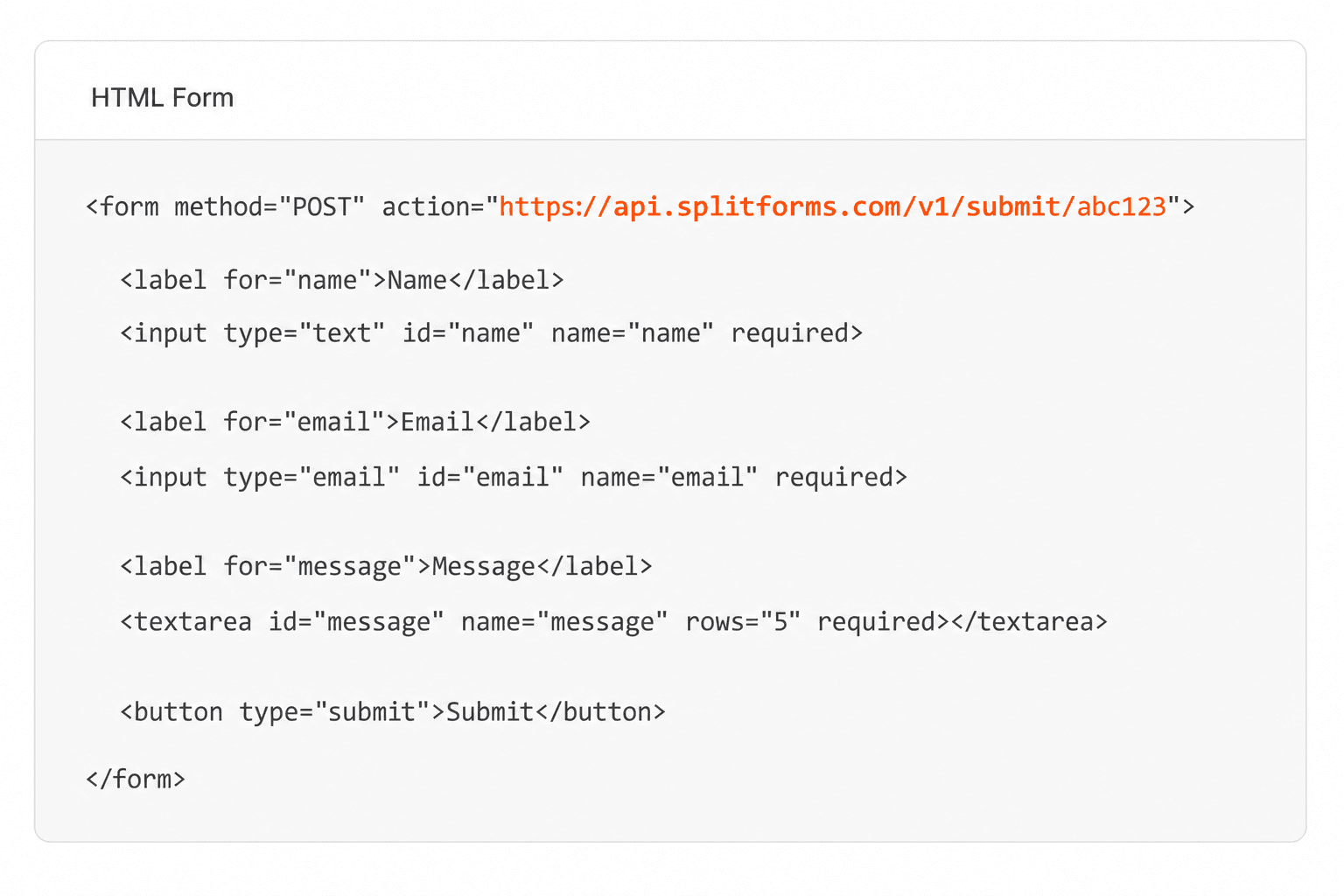
Point your form to your unique SplitForms endpoint. That's it.

HTML form pointing at a SplitForms submit endpoint

Receive submissions

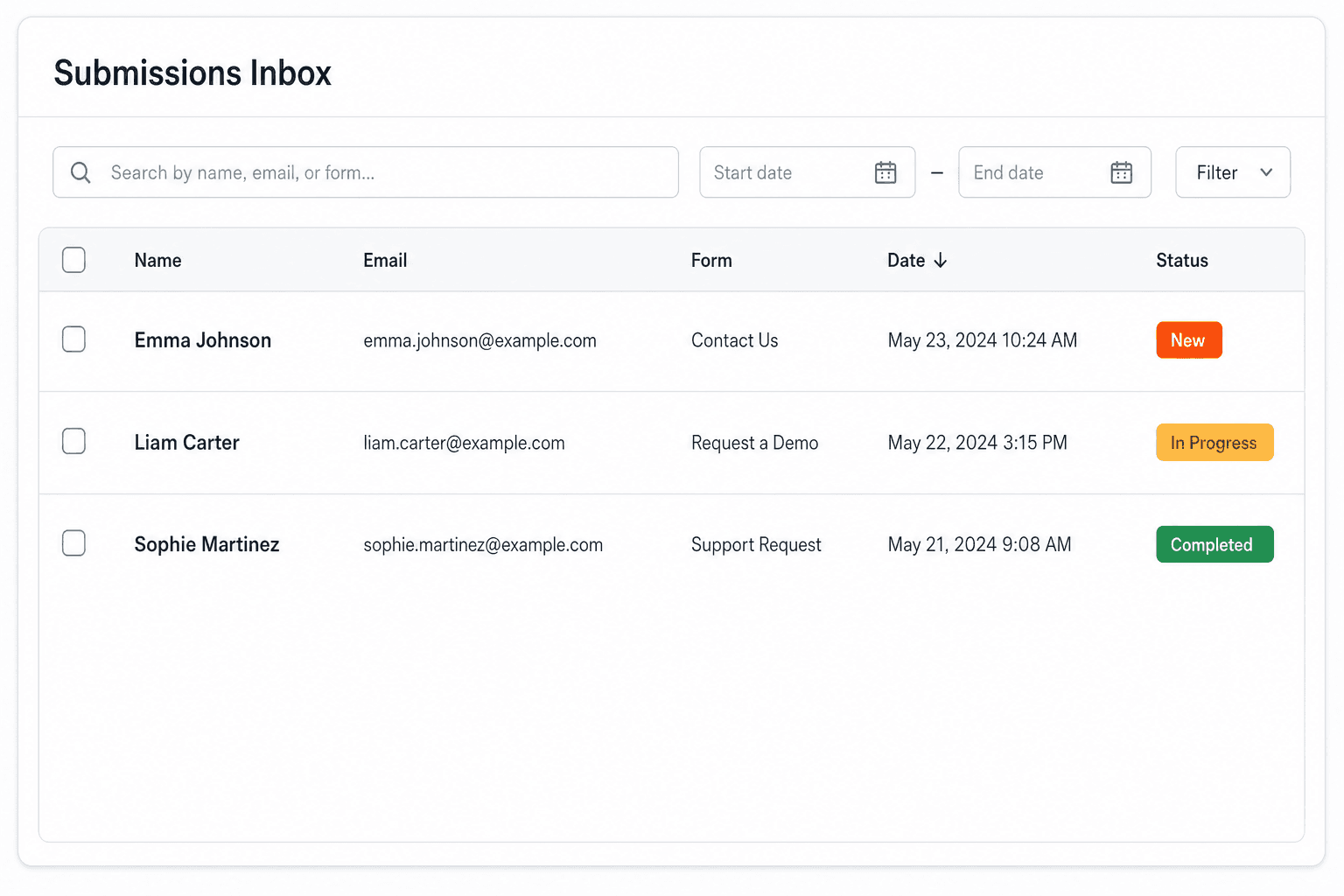
We instantly capture and organize every submission in your inbox.

Submissions inbox with searchable leads and status pills

Route anywhere

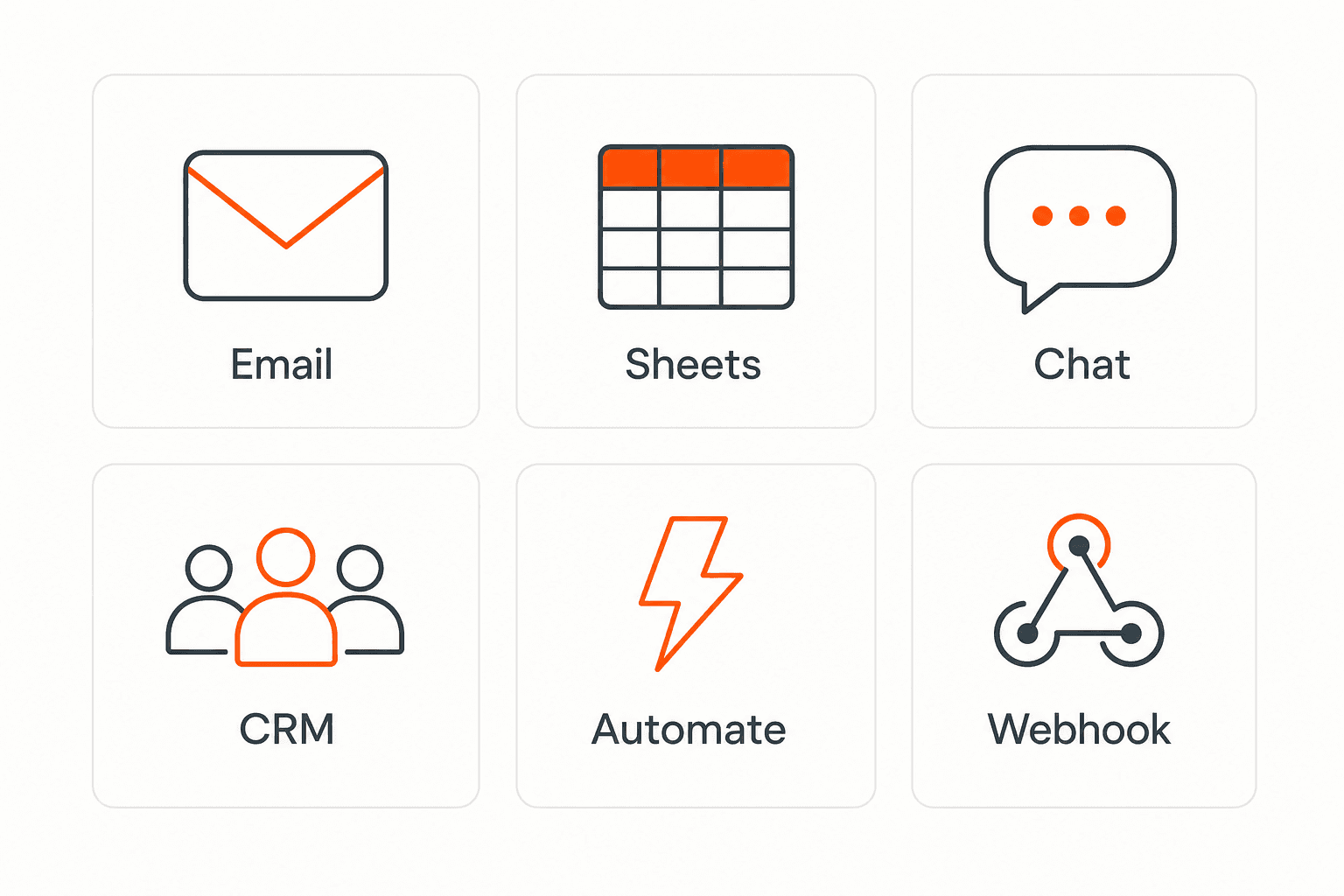
Send data to email, spreadsheets, CRMs, webhooks, and 7,000+ apps.

Generic integration tiles for email, sheets, chat, CRM, automate, and webhook

No credit card required. Set up in under 60 seconds.

Connect & automate

Where can submissions go besides email?

On paid plans, submissions can also go to Slack, Discord, Google Sheets, Notion, Airtable, Zapier or any signed webhook — and splitforms works on the platforms you build on, from WordPress and Shopify to Next.js. With Stripe connected, your forms can take payments too.

Connect your SplitForms form to Slack, Google Sheets, Mailchimp, Zapier and more
NewTake payments on your formsDeposits, bookings, order forms — submitters check out through Stripe and the money goes straight to your Stripe account. Included on every paid plan.See payment forms →Need time slots? Online booking →

Setup guides for the stacks you use

Questions

HTML enterkeyhint Attribute questions, answered.

View all FAQs
What values can enterkeyhint use?

The allowed values are enter, done, go, next, previous, search and send. They hint which label or icon appears on the virtual keyboard's Enter key.

How do I make Enter go to the next field?

Set enterkeyhint="next" to label the key, then add a keydown handler that checks `e.key === "Enter"`, calls `e.preventDefault()` and focuses the next field. The attribute alone never moves focus.

Does enterkeyhint work on iPhone?

Most modern mobile browsers, including current iPhone browsers, use the hint to choose the virtual keyboard's Enter key label. Older browsers may ignore it.

How do I use enterkeyhint in React?

Use the camelCase JSX prop, for example `<input enterKeyHint="next" />`.

Is enterkeyhint submitted with the form?

No. It is a global presentation hint and is not form data. The input's value is submitted as usual, and Enter can still submit the form.

Simple pricing

How much does splitforms cost?

Free gives you 500 submissions for $0 — no card, no time limit. Pro is $5/month for 5,000 submissions a month, and Annual is $49/year for 15,000 a month with every Pro feature.

Free

$0— 500 submissions
 

No card, no time limit

Best for testing

For side projects and indie devs.

  • 500 free submissions
  • Unlimited forms
  • Email notifications included
  • Smart spam filtering
  • Submissions dashboard
  • Redirect after submit
  • MCP server included

Annual

$49/ year
About $4.08 per month, billed yearly
Best value

Every Pro feature with triple the volume — $0.27 per 1,000 at full use.

  • 15,000 submissions per month
  • Unlimited forms
  • Everything in Pro
  • File uploads with 5 GB storage
  • 3 team seats
  • Priority email support

No credit card required on Free • Cancel anytime • Full pricing and FAQ