Values list
Common autocomplete values
Put one of these tokens in autocomplete and the browser knows which saved value to offer. The HTML Standard lists more, such as address-line1, bday and cc-number, but these cover most contact, sign-up and login forms.
| Value | Use it for |
|---|---|
name | The full name in one field, like Jane Doe. |
given-name | The first name, when the name is split into two fields. |
family-name | The last name, when the name is split into two fields. |
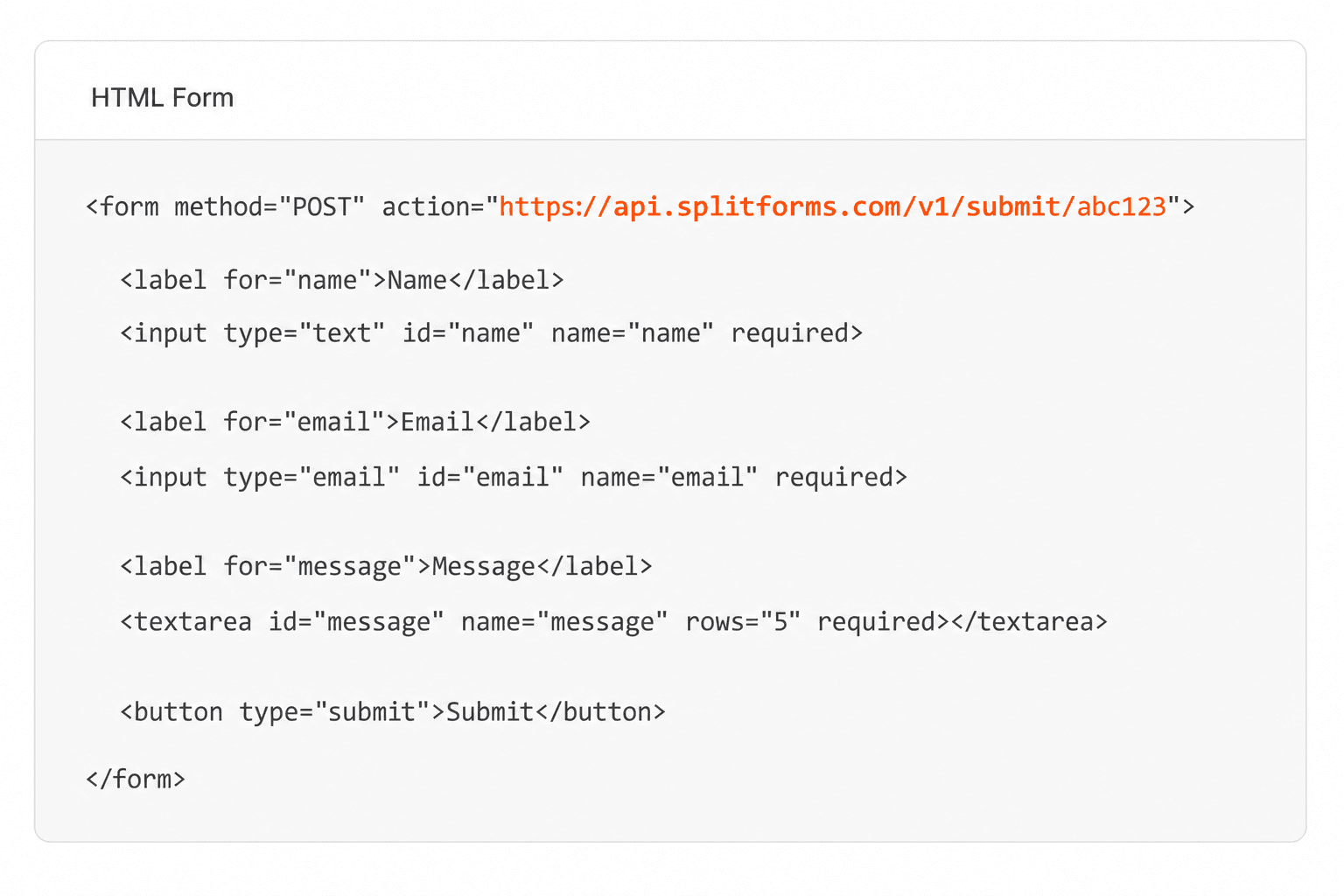
email | An email address. Pair it with type="email". |
tel | A full phone number, country code included. Pair it with type="tel". |
organization | A company or organisation name. |
street-address | The whole street address in one field, often a <textarea>. |
postal-code | A ZIP or postal code. |
country | A country code; works on a <select> of countries. Use country-name for a free-text country. |
username | The login name or email on a sign-in form. |
current-password | The existing password on a sign-in form. |
new-password | A new password on sign-up, reset and change-password forms. Password managers may suggest a strong one. |
one-time-code | A one-time code sent by SMS or an authenticator app. Phones can offer the code from the message. |
off | Asks the browser not to fill the field or save what is typed. Browsers and password managers may ignore it, especially on login fields. |
Make the input type match the token too: type="email" with email, type="tel" with tel, type="password" with the password tokens.
Sources: WHATWG HTML Standard: autofill · MDN: autocomplete