splitforms.com

HTML · FORM ATTRIBUTE

HTML name attribute: how form fields get submitted

Last reviewed

The name attribute is the key a field's value is submitted under, so the backend receives name=value. A control without a name is left out of the submission completely. The id attribute is for labels, CSS and JavaScript, and it is never sent.

  • Live, editable example
  • Copy-paste snippet
  • Attributes & common mistakes
Live demo · nothing is sent

What gets submitted

Fill in the form above and press its button. The demo stops the request and lists every name=value pair the browser would send, plus the controls it leaves out.

With a free access key in the form, these fields land in your splitforms dashboard; access_key and botcheck are read by splitforms, not stored as lead data.

Edit the HTML and re-run it
Runs in a sandbox. Nothing is sent.

Minimal snippet

name-example.html
<input type="email" name="email">

Copy-paste code

HTML name attribute code you can paste today.

Replace YOUR_ACCESS_KEY with a key from your free splitforms dashboard. The form posts to one endpoint — submissions land in your inbox and dashboard with spam filtering built in.

Get free access key
name-attribute.html
<form action="https://splitforms.com/api/submit" method="POST">
  <input type="hidden" name="access_key" value="YOUR_ACCESS_KEY">

  <label for="name">Name</label>
  <input type="text" id="name" name="name" autocomplete="name">

  <label for="email">Email</label>
  <input type="email" id="email" name="email" autocomplete="email" required>

  <fieldset>
    <legend>Interested in</legend>
    <label><input type="checkbox" name="interests" value="pricing"> Pricing</label>
    <label><input type="checkbox" name="interests" value="api"> API</label>
  </fieldset>

  <label for="message">Message</label>
  <textarea id="message" name="message" rows="5"></textarea>

  <!-- Honeypot: hidden from people, bots fill it in -->
  <input type="checkbox" name="botcheck" style="display:none">

  <button type="submit">Send</button>
</form>

What gets submitted

What does the name attribute send?

Each named, enabled control adds one name=value pair. A control with no name, an unchecked checkbox and a disabled field add nothing.

What does the name attribute send?
MarkupSubmitted as
<input name="email">email=you@site.com
<input type="email"> (no name)Nothing. The field is skipped.
Two checkboxes with name="interests", both checkedinterests=pricing&interests=api (both values are sent)
An unchecked checkboxNothing
A disabled field with a nameNothing
A radio group sharing one nameThe one checked value, like plan=pro
<button name="intent" value="save">intent=save, only from the button that was clicked

splitforms keeps every named field in the dashboard and the notification email.

Sources: WHATWG HTML Standard: constructing the entry list · MDN: the input element, name

Attributes · name

Which attributes go with name?

name sets the key. id, form and value decide how the field is found and what it sends.

HTML name attribute attributes and what each one does
AttributeWhat it does
nameThe key the field's value is submitted under, like name="email". Without it the field is not sent.
idNot submitted. Used by <label for>, CSS and JavaScript to find the field.
formThe id of a form, so a field placed outside that <form> is still submitted with it.
valueThe value sent with the name. Checkboxes, radios and buttons send it as written.

Common mistakes

name attribute mistakes to avoid

Most missing-field bugs come down to a missing or clashing name.

  1. A missing name means the field is silently not sent

    The browser gives no warning. The field looks normal, but its value never reaches your backend.

  2. id is not a fallback for name

    A field with only an id is still skipped. Add a name, even if it matches the id.

  3. Names are case-sensitive and keep spaces

    Email and email are different keys, and first name is sent with the space. Use lowercase_with_underscores, like first_name.

  4. Avoid name="submit" and name="action"

    A control named submit or action shadows form.submit and form.action in JavaScript, which breaks scripts that call them.

Sources: WHATWG HTML Standard: naming form controls, the name attribute · MDN: the input element, name

Copy-paste ready

The HTML name attribute example below is a complete, working form — paste it into any HTML page and it submits, no edits to the markup required.

No backend to build

Your html name attribute form posts to one endpoint. No server, PHP, or API route — accepted submissions are saved to your dashboard before owner notification email is attempted; delivery time and inbox placement depend on provider and recipient settings.

A form that really submits

Unlike a static reference snippet, this name form actually sends data to a free splitforms backend, with spam filtering built in.

How it works

How to add HTML name attribute to any page.

Copy the html name attribute example, drop in your free access key, and paste it into any page — submissions start landing in your dashboard.

Copy the code

Copy the HTML name attribute example below.

Add your access key

Replace YOUR_ACCESS_KEY with a free splitforms key from the dashboard.

Paste into your site

Drop the form into any HTML page. Submissions arrive in your dashboard.

How SplitForms works

What happens after someone submits your form?

splitforms receives the submission, filters spam, saves it to your dashboard and emails you — then, on paid plans, sends it on to your webhooks and integrations. No backend infrastructure to build.

A SplitForms contact form submission launching straight to your inbox

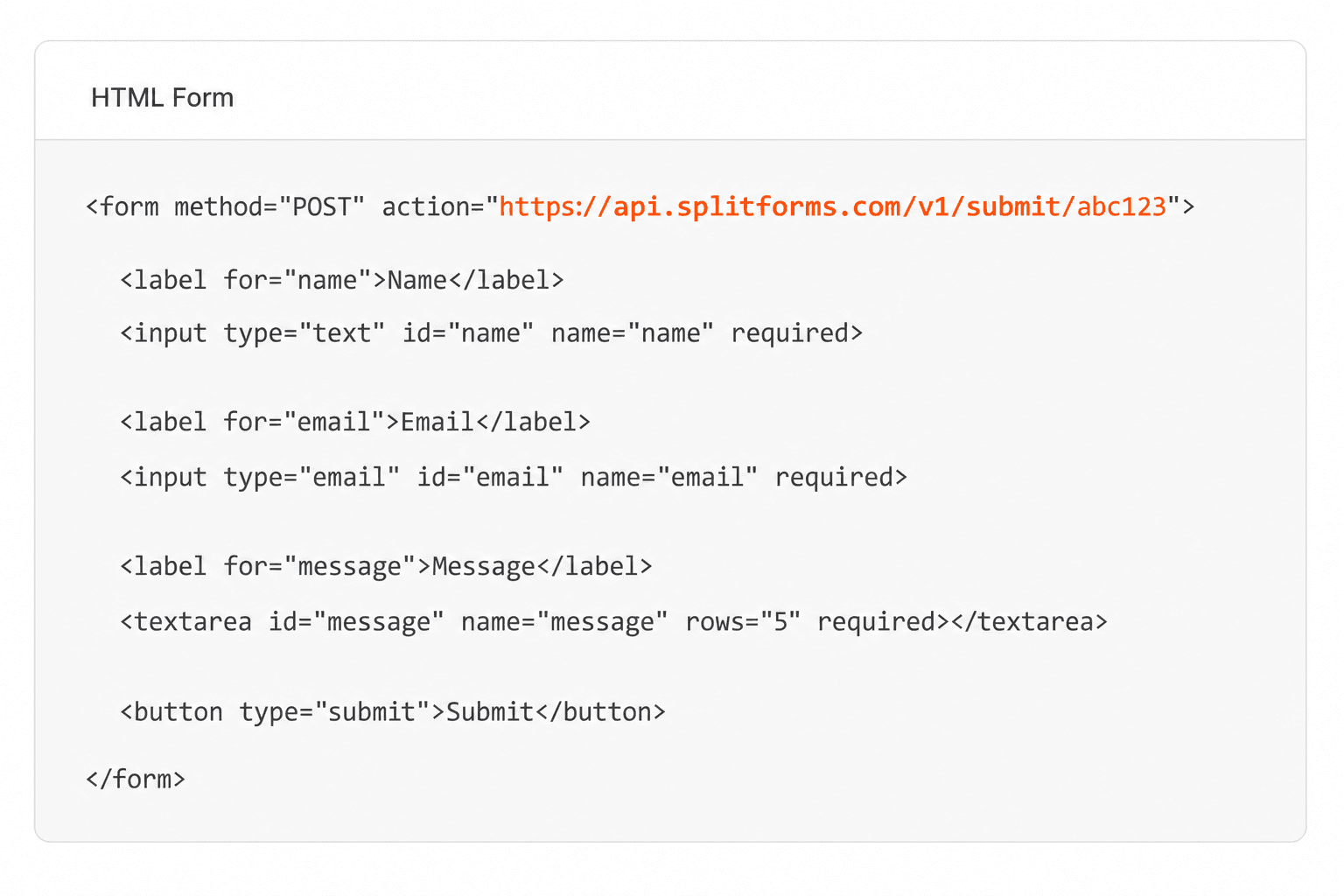
Add your endpoint

Point your form to your unique SplitForms endpoint. That's it.

HTML form pointing at a SplitForms submit endpoint

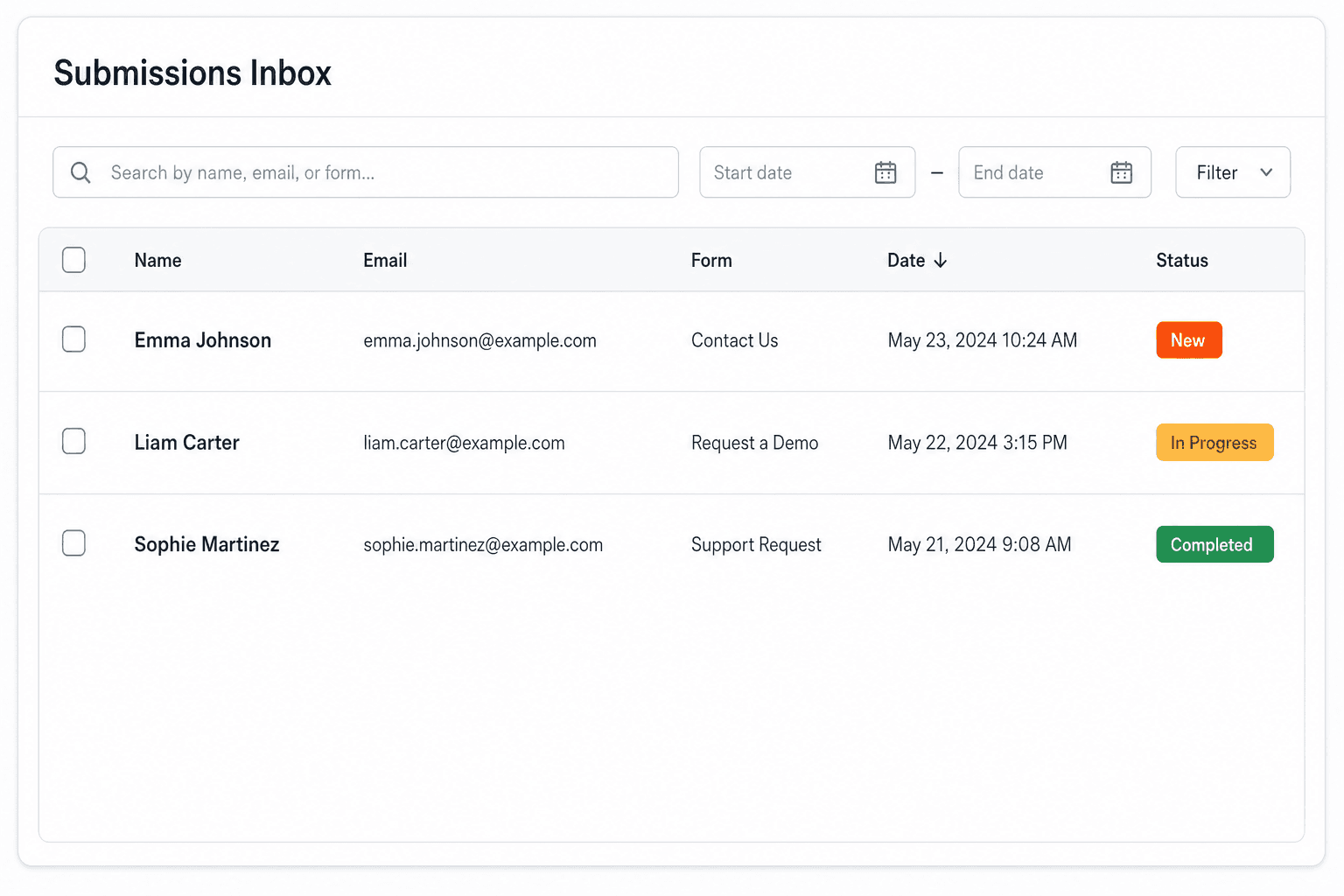
Receive submissions

We instantly capture and organize every submission in your inbox.

Submissions inbox with searchable leads and status pills

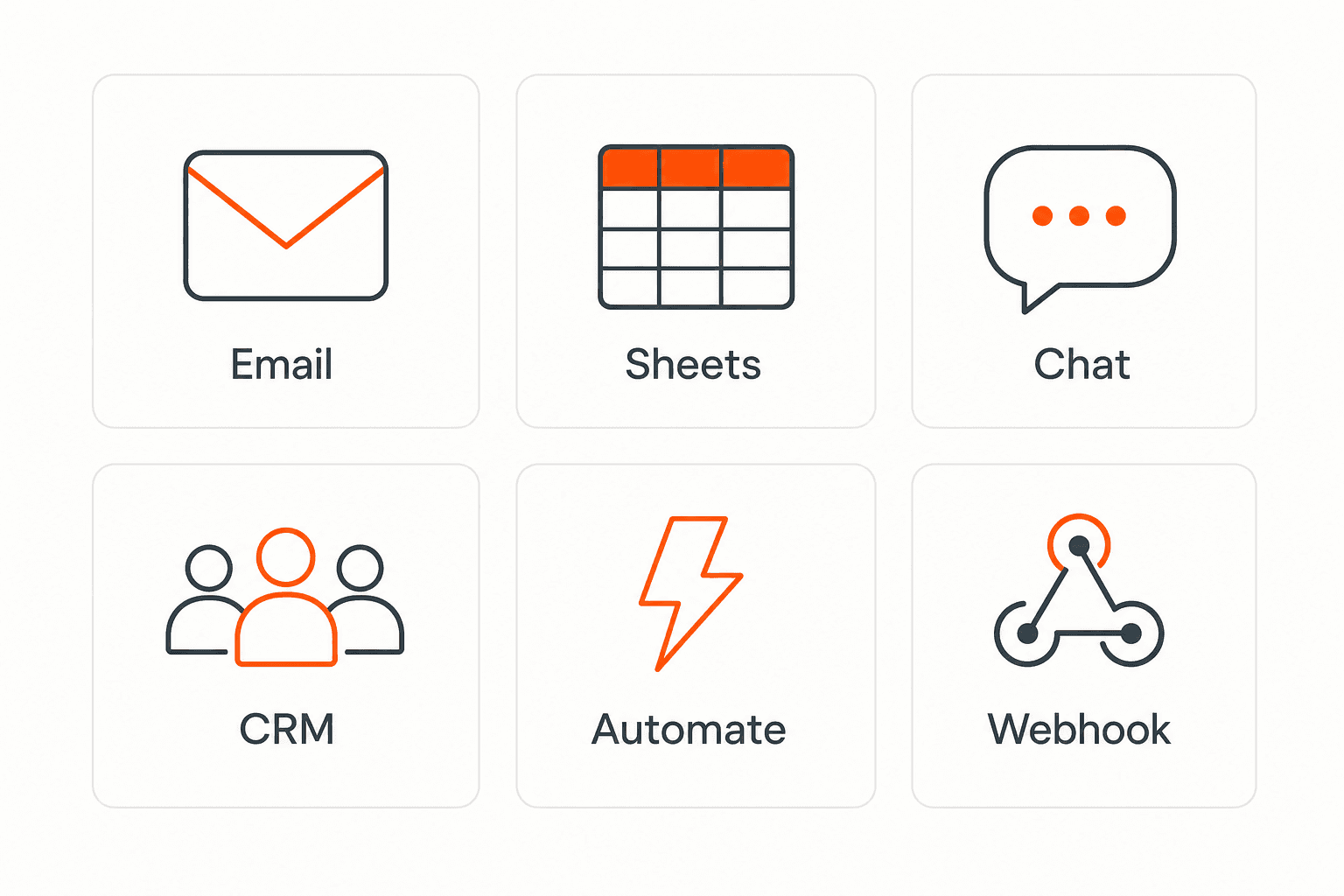
Route anywhere

Send data to email, spreadsheets, CRMs, webhooks, and 7,000+ apps.

Generic integration tiles for email, sheets, chat, CRM, automate, and webhook

No credit card required. Set up in under 60 seconds.

Connect & automate

Where can submissions go besides email?

On paid plans, submissions can also go to Slack, Discord, Google Sheets, Notion, Airtable, Zapier or any signed webhook — and splitforms works on the platforms you build on, from WordPress and Shopify to Next.js. With Stripe connected, your forms can take payments too.

Connect your SplitForms form to Slack, Google Sheets, Mailchimp, Zapier and more
NewTake payments on your formsDeposits, bookings, order forms — submitters check out through Stripe and the money goes straight to your Stripe account. Included on every paid plan.See payment forms →Need time slots? Online booking →

Setup guides for the stacks you use

Questions

HTML name attribute questions, answered.

View all FAQs
What is the difference between name and id?

name is the key the value is submitted under. id identifies the element on the page for labels, CSS and JavaScript, and it is never sent. Most fields use both, often with the same value.

Why is my input not being submitted?

The most common cause is a missing name attribute. Also check that the field is not disabled, that it sits inside the <form> (or uses the form attribute), and that a checkbox or radio is actually checked.

Can two inputs have the same name?

Yes. Both values are sent under the same key, like interests=pricing&interests=api. That is normal for checkboxes, and radio buttons share one name so only one can be picked.

Do I need name[] brackets for multiple values?

Only PHP needs them, to collect the values into an array. HTML sends the repeated key either way, and most other backends read every value without brackets.

Can the name attribute have spaces?

It can, and the space is kept in the submitted key, but it is awkward to read in code. Use lowercase letters with underscores instead, like first_name.

Simple pricing

How much does splitforms cost?

Free gives you 500 submissions for $0 — no card, no time limit. Pro is $5/month for 5,000 submissions a month, and Annual is $49/year for 15,000 a month with every Pro feature.

Free

$0— 500 submissions
 

No card, no time limit

Best for testing

For side projects and indie devs.

  • 500 free submissions
  • Unlimited forms
  • Email notifications included
  • Smart spam filtering
  • Submissions dashboard
  • Redirect after submit
  • MCP server included

Annual

$49/ year
About $4.08 per month, billed yearly
Best value

Every Pro feature with triple the volume — $0.27 per 1,000 at full use.

  • 15,000 submissions per month
  • Unlimited forms
  • Everything in Pro
  • File uploads with 5 GB storage
  • 3 team seats
  • Priority email support

No credit card required on Free • Cancel anytime • Full pricing and FAQ