
Describe the activity
Replace the placeholder with the trip details, have the wording checked by your organization or a lawyer, set consent_version, and swap in your access key.
Form template · Parent Consent Form Template
Updated · plan facts checked against /pricing
A parent consent form records that a parent or guardian gave, or refused, permission for their child to join a specific trip or activity. This free HTML template collects the child's name, the activity and dates, an emergency contact, who may pick the child up, a yes/no allergy question, and the parent's typed full name with an agreement checkbox.

This template is one of our free HTML form templates. See more form templates by industry. Need a release of liability for the activity? Use the waiver form template. Want permission to post photos of the children? Add the photo release form template.
No server, API route, or SDK — your Parent Consent Form posts straight to one endpoint.
Every submission is emailed to you and saved to a searchable dashboard — spam filtered before it reaches you.
It's plain HTML you own — paste the Parent Consent Form snippet, swap in your access key, and ship.
Copy and ship
Plain HTML that posts to the /api/submit endpoint. Replace YOUR_ACCESS_KEY with the key from your dashboard; that's the only edit.
<form action="https://splitforms.com/api/submit" method="POST">
  <input type="hidden" name="access_key" value="YOUR_ACCESS_KEY">
  <input type="hidden" name="subject" value="Parent consent form">
  <input type="hidden" name="consent_version" value="2027-01">
  <input type="hidden" name="form_loaded_at" id="form_loaded_at">

  <section>
    <h2>About this activity</h2>
    <!-- Replace with your details. Have your organization (or a lawyer) review the wording. -->
    <p>[Activity name, where it happens, dates and times, how children travel,
      who supervises, any cost, and what parents are agreeing to.]</p>
  </section>

  <fieldset>
    <legend>Child</legend>
    <label>Child's full name <input type="text" name="child_name" required></label>
    <label>Class, group or team <input type="text" name="child_group"></label>
  </fieldset>

  <fieldset>
    <legend>Activity</legend>
    <label>Activity or trip <input type="text" name="activity" required></label>
    <label>Date (or first day) <input type="date" name="activity_date" required></label>
    <label>Last day, if more than one day <input type="date" name="activity_end_date"></label>
  </fieldset>

  <fieldset>
    <legend>Parent or guardian</legend>
    <label>Full name <input type="text" name="guardian_name" autocomplete="name" required></label>
    <label>Relationship to child
      <select name="relationship" required>
        <option value="">Choose one</option>
        <option>Parent</option>
        <option>Legal guardian</option>
      </select>
    </label>
    <label>Email <input type="email" name="email" autocomplete="email" required></label>
    <label>Phone during the activity <input type="tel" name="guardian_phone" autocomplete="tel" required></label>
  </fieldset>

  <fieldset>
    <legend>Emergency contact (if we cannot reach you)</legend>
    <label>Name <input type="text" name="emergency_name" required></label>
    <label>Phone <input type="tel" name="emergency_phone" required></label>
  </fieldset>

  <fieldset>
    <legend>Pickup</legend>
    <label>Who will pick your child up? <input type="text" name="pickup_person" required></label>
    <label>Their phone <input type="tel" name="pickup_phone"></label>
  </fieldset>

  <fieldset>
    <legend>Does your child have allergies staff should know about?</legend>
    <label><input type="radio" name="allergies" value="no" required> No</label>
    <label><input type="radio" name="allergies" value="yes"> Yes</label>
    <label>If yes: what, and what staff should do (e.g. carries an auto-injector)
      <textarea name="allergy_note" rows="3"></textarea>
    </label>
  </fieldset>

  <fieldset>
    <legend>Your decision</legend>
    <label><input type="radio" name="consent" value="yes" required> I give permission for my child to take part</label>
    <label><input type="radio" name="consent" value="no"> I do not give permission</label>
  </fieldset>

  <label><input type="checkbox" name="agreed" value="yes" required>
    I am this child's parent or legal guardian, I have read the activity details, and the information above is correct.</label>

  <label>Type your full name
    <input type="text" name="typed_name" required>
  </label>

  <!-- honeypot: leave empty -->
  <input type="checkbox" name="botcheck" style="display:none" tabindex="-1" autocomplete="off">

  <button type="submit">Submit consent form</button>
</form>
<script>
  document.getElementById('form_loaded_at').value = Date.now();
</script>
Field by field
activity details (section)activity, activity_date, activity_end_dateconsent (radio, required)relationship (select, required)emergency_name and emergency_phonepickup_person and pickup_phoneallergies and allergy_noteagreed + typed_name (required)How to add it
To add a Parent Consent Form to your site you need three things: a free splitforms access key, the HTML snippet above, and your key pasted into it. No backend, database, or CAPTCHA library — the form posts to one URL and every submission lands in your inbox and dashboard.
Replace the placeholder with the trip details, have the wording checked by your organization or a lawyer, set consent_version, and swap in your access key.
Post the page and send the link by email or your parent app, or show a QR code at pickup. Each family submits once per child.
Each form is emailed to you on every plan and saved in the dashboard. Before the trip, check for missing replies, any 'no' decisions, allergy notes and pickup names; on paid plans export the CSV as a day-of contact sheet.
What's included
Paper permission slips go missing in backpacks, come back unsigned, and leave the trip leader holding a stack of half-legible phone numbers on the day. An online parent consent form fixes the logistics: one link per trip, every reply in the same list, and the numbers you need on the day typed rather than scrawled. Two choices in this template matter more than the rest. It asks for a clear yes or no, so a missing reply is never mistaken for consent and a 'no' is on record. And it names the person allowed to pick the child up, which is the question staff most often have to answer at the end of an outing. Health questions stop at allergies; anything beyond that should go through the family directly. A clear yes or no, a named pickup person, and allergy notes only. Have the activity wording reviewed.

Where submissions go
Reply-to is wired to the visitor's email, so one tap on Reply answers them directly — while the built-in honeypot and automatic spam scoring filter out bots before they reach you. Every submission is emailed to your inbox and can forward to a webhook or Slack the moment a visitor hits send.

How SplitForms works
splitforms receives the submission, filters spam, saves it to your dashboard and emails you — then, on paid plans, sends it on to your webhooks and integrations. No backend infrastructure to build.
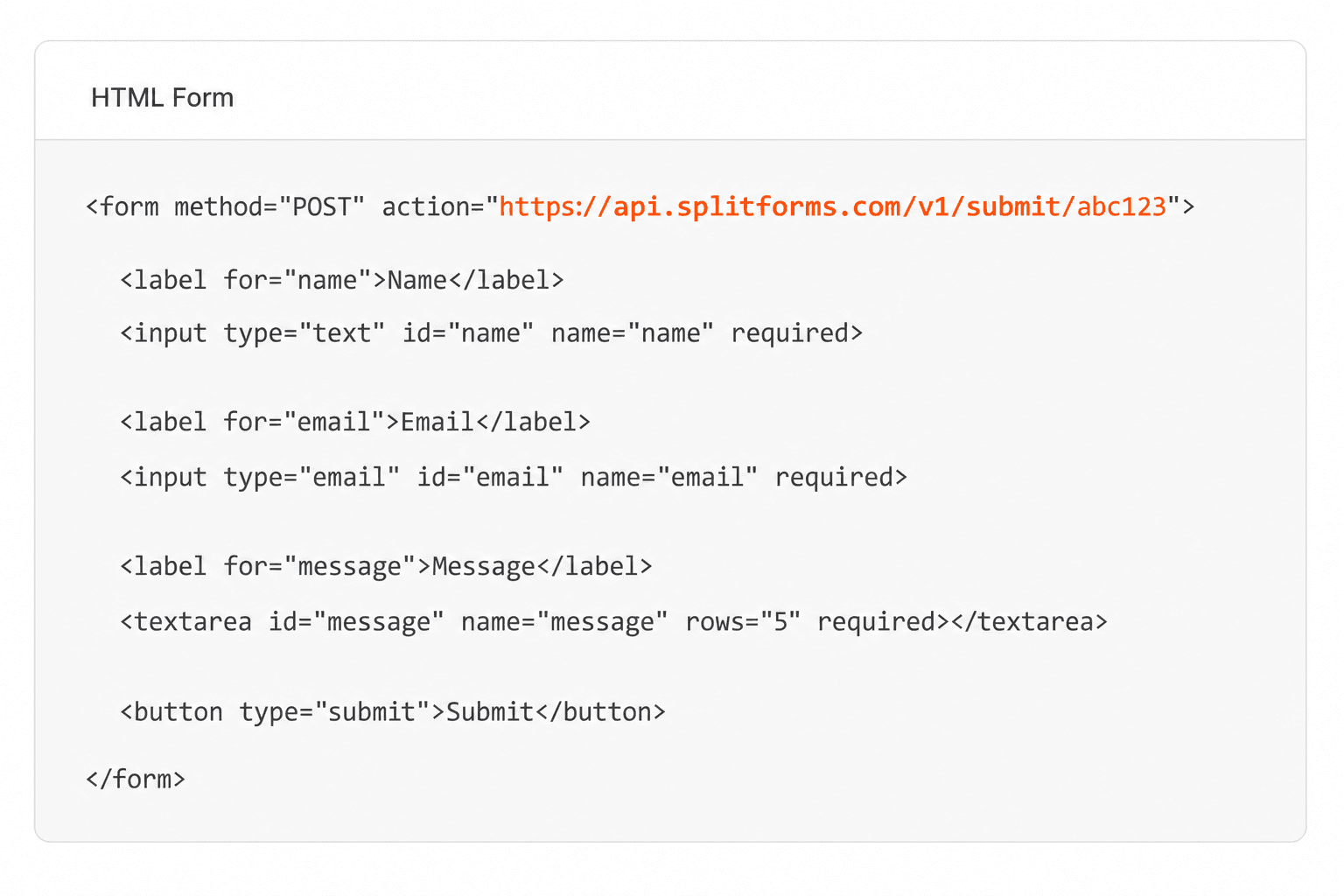
Point your form to your unique SplitForms endpoint. That's it.
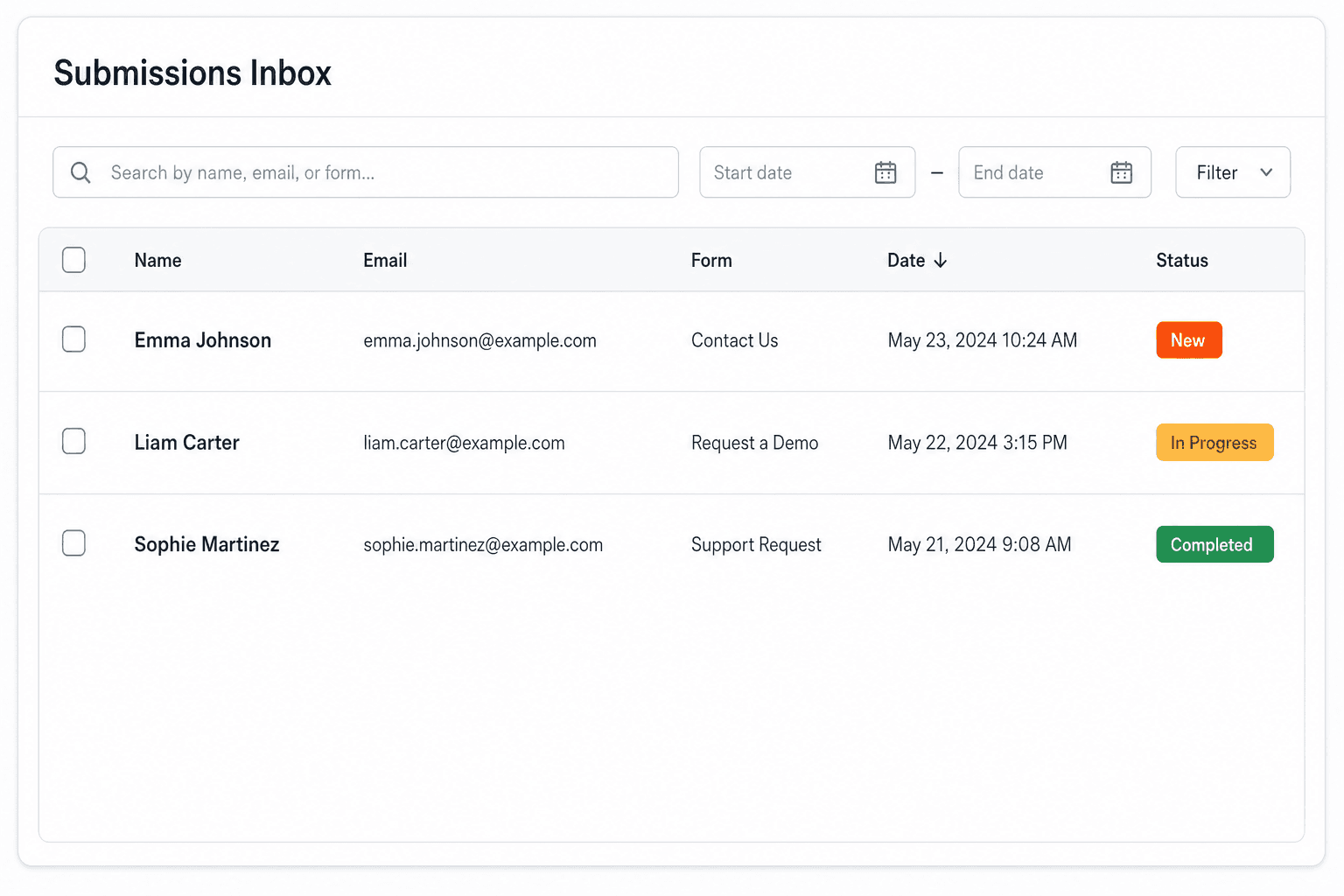
We instantly capture and organize every submission in your inbox.
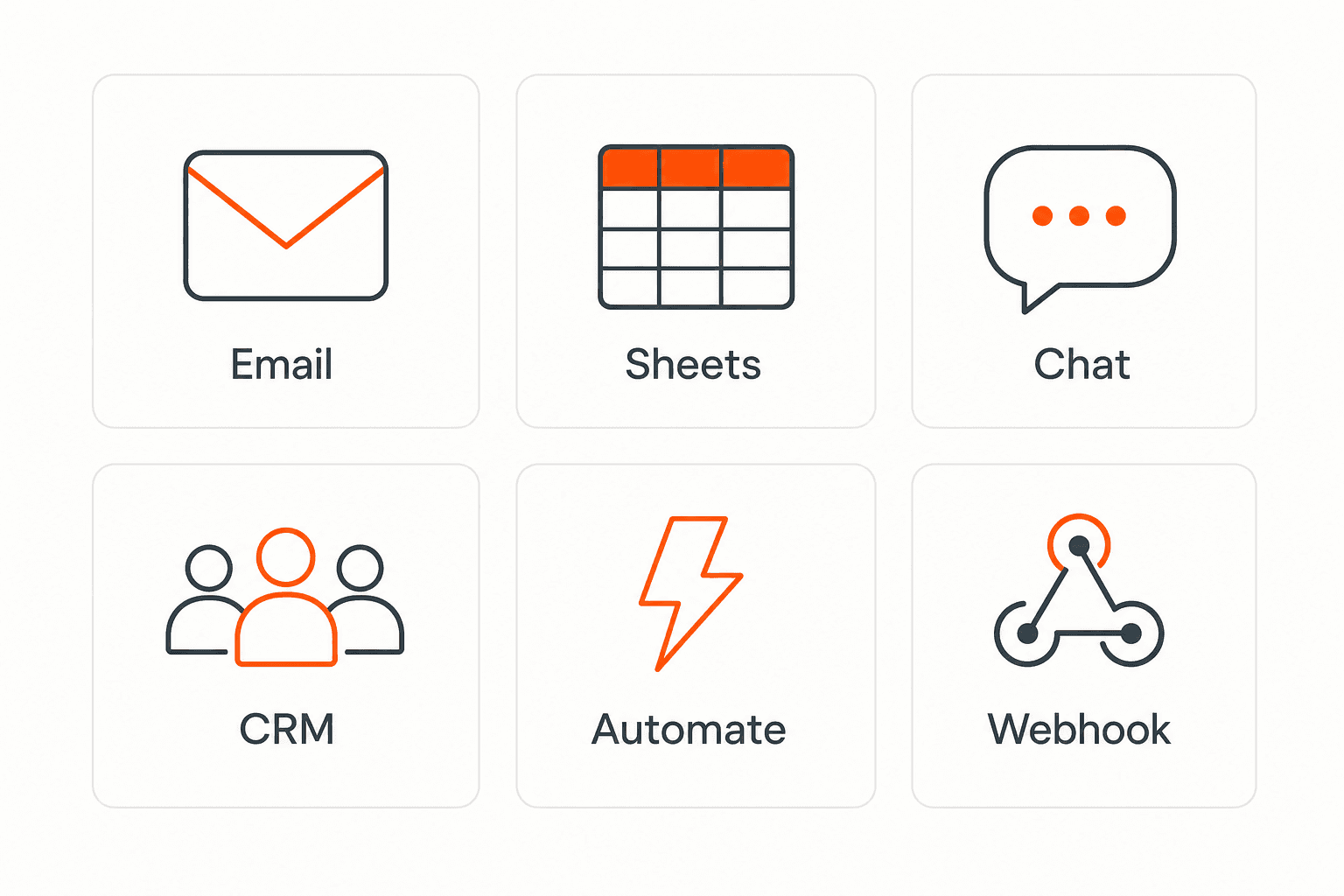
Send data to email, spreadsheets, CRMs, webhooks, and 7,000+ apps.
No credit card required. Set up in under 60 seconds.
Connect & automate
On paid plans, submissions can also go to Slack, Discord, Google Sheets, Notion, Airtable, Zapier or any signed webhook — and splitforms works on the platforms you build on, from WordPress and Shopify to Next.js. With Stripe connected, your forms can take payments too.

 NewTake payments on your formsDeposits, bookings, order forms — submitters check out through Stripe and the money goes straight to your Stripe account. Included on every paid plan.See payment forms →Need time slots? Online booking →
Questions
A parent consent form, often called a permission slip, records that a parent or legal guardian agreed, or declined, to let their child take part in a specific trip or activity. It usually also collects emergency contacts and anything staff need to know on the day.
A description of the activity with dates, the child's name, the parent or guardian's contact details, an emergency contact, who may pick the child up, any allergies staff should know about, a clear yes or no, and an agreement with the parent's name. This template has each of them.
This form records a required agreement checkbox and the parent's typed full name, with the time it was received and the sender's IP address. splitforms has no draw-your-signature field. Whether that meets your school district's, club's or local legal requirements is something to check with them or a lawyer.
Keep it to what staff need on the day: whether the child has allergies and what to do about them. splitforms is not HIPAA compliant and does not sign a BAA, so handle detailed medical information directly with families, and don't ask for health card or insurance numbers on a web form.
Ask them to submit once per child. Each child then has their own record, decision and allergy answer, which is what staff need on the day.
No. This form covers permission to take part. Photo permission is a separate decision best recorded with a photo release form, and a liability release needs wording written or reviewed by a lawyer, collected with a waiver form.
Each consent is one submission, and the Free plan covers 500 in total with no card. Paid plans add an auto-reply that emails each parent a copy and CSV export for a contact sheet; Pro is $5 per month.
Simple pricing
Free gives you 500 submissions for $0 — no card, no time limit. Pro is $5/month for 5,000 submissions a month, and Annual is $49/year for 15,000 a month with every Pro feature.
For side projects and indie devs.
Every paid feature, for agencies and growing products.
Every Pro feature with triple the volume — $0.27 per 1,000 at full use.
No credit card required on Free • Cancel anytime • Full pricing and FAQ


