
Get the wording reviewed
Have a lawyer write or review the waiver text for your activity and location before you publish anything. This template does not supply legal wording.
Form template · Photo / media consent
Updated · plan facts checked against /pricing
A waiver form shows a participant your release text and records that they read it and agreed before an activity. This free HTML template has 9 fields (participant details, emergency contact, a parent or guardian for minors, a required agreement checkbox and a typed full name) plus a hidden waiver version. splitforms stores each submission with the time it was received and the sender's IP address. Have a lawyer review your waiver wording; this template is not legal advice.

This template is one of our free HTML form templates. See more form templates by industry. Taking appointments? Customers can agree to a waiver as they book with the paid online booking add-on.
Every template is free and fully editable in the drag-drop builder — swap fields, colors, and the button label before you publish.
No server, API route, or SDK — your Waiver Form posts straight to one endpoint.
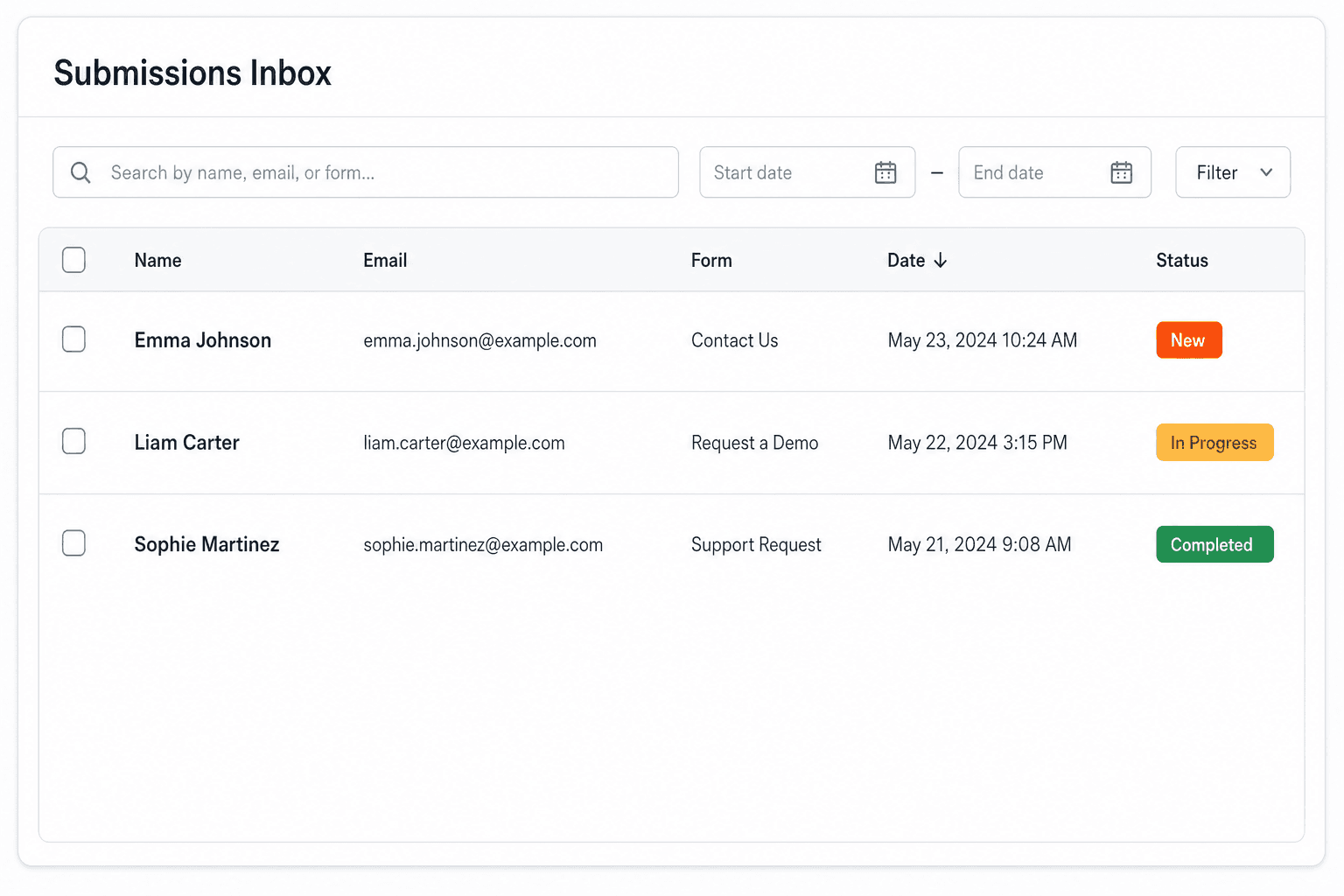
Every submission is emailed to you and saved to a searchable dashboard — spam filtered before it reaches you.
It's plain HTML you own — paste the Waiver Form snippet, swap in your access key, and ship.
Copy and ship
Plain HTML that posts to the /api/submit endpoint. Replace YOUR_ACCESS_KEY with the key from your dashboard; that's the only edit.
<form action="https://splitforms.com/api/submit" method="POST">
  <input type="hidden" name="access_key" value="YOUR_ACCESS_KEY">
  <input type="hidden" name="subject" value="Signed waiver">
  <input type="hidden" name="waiver_version" value="2027-01">
  <input type="hidden" name="form_loaded_at" id="form_loaded_at">

  <section>
    <h2>Release and waiver</h2>
    <!-- Paste the exact wording your lawyer approved. Do not publish this placeholder. -->
    <p>[Your waiver text: the activity, its risks, and what the participant agrees to.]</p>
  </section>

  <fieldset>
    <legend>Participant</legend>
    <label>Full legal name <input type="text" name="participant_name" autocomplete="name" required></label>
    <label>Date of birth <input type="date" name="participant_dob" required></label>
    <label>Email <input type="email" name="email" autocomplete="email" required></label>
    <label>Phone <input type="tel" name="phone" autocomplete="tel"></label>
  </fieldset>

  <fieldset>
    <legend>Emergency contact</legend>
    <label>Name <input type="text" name="emergency_name" required></label>
    <label>Phone <input type="tel" name="emergency_phone" required></label>
  </fieldset>

  <fieldset>
    <legend>Parent or guardian (only if the participant is under 18)</legend>
    <label>Parent or guardian full name <input type="text" name="guardian_name"></label>
  </fieldset>

  <label><input type="checkbox" name="agreed" value="yes" required>
    I have read this waiver, I understand it, and I agree to its terms.</label>

  <label>Type your full name as your signature
    <input type="text" name="typed_signature" required>
  </label>

  <!-- honeypot: leave empty -->
  <input type="checkbox" name="botcheck" style="display:none" tabindex="-1" autocomplete="off">

  <button type="submit">Sign and submit</button>
</form>
<script>
  document.getElementById('form_loaded_at').value = Date.now();
</script>
Field by field
waiver text (section)waiver_version (hidden)agreed (checkbox, required)typed_signature (text, required)participant_dob (date)guardian_name (text)No date fieldHow to add it
To add a Waiver Form to your site you need three things: a free splitforms access key, the HTML snippet above, and your key pasted into it. No backend, database, or CAPTCHA library — the form posts to one URL and every submission lands in your inbox and dashboard.
Have a lawyer write or review the waiver text for your activity and location before you publish anything. This template does not supply legal wording.
Replace the placeholder with the approved text, set waiver_version (a date works), swap in your access key and publish the page.
Each signed waiver is emailed to you and saved in your dashboard with the time received and IP address. Review the guardian field for minors and, on paid plans, export the CSV to keep your own copy.
What's included
An online waiver does two jobs, and only one of them is a form problem. The legal job, deciding what the release says and whether it holds up for your activity and location, belongs to a lawyer. The record-keeping job is what this template handles: showing the exact wording, requiring the person to tick that they agree, taking their typed name, and keeping each submission with its timestamp and IP address. The hidden waiver_version field is the part most online waivers miss. When your lawyer changes the wording next season, you bump the version, and every past submission still shows which text that person agreed to. A typed-name waiver with a version stamp. Have a lawyer review the wording.

Where submissions go
Reply-to is wired to the visitor's email, so one tap on Reply answers them directly — while the built-in honeypot and automatic spam scoring filter out bots before they reach you. Every submission is emailed to your inbox and can forward to a webhook or Slack the moment a visitor hits send.

How SplitForms works
splitforms receives the submission, filters spam, saves it to your dashboard and emails you — then, on paid plans, sends it on to your webhooks and integrations. No backend infrastructure to build.
Point your form to your unique SplitForms endpoint. That's it.
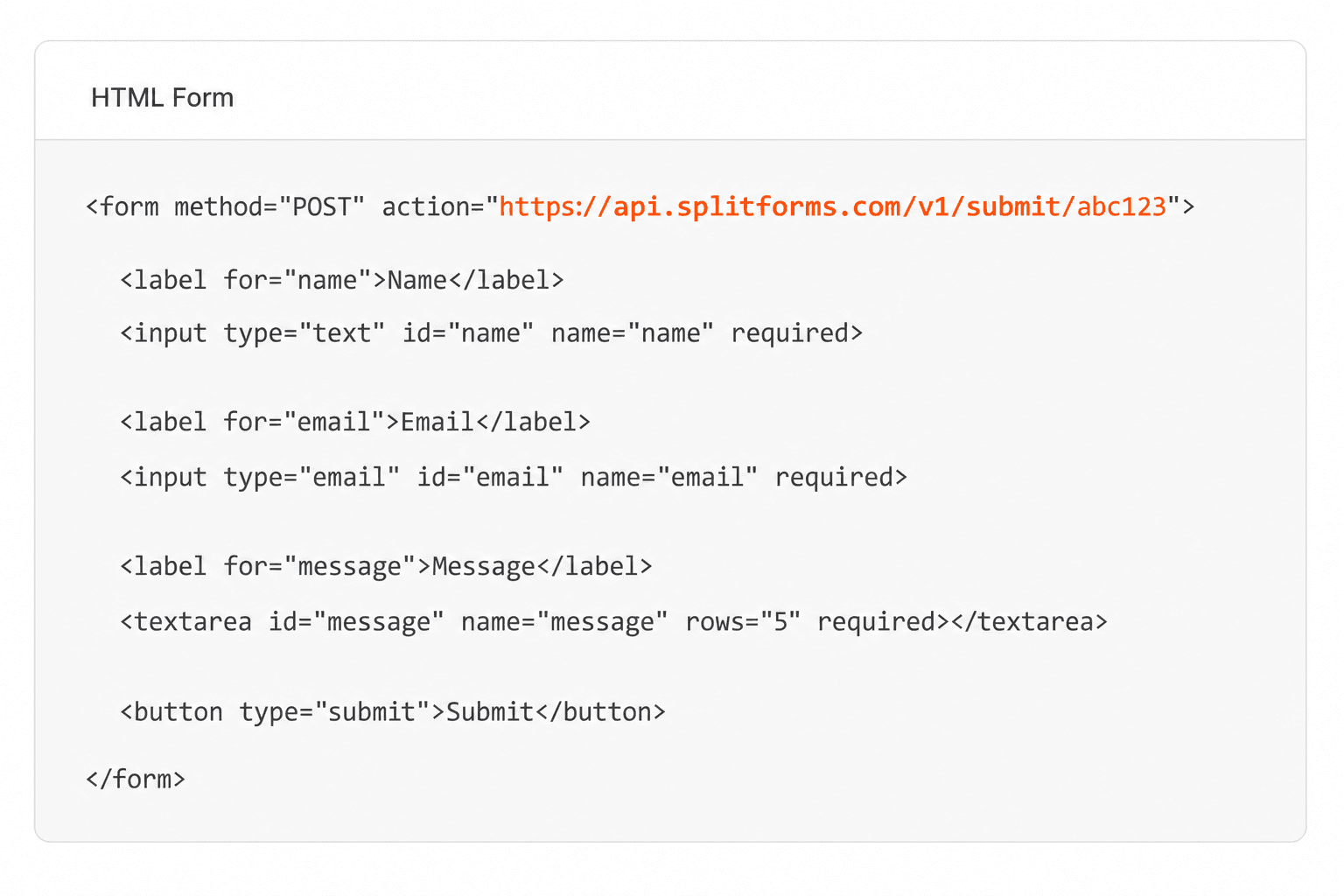
We instantly capture and organize every submission in your inbox.
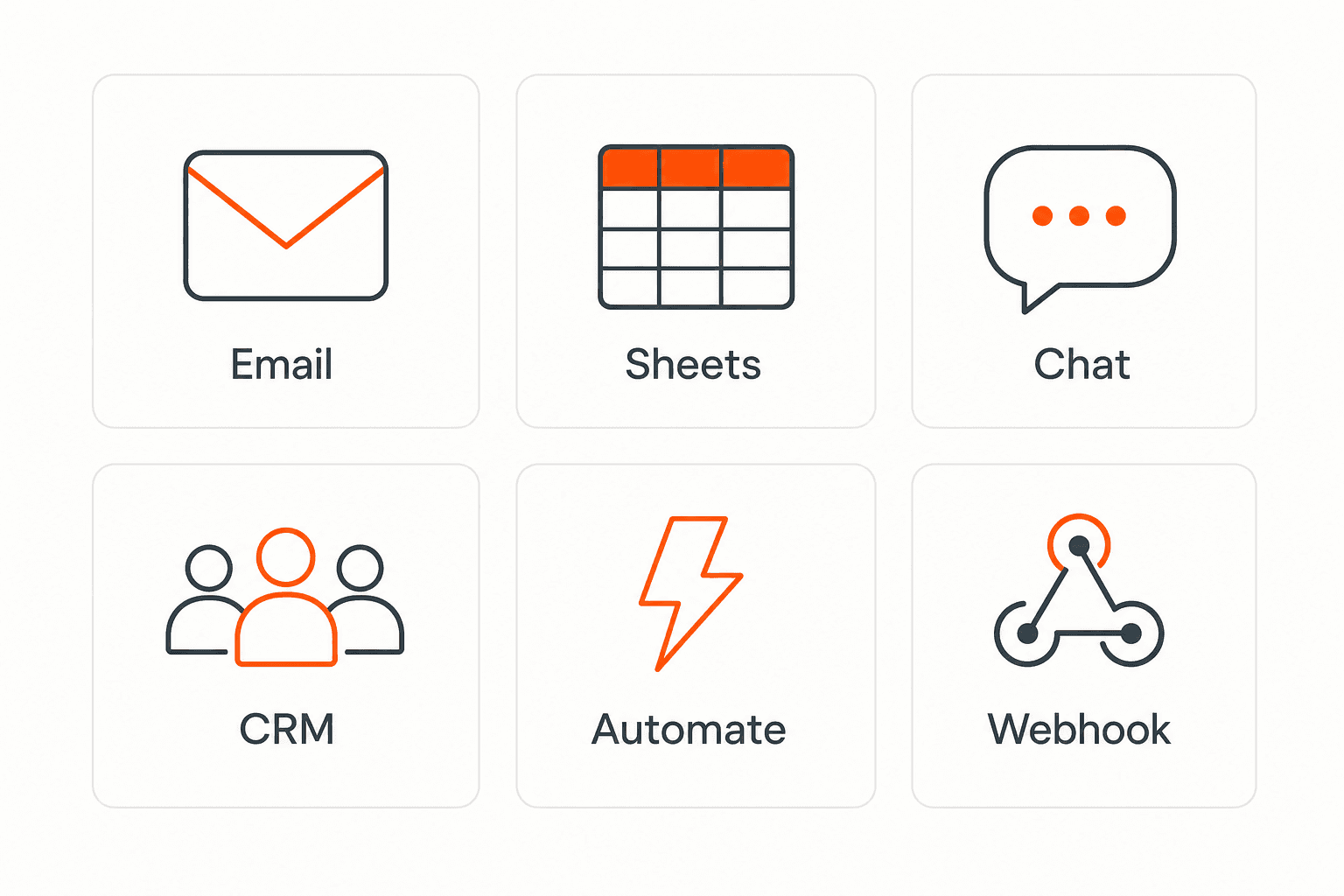
Send data to email, spreadsheets, CRMs, webhooks, and 7,000+ apps.
No credit card required. Set up in under 60 seconds.
Connect & automate
On paid plans, submissions can also go to Slack, Discord, Google Sheets, Notion, Airtable, Zapier or any signed webhook — and splitforms works on the platforms you build on, from WordPress and Shopify to Next.js. With Stripe connected, your forms can take payments too.

 NewTake payments on your formsDeposits, bookings, order forms — submitters check out through Stripe and the money goes straight to your Stripe account. Included on every paid plan.See payment forms →Need time slots? Online booking →
Questions
That depends on where you are, what the activity is and how the waiver is worded, and it is a question for a lawyer, not a form template. What splitforms provides is the record: each submission keeps the agreement, the typed name, the hidden waiver version, the time it was received and the sender's IP address.
No. splitforms has no draw-your-signature field. This template uses a required agreement checkbox and a typed full name. If your lawyer says you need a drawn signature or a dedicated e-signature service, use one of those tools instead.
Every field on the form, plus the time the submission was received, the IP address it came from and the page it was sent from. Each one is emailed to you on every plan and saved in your dashboard; CSV export is on paid plans.
The template has a parent or guardian name field and a date of birth so you can spot minors. What a guardian must provide, and whether a minor's waiver is valid at all, depends on local law, so ask your lawyer.
If customers book appointments with you, the paid Booking add-on includes a 'Health check & waiver' intake template with a consent statement the customer agrees to when booking. Otherwise, send this form link with the booking confirmation.
Each signed waiver is one submission, and the Free plan covers 500 in total with no card. Paid plans add auto-replies, so each person can get a confirmation email after signing; Pro is $5 per month.
Simple pricing
Free gives you 500 submissions for $0 — no card, no time limit. Pro is $5/month for 5,000 submissions a month, and Annual is $49/year for 15,000 a month with every Pro feature.
For side projects and indie devs.
Every paid feature, for agencies and growing products.
Every Pro feature with triple the volume — $0.27 per 1,000 at full use.
No credit card required on Free • Cancel anytime • Full pricing and FAQ


