
Serverless form backend
Serverless form backend vs your own serverless function
Updated · plan facts checked against /pricing
Compare a hosted serverless form backend with writing your own serverless function: setup time, spam filtering, storage, delivery, and cost — plus when each one makes sense.
- 500 free total
- No function to write

Serverless form backend vs your own function
Side by side: hosted backend or custom function?
The same contact form works either way. The difference is who runs, secures, and maintains the receiving end.
| Serverless form backend (splitforms) | Your own serverless function | |
|---|---|---|
| Setup | About 5 minutes — paste the form, add your access key, and ship. No API route, no function, no server to run. | 30–60+ minutes — write the API route, connect SMTP, provision a database, and build spam filtering yourself. |
| Spam filtering | Built in on every plan: honeypot, time-trap, IP rate limits, and rule-based content scoring. | You build and maintain it — honeypot, rate limits, content checks, and optional CAPTCHA are all your code. |
| Storage and dashboard | Every submission is saved to a searchable dashboard; CSV, XML, and PDF exports on paid plans. | You provision and run the database, plus the admin UI to read and export submissions. |
| Owner email | Notification email on every plan, including Free; paid plans add advanced routing and recipients. | You integrate an SMTP service or email API and manage deliverability yourself. |
| Webhooks and integrations | Paid plans add signed webhooks and one-click integrations: Slack, Sheets, Notion, Airtable, Zapier, Make, n8n. | You code and maintain each integration and webhook endpoint yourself. |
Which one fits your form
Decision: serverless form backend or your own function?
Pick the hosted backend unless you have logic that must run before a submission is accepted.
Use a serverless form backend when…
- You want a contact, lead, waitlist, or signup form live in minutes.
- You don't want to run, patch, or scale a function or a database.
- You want spam filtering, dashboard storage, and owner email included.
Use your own serverless function when…
- You must check a value against your own database before accepting the submission.
- You need to call another API or transform the payload first.
- You already run a backend and want form posts to stay inside your own infrastructure.
Not either/or: put your function in front of splitforms and forward the request when you need both custom logic and a hosted receiving end.
How SplitForms works
What happens after someone submits your form?
splitforms receives the submission, filters spam, saves it to your dashboard and emails you — then, on paid plans, sends it on to your webhooks and integrations. No backend infrastructure to build.

Add your endpoint
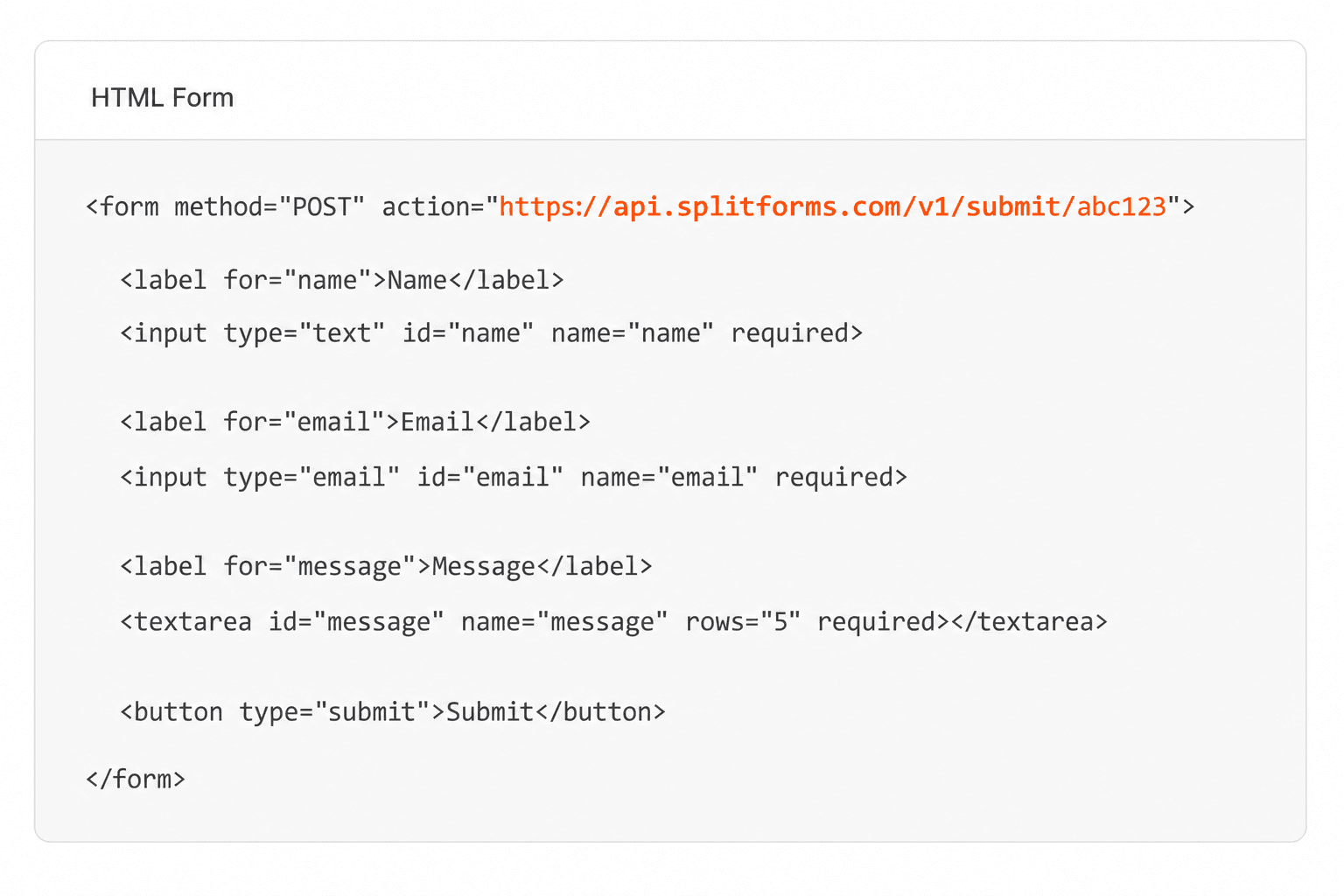
Point your form to your unique SplitForms endpoint. That's it.
Receive submissions
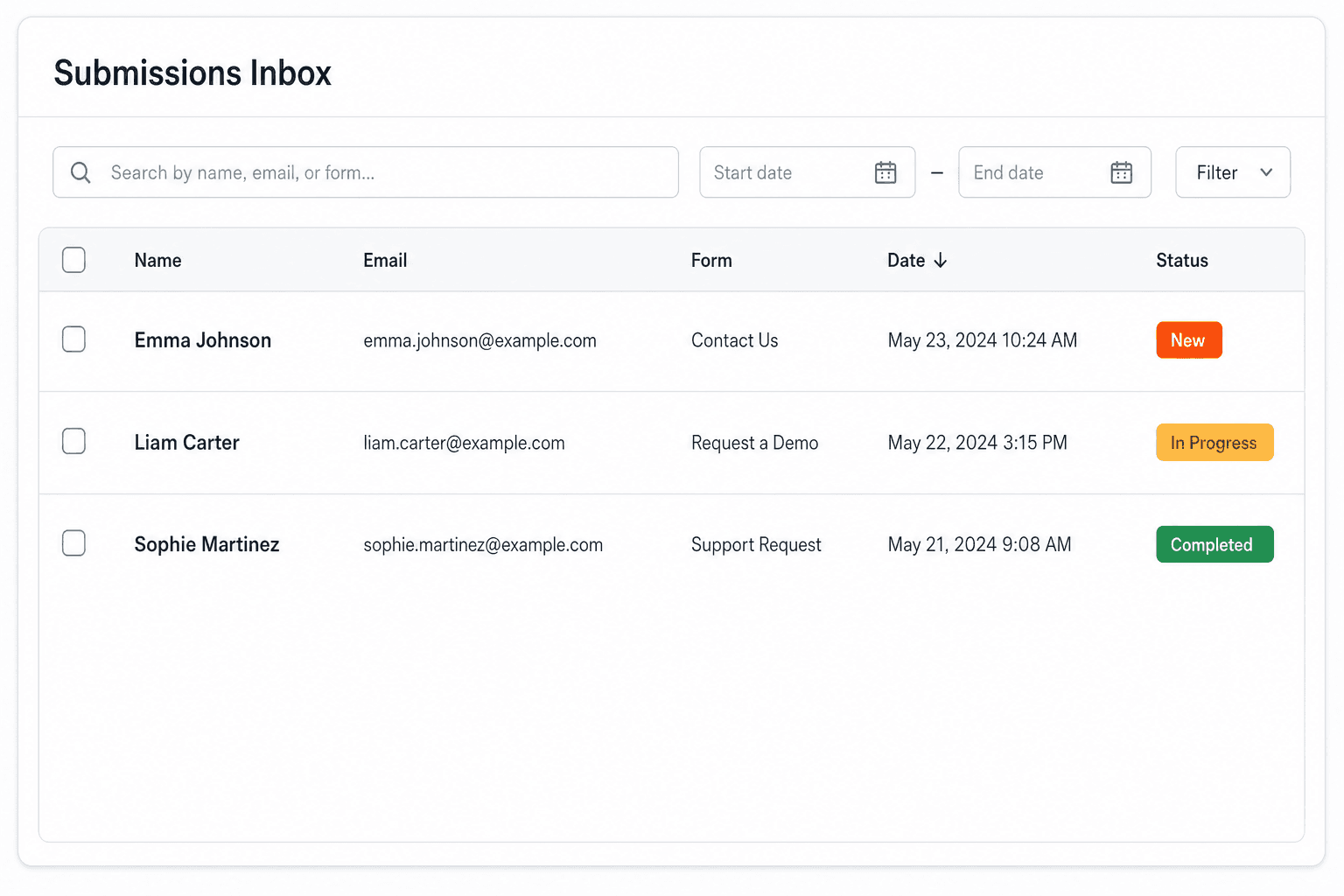
We instantly capture and organize every submission in your inbox.
Route anywhere
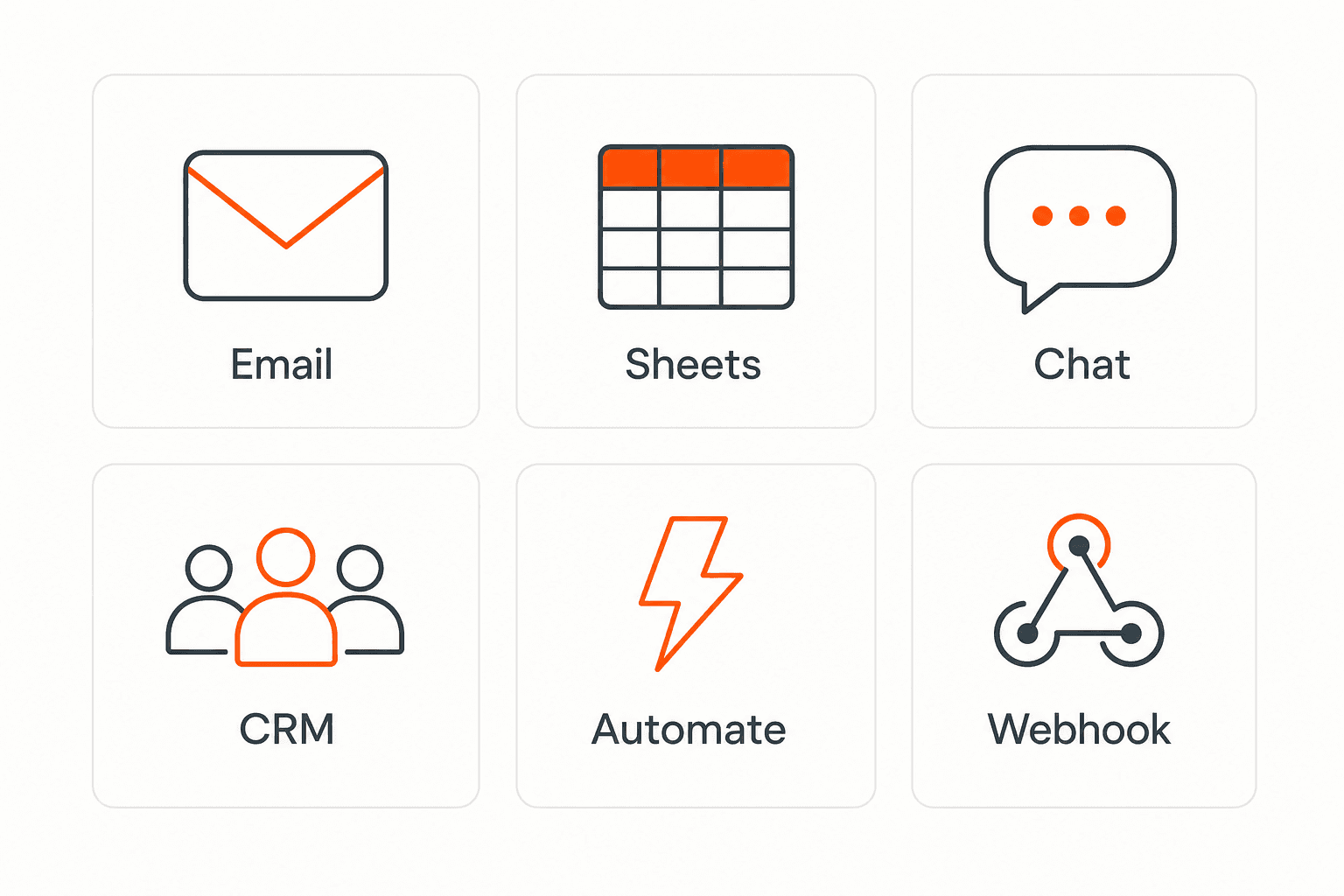
Send data to email, spreadsheets, CRMs, webhooks, and 7,000+ apps.
No credit card required. Set up in under 60 seconds.
Connect & automate
Where can submissions go besides email?
On paid plans, submissions can also go to Slack, Discord, Google Sheets, Notion, Airtable, Zapier or any signed webhook — and splitforms works on the platforms you build on, from WordPress and Shopify to Next.js. With Stripe connected, your forms can take payments too.



 NewTake payments on your formsDeposits, bookings, order forms — submitters check out through Stripe and the money goes straight to your Stripe account. Included on every paid plan.See payment forms →Need time slots? Online booking →
Common questions
Serverless form backend questions.
View all FAQsWhat is a serverless form backend?
A hosted endpoint that receives your form POSTs, filters spam, stores each submission, and emails you — no API route, serverless function, or SMTP of your own to write or run.
Do I need my own serverless function for a contact form?
No — most contact, lead, waitlist, and signup forms post straight to a hosted backend. You only need your own function when you must run custom logic first, such as checking a coupon code against your database or generating an invoice number before the submission is accepted.
Serverless form backend vs serverless function: which costs less?
splitforms is free for 500 submissions total on unlimited forms; Pro is $5/month for 5,000 a month and Annual is $49/year for 15,000. Your own function adds invocation, email, storage, and spam-filtering bills you build and pay for yourself.
Does a serverless form backend work on Vercel, Netlify, and Cloudflare Pages?
Yes. The POST goes to splitforms, not your hosting provider, so the same form works on Vercel, Netlify, Cloudflare Pages, GitHub Pages, or any static host — there is no /api route to write.
When should I write my own serverless function instead?
When you need business logic before accepting a submission: a database lookup, an API call, or a payload transform. Put your function in front of splitforms and forward the request; most contact forms have no such logic.
Simple pricing
How much does splitforms cost?
Free gives you 500 submissions for $0 — no card, no time limit. Pro is $5/month for 5,000 submissions a month, and Annual is $49/year for 15,000 a month with every Pro feature.
Free
For side projects and indie devs.
- 500 free submissions
- Unlimited forms
- Email notifications included
- Smart spam filtering
- Submissions dashboard
- Redirect after submit
- MCP server included
Pro
Every paid feature, for agencies and growing products.
- 5,000 submissions per month
- Unlimited forms
- Webhooks and integrations
- CC/BCC, auto-replies and routing
- File uploads with 500 MB storage
- Stripe payments on your forms
- 3 team seats
- Cancel anytime
Annual
Every Pro feature with triple the volume — $0.27 per 1,000 at full use.
- 15,000 submissions per month
- Unlimited forms
- Everything in Pro
- File uploads with 5 GB storage
- 3 team seats
- Priority email support
No credit card required on Free • Cancel anytime • Full pricing and FAQ