
Set your competencies and scale
Replace the six competency legends with the ones that fit the role, adjust the scale wording if your company has its own, set form_version, and swap in your access key.
Form template · Employee Evaluation Form Template
Updated · plan facts checked against /pricing
An employee evaluation form records how a manager rated someone's work over a set period, what goals come next, and that both people saw the result. This free HTML template has a labelled 1-5 scale for six competencies, an overall rating, three goals, employee comments, and typed-name acknowledgements from reviewer and employee.

This template is one of our free HTML form templates. See more form templates by industry.
No server, API route, or SDK — your Employee Evaluation Form posts straight to one endpoint.
Every submission is emailed to you and saved to a searchable dashboard — spam filtered before it reaches you.
It's plain HTML you own — paste the Employee Evaluation Form snippet, swap in your access key, and ship.
Copy and ship
Plain HTML that posts to the /api/submit endpoint. Replace YOUR_ACCESS_KEY with the key from your dashboard; that's the only edit.
<form action="https://splitforms.com/api/submit" method="POST">
  <input type="hidden" name="access_key" value="YOUR_ACCESS_KEY">
  <input type="hidden" name="subject" value="Employee evaluation">
  <input type="hidden" name="form_version" value="2027-01">
  <input type="hidden" name="form_loaded_at" id="form_loaded_at">

  <fieldset>
    <legend>Employee and review</legend>
    <label>Employee full name <input type="text" name="employee_name" required></label>
    <label>Job title <input type="text" name="job_title" required></label>
    <label>Department or team <input type="text" name="department"></label>
    <label>Reviewer full name <input type="text" name="reviewer_name" autocomplete="name" required></label>
    <label>Reviewer email <input type="email" name="email" autocomplete="email" required></label>
    <label>Review type
      <select name="review_type" required>
        <option value="">Choose one</option>
        <option>Annual review</option>
        <option>Mid-year review</option>
        <option>End of probation / 90-day review</option>
        <option>Project review</option>
      </select>
    </label>
    <label>Period start <input type="date" name="period_start" required></label>
    <label>Period end <input type="date" name="period_end" required></label>
  </fieldset>

  <fieldset>
    <legend>Ratings</legend>
    <p>1 = Unsatisfactory, 2 = Needs improvement, 3 = Meets expectations,
      4 = Exceeds expectations, 5 = Outstanding. Rate the whole period, not the last few weeks.</p>

    <fieldset>
      <legend>Quality of work</legend>
      <label><input type="radio" name="rating_quality" value="1" required> 1</label>
      <label><input type="radio" name="rating_quality" value="2"> 2</label>
      <label><input type="radio" name="rating_quality" value="3"> 3</label>
      <label><input type="radio" name="rating_quality" value="4"> 4</label>
      <label><input type="radio" name="rating_quality" value="5"> 5</label>
    </fieldset>
    <fieldset>
      <legend>Productivity and meeting deadlines</legend>
      <label><input type="radio" name="rating_productivity" value="1" required> 1</label>
      <label><input type="radio" name="rating_productivity" value="2"> 2</label>
      <label><input type="radio" name="rating_productivity" value="3"> 3</label>
      <label><input type="radio" name="rating_productivity" value="4"> 4</label>
      <label><input type="radio" name="rating_productivity" value="5"> 5</label>
    </fieldset>
    <fieldset>
      <legend>Job knowledge and skills</legend>
      <label><input type="radio" name="rating_knowledge" value="1" required> 1</label>
      <label><input type="radio" name="rating_knowledge" value="2"> 2</label>
      <label><input type="radio" name="rating_knowledge" value="3"> 3</label>
      <label><input type="radio" name="rating_knowledge" value="4"> 4</label>
      <label><input type="radio" name="rating_knowledge" value="5"> 5</label>
    </fieldset>
    <fieldset>
      <legend>Communication</legend>
      <label><input type="radio" name="rating_communication" value="1" required> 1</label>
      <label><input type="radio" name="rating_communication" value="2"> 2</label>
      <label><input type="radio" name="rating_communication" value="3"> 3</label>
      <label><input type="radio" name="rating_communication" value="4"> 4</label>
      <label><input type="radio" name="rating_communication" value="5"> 5</label>
    </fieldset>
    <fieldset>
      <legend>Teamwork</legend>
      <label><input type="radio" name="rating_teamwork" value="1" required> 1</label>
      <label><input type="radio" name="rating_teamwork" value="2"> 2</label>
      <label><input type="radio" name="rating_teamwork" value="3"> 3</label>
      <label><input type="radio" name="rating_teamwork" value="4"> 4</label>
      <label><input type="radio" name="rating_teamwork" value="5"> 5</label>
    </fieldset>
    <fieldset>
      <legend>Reliability</legend>
      <label><input type="radio" name="rating_reliability" value="1" required> 1</label>
      <label><input type="radio" name="rating_reliability" value="2"> 2</label>
      <label><input type="radio" name="rating_reliability" value="3"> 3</label>
      <label><input type="radio" name="rating_reliability" value="4"> 4</label>
      <label><input type="radio" name="rating_reliability" value="5"> 5</label>
    </fieldset>

    <label>Overall rating
      <select name="overall_rating" required>
        <option value="">Choose one</option>
        <option value="1">1 - Unsatisfactory</option>
        <option value="2">2 - Needs improvement</option>
        <option value="3">3 - Meets expectations</option>
        <option value="4">4 - Exceeds expectations</option>
        <option value="5">5 - Outstanding</option>
      </select>
    </label>
  </fieldset>

  <fieldset>
    <legend>Comments</legend>
    <label>Strengths, with one or two examples from this period
      <textarea name="strengths" rows="4" required></textarea>
    </label>
    <label>Areas to improve, with examples
      <textarea name="improvements" rows="4" required></textarea>
    </label>
  </fieldset>

  <fieldset>
    <legend>Goals for the next period</legend>
    <label>Goal 1 (what, how it will be measured, by when)
      <textarea name="goal_1" rows="2" required></textarea>
    </label>
    <label>Goal 2 <textarea name="goal_2" rows="2"></textarea></label>
    <label>Goal 3 <textarea name="goal_3" rows="2"></textarea></label>
    <label>Next review date <input type="date" name="next_review_date"></label>
  </fieldset>

  <fieldset>
    <legend>Employee comments (optional)</legend>
    <label>Anything you want on the record about this evaluation
      <textarea name="employee_comments" rows="4"></textarea>
    </label>
  </fieldset>

  <fieldset>
    <legend>Acknowledgement</legend>
    <label><input type="checkbox" name="reviewer_ack" value="yes" required>
      I completed this evaluation and discussed it with the employee.</label>
    <label>Reviewer: type your full name
      <input type="text" name="reviewer_typed_name" required>
    </label>
    <label><input type="checkbox" name="employee_ack" value="yes" required>
      I have received and discussed this evaluation. Typing my name confirms receipt, not agreement.</label>
    <label>Employee: type your full name
      <input type="text" name="employee_typed_name" required>
    </label>
  </fieldset>

  <!-- honeypot: leave empty -->
  <input type="checkbox" name="botcheck" style="display:none" tabindex="-1" autocomplete="off">

  <button type="submit">Submit evaluation</button>
</form>
<script>
  document.getElementById('form_loaded_at').value = Date.now();
</script>
Field by field
scale key (paragraph)rating_quality ... rating_reliability (radios, required)overall_rating (select, required)period_start and period_end (dates, required)strengths and improvements (required)goal_1 to goal_3email (reviewer)employee_ack + employee_typed_nameform_version (hidden)How to add it
To add a Employee Evaluation Form to your site you need three things: a free splitforms access key, the HTML snippet above, and your key pasted into it. No backend, database, or CAPTCHA library — the form posts to one URL and every submission lands in your inbox and dashboard.
Replace the six competency legends with the ones that fit the role, adjust the scale wording if your company has its own, set form_version, and swap in your access key.
The reviewer completes the ratings, comments and goals, then hands the device to the employee for their comments, acknowledgement checkbox and typed name before submitting.
Each evaluation is emailed to you on every plan and saved in the dashboard with the time it was received. On paid plans, export the CSV to compare ratings across a team or across review cycles.
What's included
Most evaluation forms fail in the same two places. The first is the scale: a row of unlabelled numbers lets one manager's 3 mean 'fine' and another's mean 'struggling', so scores can't be compared across a team. This template prints the meaning of every point once, above the ratings, and rates each competency as its own field so each one becomes its own column. The second is the record of what happened afterwards. The form ends with the employee's own comments and two typed-name acknowledgements, and the employee's checkbox says that typing a name confirms they received the review, not that they agree with it. Fill it in together at the end of the review meeting and the submission is the complete record, stamped with the time splitforms received it. Labelled 1-5 ratings per competency, measurable goals, and a receipt-not-agreement acknowledgement with typed names.

Where submissions go
Reply-to is wired to the visitor's email, so one tap on Reply answers them directly — while the built-in honeypot and automatic spam scoring filter out bots before they reach you. Every submission is emailed to your inbox and can forward to a webhook or Slack the moment a visitor hits send.

How SplitForms works
splitforms receives the submission, filters spam, saves it to your dashboard and emails you — then, on paid plans, sends it on to your webhooks and integrations. No backend infrastructure to build.
Point your form to your unique SplitForms endpoint. That's it.
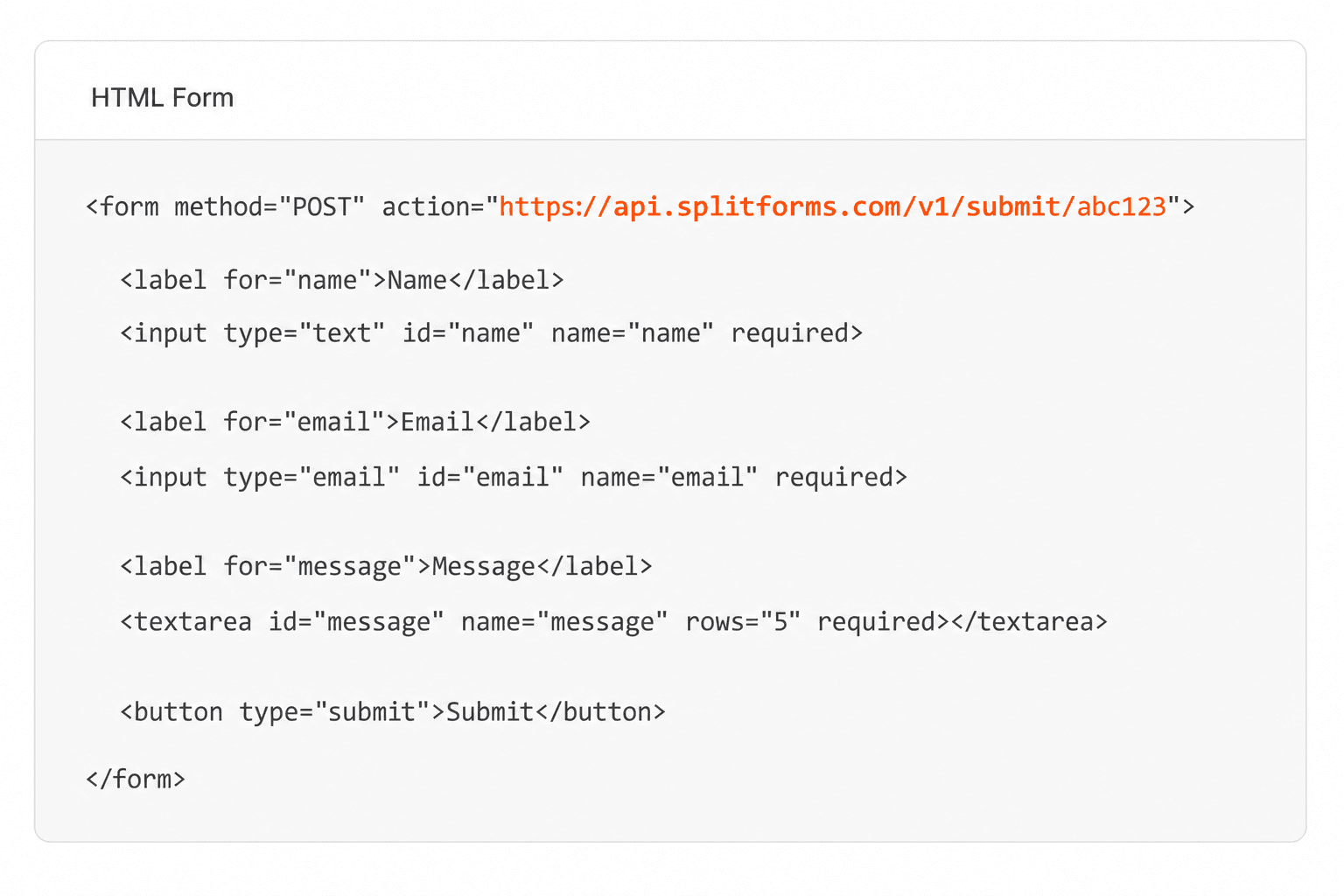
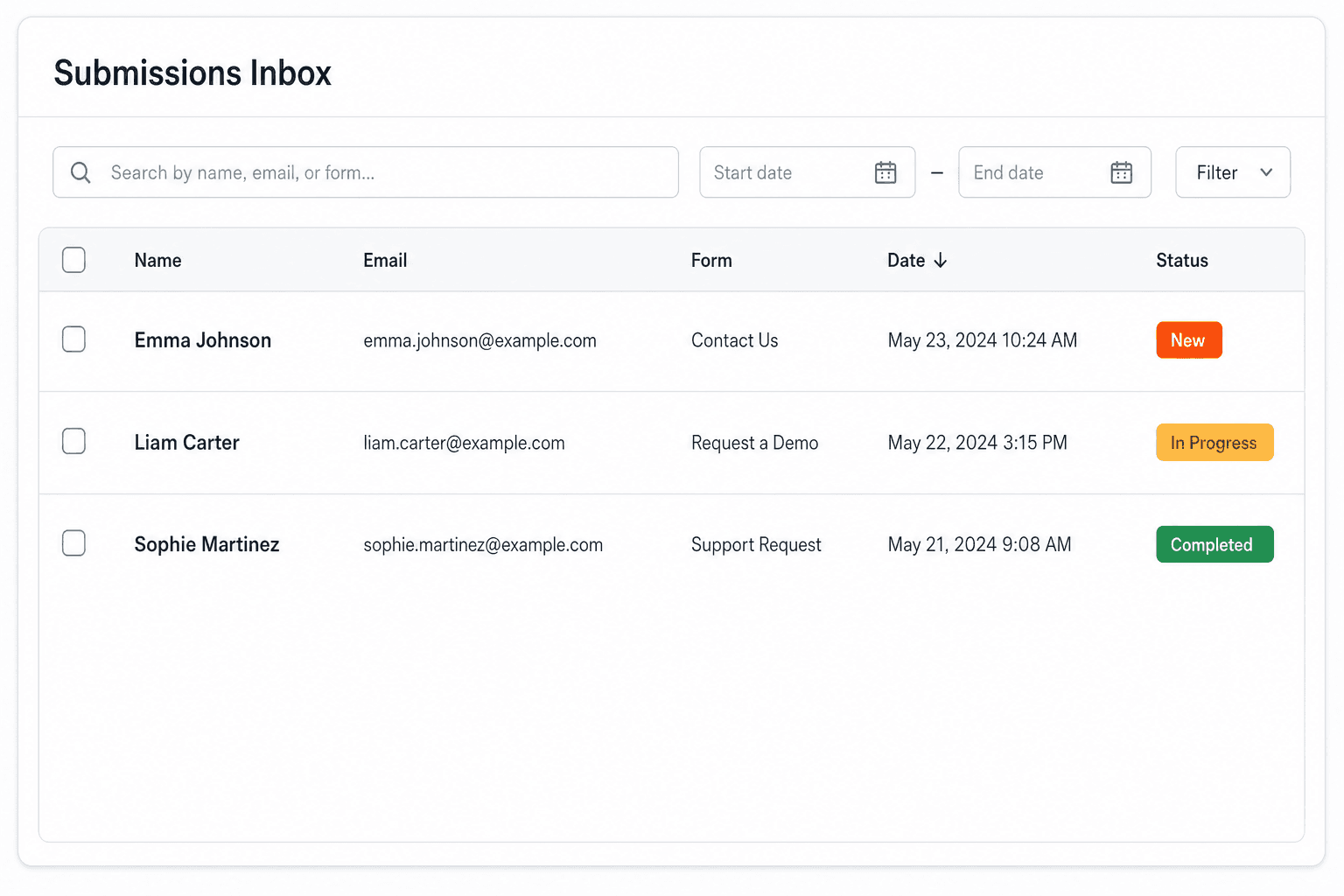
We instantly capture and organize every submission in your inbox.
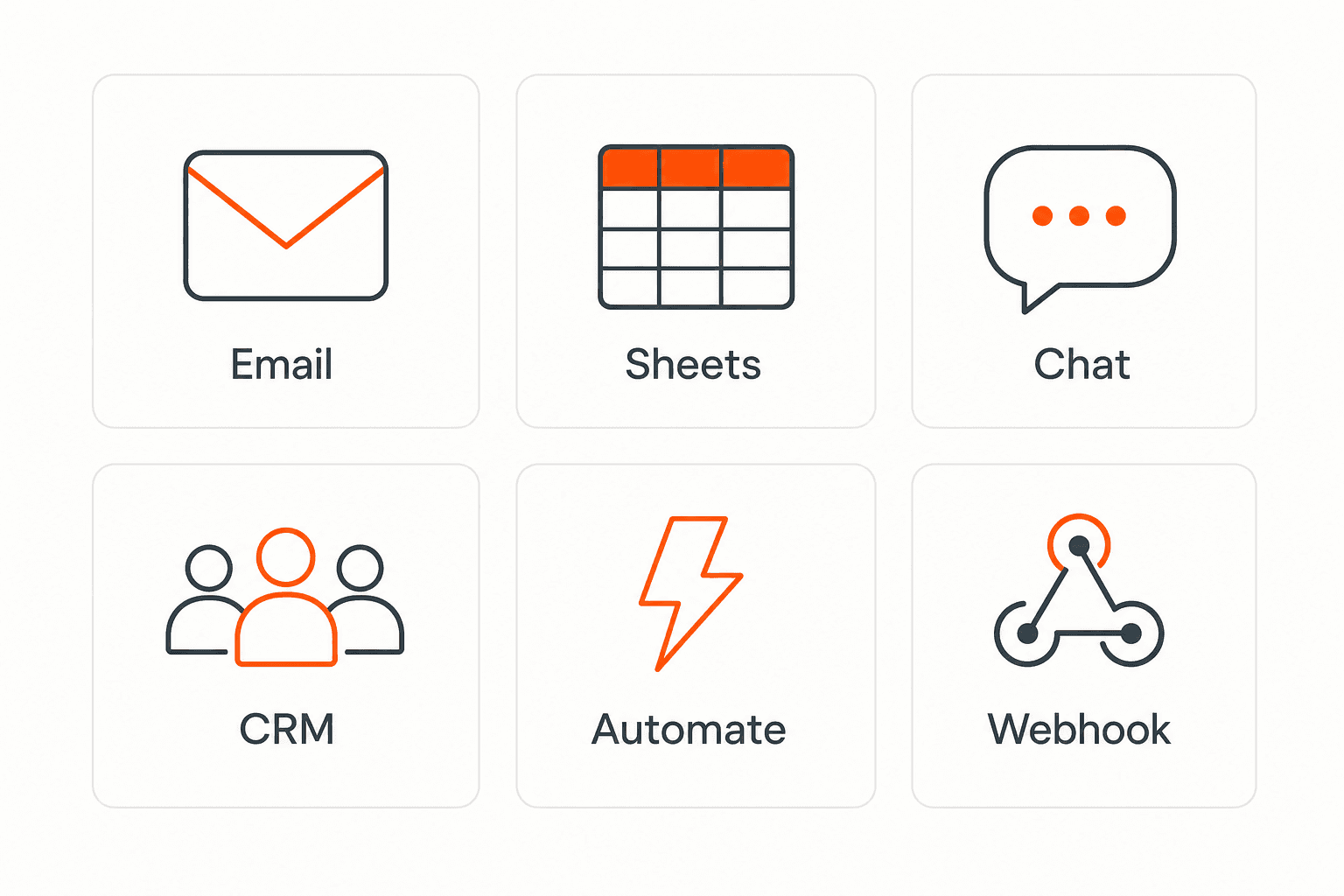
Send data to email, spreadsheets, CRMs, webhooks, and 7,000+ apps.
No credit card required. Set up in under 60 seconds.
Connect & automate
On paid plans, submissions can also go to Slack, Discord, Google Sheets, Notion, Airtable, Zapier or any signed webhook — and splitforms works on the platforms you build on, from WordPress and Shopify to Next.js. With Stripe connected, your forms can take payments too.

 NewTake payments on your formsDeposits, bookings, order forms — submitters check out through Stripe and the money goes straight to your Stripe account. Included on every paid plan.See payment forms →Need time slots? Online booking →
Questions
The employee and reviewer names, the review period, a labelled rating scale, a rating for each competency you care about, an overall rating, written strengths and areas to improve with examples, goals for the next period, space for the employee's comments, and an acknowledgement from both people. This template has all of them.
A 5-point scale with every point described is the common choice: it leaves room between 'meets' and 'exceeds' without asking for false precision. Whatever you choose, describe each point on the form and use the same scale for everyone you review.
This template asks the employee to acknowledge receipt, not agreement, and gives them a comments box to record any disagreement. Whether a typed name and checkbox is enough for your records depends on your company policy and local employment law, so check with HR or a lawyer. splitforms has no draw-your-signature field.
Yes. Copy the form, change the subject to 'Self-evaluation', remove the reviewer acknowledgement, and send the link to employees before the review meeting. Comparing their scores with the manager's ratings for the same period is a quick way to find where to focus the conversation.
Each one is emailed to your notification address and saved in your splitforms dashboard, so anyone with access to that account or inbox can read it. Paid plans include 3 team seats; invite only the people who should see personnel records.
This is an online form. You can print the blank page from your browser for a paper review, but only forms submitted online reach your inbox and dashboard.
Each evaluation is one submission, and the Free plan covers 500 in total with no card. CSV export, for comparing ratings across reviews, is on paid plans; Pro is $5 per month.
Simple pricing
Free gives you 500 submissions for $0 — no card, no time limit. Pro is $5/month for 5,000 submissions a month, and Annual is $49/year for 15,000 a month with every Pro feature.
For side projects and indie devs.
Every paid feature, for agencies and growing products.
Every Pro feature with triple the volume — $0.27 per 1,000 at full use.
No credit card required on Free • Cancel anytime • Full pricing and FAQ


