
Get a free access key
Sign up at splitforms.com — no credit card. Copy your key from the dashboard.
SplitForms vs Slapform
Slapform Free: 100 submissions per month, 1 form. splitforms Free: 500 submissions with no card and no time limit, on unlimited forms; Pro is $5/month for 5,000 submissions a month with signed webhooks. Switching means changing your form's action URL and adding one hidden field.
See Slapform pricing, plans and limits
splitforms or Slapform
Slapform is fine if you're shipping exactly one form on a hobby site and 100 submissions/month is the upper bound. It's straightforward and gets out of the way.
splitforms is the right call for anything more — 500 free submissions total with unlimited forms, the full dashboard, automatic spam scoring, and a developer-first API. Pro adds signed webhooks, file uploads and exports for $5 per month. Both have a $5 per month paid tier; splitforms Pro includes 5,000 submissions a month to Slapform Hobby's 1,000.
Feature-by-feature comparison
A side-by-side look at the details developers actually care about when comparing splitforms and Slapform.
| Feature | splitforms | Slapform |
|---|---|---|
| Free tier | 500 submissions, no card, no time limit, unlimited forms | 100 submissions per month, 1 form |
| Cheapest paid plan | $5 per month Pro (5,000 per month) or $49 per year Annual (15,000 per month) | $5/month (Hobby — 1,000 submissions) |
| Submission dashboard | Yes, with search & export | Yes |
| Webhook delivery | Signed with HMAC-SHA256 (sha256= signature header); 8-second timeout; one automatic retry after about 2 seconds on network errors, timeouts and 5xx responses (4xx is not retried); delivery log in the dashboard. Paid plans (Pro and Annual). | Yes |
| File uploads | Paid plans: 5 files at 5 MB each (500 MB on Pro, 5 GB on Annual) | Yes (often paid) |
| Spam protection | Honeypot, time-trap, rate limits + automatic spam scoring | Honeypot / CAPTCHA |
| Host requirement | None — works anywhere | None |
Pricing checked July 11, 2026. Source: Slapform's pricing page.
Honest take
Stay with Slapform if one of these matters more to you than switching:
Leave Slapform in about 10 minutes
Keep your HTML, field names and styles. Only the action URL changes, plus one hidden access_key field.
Sign up at splitforms.com — no credit card. Copy your key from the dashboard.
Point your form at https://splitforms.com/api/submit and add one hidden access_key field. Field names and styling stay the same.
Send a test entry, confirm it reaches your inbox and dashboard, then remove the old endpoint.
Every submission lands in your inbox and a searchable dashboard on every plan, including Free. Paid plans add webhooks and integrations:
AI agents can manage forms through the splitforms MCP server, included on every plan.
Get started in minutes
Drop one endpoint into the HTML you already have and submissions start flowing — no backend to host, no SDK to install, no lengthy onboarding. Point your form, hit submit, and watch the entries land.


See everything
Search, filter, and export every entry, watch your analytics update live, and let the built-in spam shield drop junk before it ever reaches your inbox — all in one clean control room.
Where your leads go
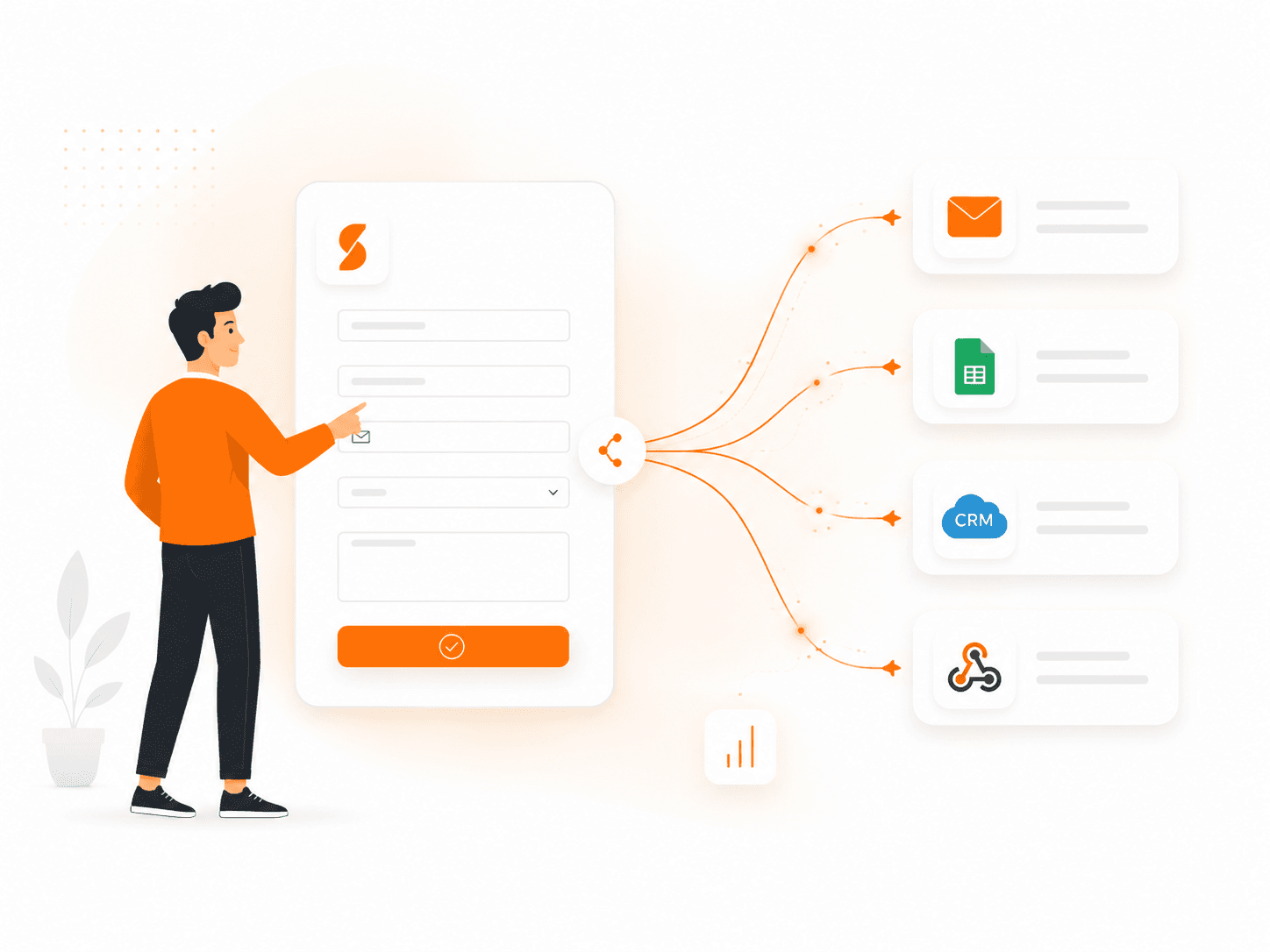
Forward submissions to email, Google Sheets, your CRM, or any webhook the moment they arrive. When you move off Slapform, your leads keep landing exactly where your team expects them — nothing to re-wire.
Common questions
Yes. splitforms handles the same core jobs as Slapform: a POST endpoint, email delivery, a submission dashboard, webhooks, and spam filtering. Slapform's free plan: 100 submissions per month, 1 form. splitforms Free is 500 submissions with no card and no time limit, on unlimited forms; for webhooks and exports, splitforms Pro is $5/month.
For an endpoint-based form service, create a SplitForms form and set the action to https://splitforms.com/f/YOUR_ACCESS_KEY. Alternatively, use /api/submit with a hidden access_key input. Preserve visitor fields, map provider-specific controls, then verify the deployed form, uploads and delivery settings.
splitforms includes email delivery, a searchable dashboard, HMAC-signed webhooks on paid plans (8-second timeout, one automatic retry on network errors, timeouts and 5xx responses), storage-backed file uploads on eligible plans, custom redirects on every plan, smart spam filtering, and a documented REST API. Slapform-specific features like genuinely lightweight setup may need an integration.
splitforms is free for 500 submissions total with no card; paid plans are $5 per month Pro (5,000 submissions per month) and $49 per year Annual (15,000 submissions per month, about $4.08 per month). At full use that is $1.00 per 1,000 submissions on Pro and $0.27 on Annual. Slapform starts at $5/month (Hobby — 1,000 submissions). Verify both pricing pages because allowances can change.
Your HTML can stay in place. Preserve field names, validation, and styling, change the action and access key, then test the production form before completing the switch.
Yes — the Annual plan is $49 per year (about $4.08 per month) for 15,000 submissions/month with every Pro feature, billed once a year. Check Slapform's current pricing page before comparing billing terms.
splitforms is built for developers shipping production sites — static sites, SaaS landing pages, JAMstack apps, and agency client work. For single-form hobby projects where minimal setup matters more than features, the deciding factor is usually whether genuinely lightweight setup matters to you; if it does, keep Slapform in the mix. Otherwise splitforms is the endpoint-driven option.
Deep dive
Short, honest answers on pricing, migration, and why teams move from Slapform to splitforms.
The most common trigger is the per-form limit on Slapform's free tier. If you ship a second project, you're already paying. splitforms gives you unlimited forms on every plan, including Free.
The second trigger is webhook signing. Slapform has webhooks but the signing story is minimal. splitforms ships HMAC-SHA256 signed webhooks (one retry after ~2s on network errors, timeouts and 5xx; not on 4xx; 8-second timeout) on paid plans, plus a free webhook tester at splitforms.com/webhook-tester.
The third trigger is dashboard usability. Slapform's UI is minimal — fine for a single form, less fine when you're managing several. splitforms's dashboard is built for fast cross-form inspection.
“I shipped a second form and now I'm paying $5 per month.”
splitforms's free tier covers unlimited forms.
“I can't tell whether a webhook call was genuine.”
splitforms signs every payload with HMAC-SHA256 (`sha256=` header prefix) so your receiver can verify it, and the free webhook tester at splitforms.com/webhook-tester shows the exact payload shape.
“I'm getting AI-written spam that the CAPTCHA can't catch.”
splitforms's rule-based spam scoring checks links, phrases, disposable addresses and other content signals.
“I need a real API for a custom integration.”
splitforms ships an open REST API on every plan.
Step 1: sign up at splitforms.com for a free access key. Step 2: change your form's action from `https://slapform.com/s/YOUR_ID` to `https://splitforms.com/api/submit`. Step 3: test, then deploy. Existing field names and styling work unchanged.
Is splitforms a viable Slapform alternative? Yes — and at every price point splitforms covers more volume with a deeper feature set.
Will my existing form HTML work? Yes. Change the action URL and you're done.
Is there a yearly plan? Yes. Annual is $49 per year for 15,000 submissions per month with every Pro feature, about $4.08 per month.
More comparisons