
Publish the form where incidents happen
Swap in your access key, host the form page, and post the link or a QR code in break rooms, vehicles and front desks. Staff can file from a phone in a couple of minutes.
Form template · Incident Report Form Template
Updated · plan facts checked against /pricing
An incident report template records what happened, when, where and who saw it, while memories are fresh. This free incident report form covers the date and time, location, type, people involved, witnesses, an injury yes/no with a one-line summary, actions taken and the reporter's typed name. Each report gets a numbered record.

This template is one of our free HTML form templates. See more form templates by industry.
No server, API route, or SDK — your Incident Report Form posts straight to one endpoint.
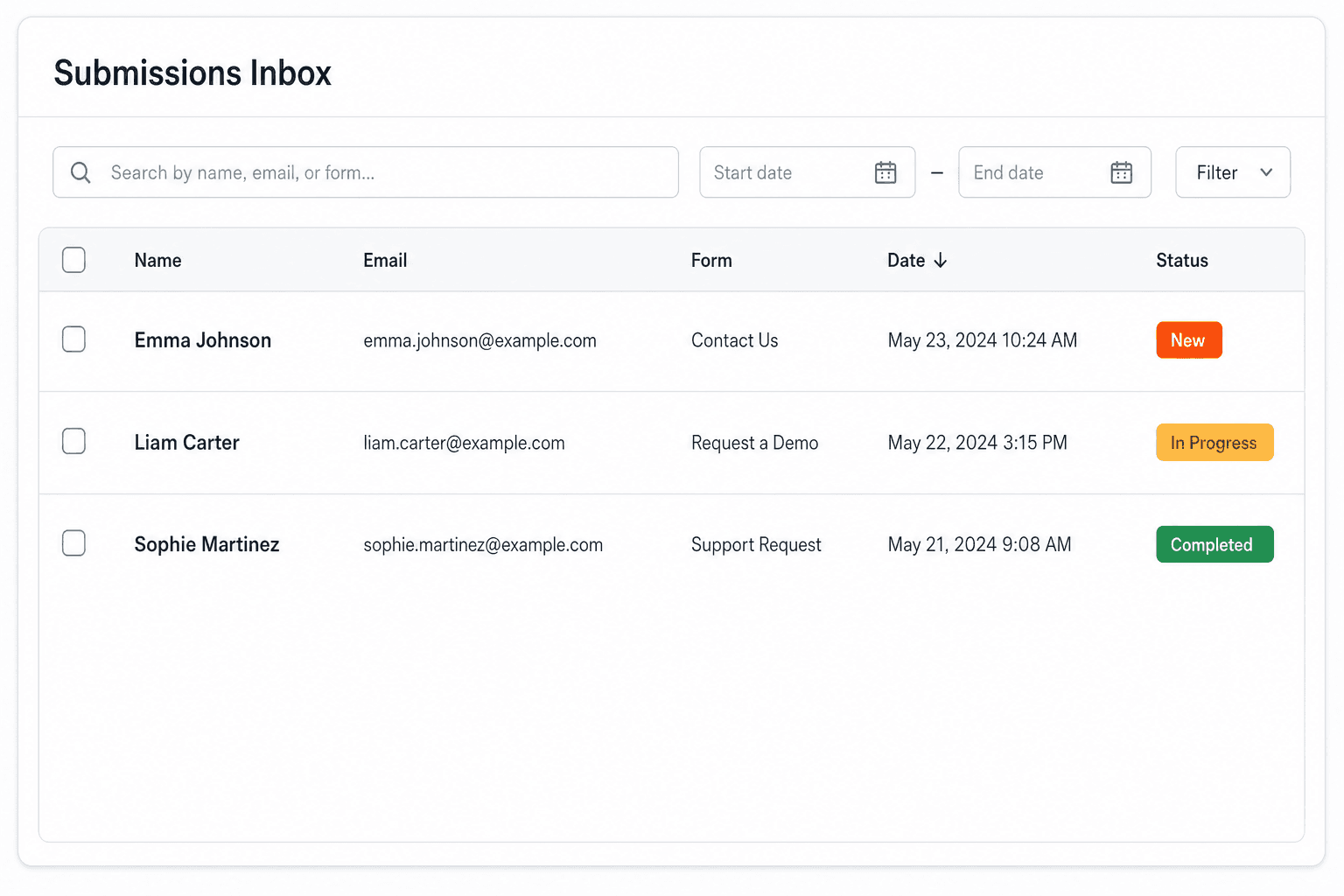
Every submission is emailed to you and saved to a searchable dashboard — spam filtered before it reaches you.
It's plain HTML you own — paste the Incident Report Form snippet, swap in your access key, and ship.
Copy and ship
Plain HTML that posts to the /api/submit endpoint. Replace YOUR_ACCESS_KEY with the key from your dashboard; that's the only edit.
<form action="https://splitforms.com/api/submit" method="POST">
  <input type="hidden" name="access_key" value="YOUR_ACCESS_KEY">
  <input type="hidden" name="subject" value="New incident report">
  <input type="hidden" name="form_loaded_at" id="form_loaded_at">

  <fieldset>
    <legend>Who is reporting</legend>
    <label>Your full name <input type="text" name="reporter_name" autocomplete="name" required></label>
    <label>Email <input type="email" name="email" autocomplete="email" required></label>
    <label>Phone <input type="tel" name="phone" autocomplete="tel"></label>
    <label>You are a
      <select name="reporter_role" required>
        <option value="">Choose one</option>
        <option>Employee</option>
        <option>Contractor</option>
        <option>Visitor or customer</option>
        <option>Tenant or resident</option>
        <option>Other</option>
      </select>
    </label>
  </fieldset>

  <fieldset>
    <legend>When and where</legend>
    <label>Date of the incident <input type="date" name="incident_date" required></label>
    <label>Approximate time <input type="time" name="incident_time"></label>
    <label>Exact location
      <input type="text" name="location" placeholder="Building, floor, room or area" required>
    </label>
    <label>Type of incident
      <select name="incident_type" required>
        <option value="">Choose one</option>
        <option>Injury or illness</option>
        <option>Near miss (no one hurt)</option>
        <option>Property or equipment damage</option>
        <option>Security, theft or vandalism</option>
        <option>Vehicle</option>
        <option>Other</option>
      </select>
    </label>
  </fieldset>

  <fieldset>
    <legend>What happened</legend>
    <label>Describe what happened, in order
      <textarea name="description" rows="6" required
        placeholder="What were people doing just before? What happened? What happened right after?"></textarea>
    </label>
    <label>People involved (names and roles)
      <textarea name="people_involved" rows="3"></textarea>
    </label>
    <label>Witnesses (names and phone or email)
      <textarea name="witnesses" rows="3"></textarea>
    </label>
  </fieldset>

  <fieldset>
    <legend>Was anyone hurt?</legend>
    <label><input type="radio" name="injury" value="no" required> No</label>
    <label><input type="radio" name="injury" value="yes"> Yes</label>
    <label><input type="radio" name="injury" value="not sure"> Not sure</label>
    <label>If yes, one line only (for example "cut to left hand"). No medical records or diagnoses.
      <input type="text" name="injury_summary" maxlength="200">
    </label>
    <label>Care given
      <select name="care_given">
        <option>None needed</option>
        <option>First aid on site</option>
        <option>Sent to a clinic or hospital</option>
        <option>Not known</option>
      </select>
    </label>
  </fieldset>

  <label>Damage to property or equipment (if any)
    <textarea name="property_damage" rows="3"></textarea>
  </label>

  <label>Actions taken so far
    <textarea name="actions_taken" rows="3" required
      placeholder="Area closed off, spill cleaned, supervisor told, equipment tagged out..."></textarea>
  </label>

  <label>Supervisor or manager told (name)
    <input type="text" name="supervisor_notified">
  </label>

  <label><input type="checkbox" name="confirmed" value="yes" required>
    This report is accurate to the best of my knowledge.</label>

  <label>Type your full name to confirm
    <input type="text" name="typed_name" required>
  </label>

  <!-- honeypot: leave empty -->
  <input type="checkbox" name="botcheck" style="display:none" tabindex="-1" autocomplete="off">

  <button type="submit">Submit incident report</button>
</form>
<script>
  document.getElementById('form_loaded_at').value = Date.now();
</script>
Field by field
reporter_name, email, reporter_roleincident_date + incident_timelocation (required)incident_type (dropdown)description (required)witnesses (textarea)injury, injury_summary, care_givenactions_taken (required)confirmed + typed_nameHow to add it
To add a Incident Report Form to your site you need three things: a free splitforms access key, the HTML snippet above, and your key pasted into it. No backend, database, or CAPTCHA library — the form posts to one URL and every submission lands in your inbox and dashboard.
Swap in your access key, host the form page, and post the link or a QR code in break rooms, vehicles and front desks. Staff can file from a phone in a couple of minutes.
Every report is emailed to you on every plan. On paid plans, notification routing can send any report where injury equals yes to a safety lead as well as the default inbox.
Quote the Lead # reference in follow-up emails, star open reports in the dashboard, and on paid plans export the CSV each month to review trends by type and location.
What's included
Most incident reports go wrong in the first hour, not in the investigation. Someone writes a few lines on whatever paper is nearby, a witness goes home without leaving a phone number, and by the next day nobody agrees on the time or the exact spot. An online incident report form fixes the parts a form can fix: the same questions in the same order every time, required date, location and description, a separate witness box, and an injury question that cannot be skipped. splitforms gives every submission a sequential Lead # reference, so each report has a number you can quote in follow-up emails. What the form cannot decide is who you must notify and by when. Those duties depend on where you are and what happened, so check your local reporting rules. Required date, location, description and injury answer, plus a numbered record for every report. Check your local reporting rules.

Where submissions go
Reply-to is wired to the visitor's email, so one tap on Reply answers them directly — while the built-in honeypot and automatic spam scoring filter out bots before they reach you. Every submission is emailed to your inbox and can forward to a webhook or Slack the moment a visitor hits send.

How SplitForms works
splitforms receives the submission, filters spam, saves it to your dashboard and emails you — then, on paid plans, sends it on to your webhooks and integrations. No backend infrastructure to build.
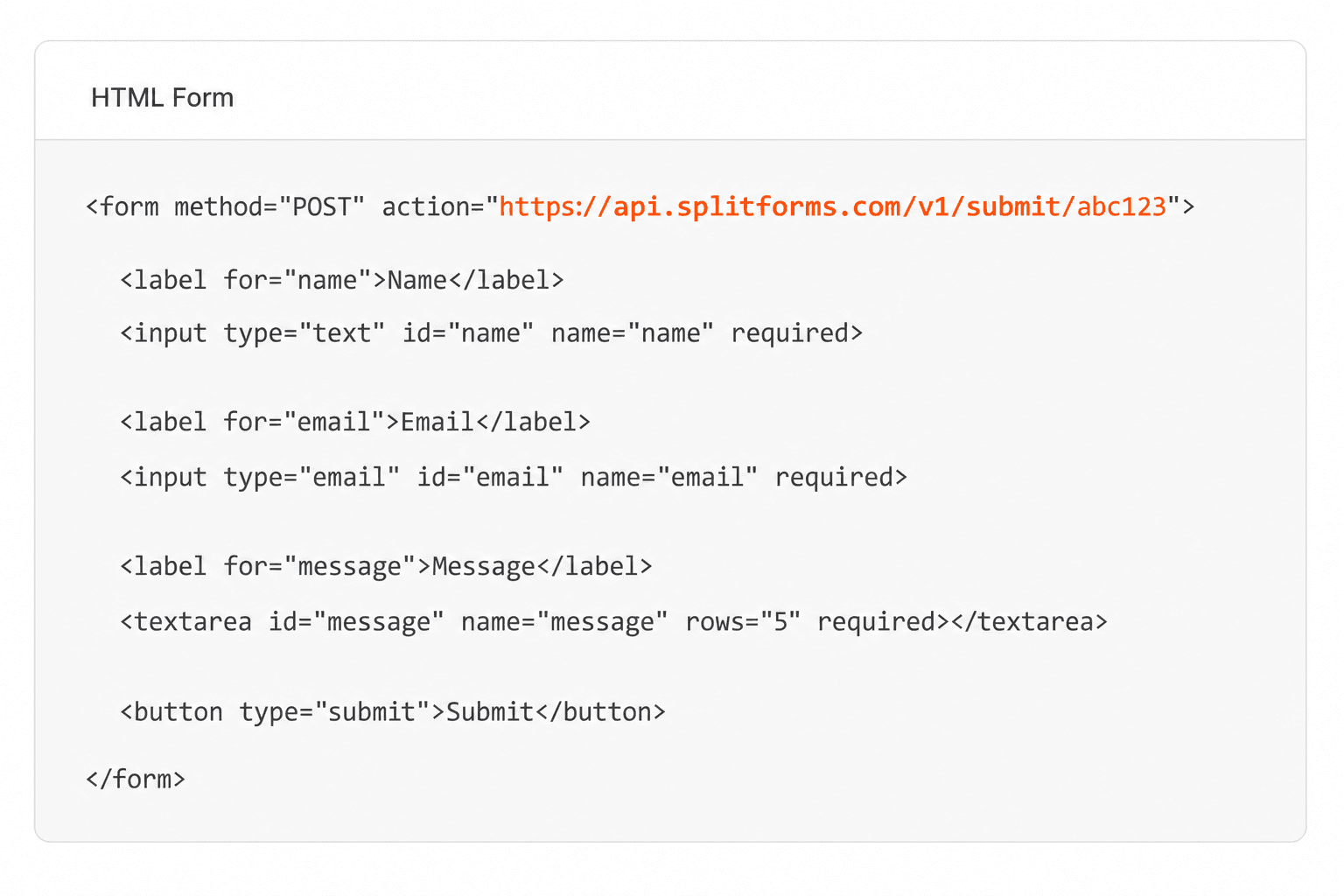
Point your form to your unique SplitForms endpoint. That's it.
We instantly capture and organize every submission in your inbox.
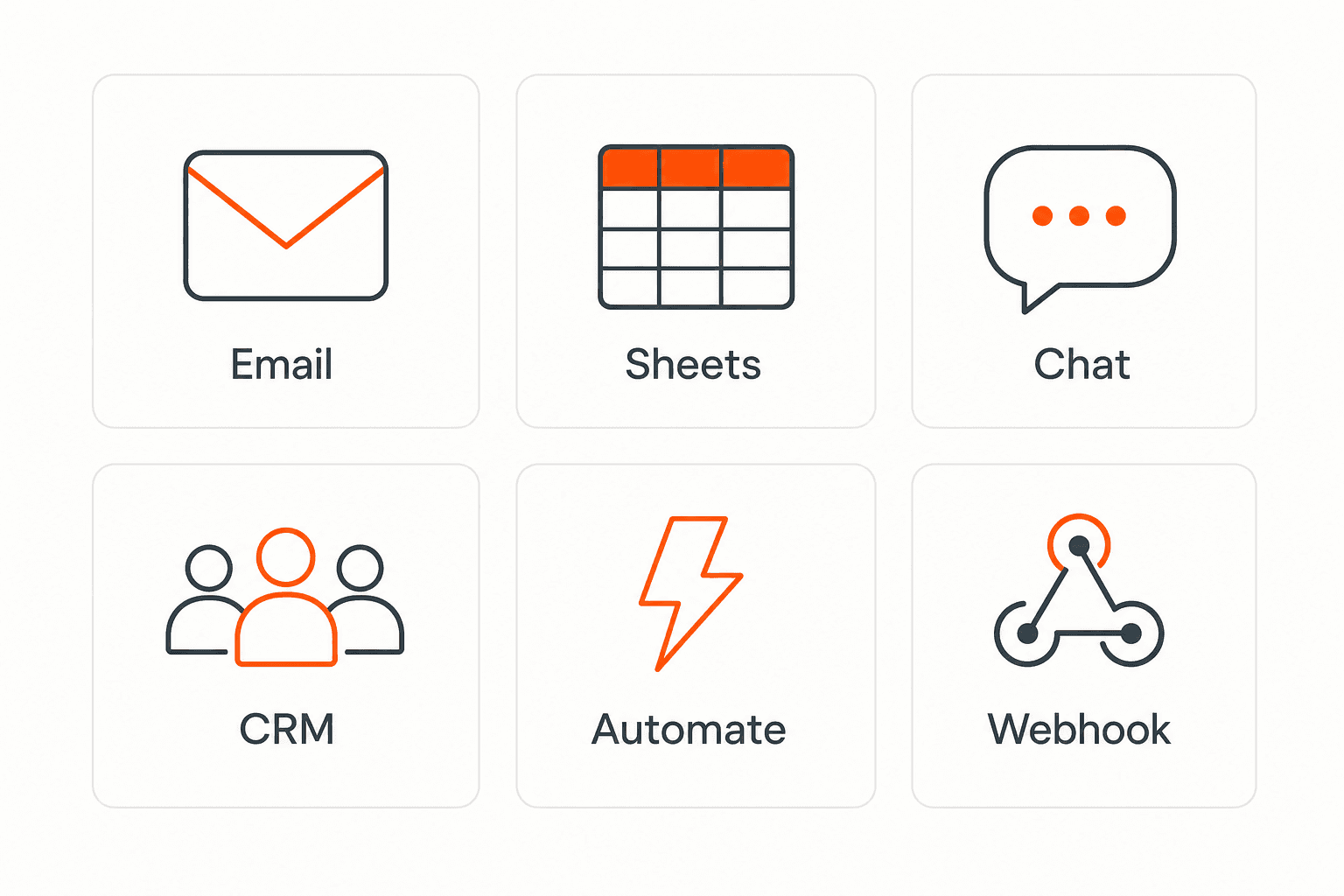
Send data to email, spreadsheets, CRMs, webhooks, and 7,000+ apps.
No credit card required. Set up in under 60 seconds.
Connect & automate
On paid plans, submissions can also go to Slack, Discord, Google Sheets, Notion, Airtable, Zapier or any signed webhook — and splitforms works on the platforms you build on, from WordPress and Shopify to Next.js. With Stripe connected, your forms can take payments too.

 NewTake payments on your formsDeposits, bookings, order forms — submitters check out through Stripe and the money goes straight to your Stripe account. Included on every paid plan.See payment forms →Need time slots? Online booking →
Questions
The date, time and exact location; who was involved and who saw it, with contact details; what happened in order; whether anyone was hurt and what care was given; any property damage; what was done straight away; and who reported it. This template asks for all of them, with the essentials marked required.
This is an online form, not a Word or PDF file. If you want a paper backup for places without a phone signal, publish the form page and print it from the browser for a blank copy, then enter paper reports into the form later so everything sits in one log.
Sometimes. Whether you must report, to whom, and how fast depends on your country, state or province, your industry and how serious the incident was. A form cannot answer that, so check your local reporting rules or ask an adviser, and use this log as your internal record.
Yes, on paid plans: add an input type="file" field and set enctype="multipart/form-data" on the form. Each submission can carry up to 5 files of 5 MB each. On the Free plan uploaded files are not stored, so leave the photo field out and ask for photos by reply.
Keep it to whether someone was hurt, a one-line description and the level of care. splitforms is not HIPAA compliant and does not sign a BAA, so do not use this form for medical records, diagnoses or treatment notes.
You can remove the name, email and typed name fields for an anonymous hazard or near-miss form. Note that splitforms still stores the sender's IP address with each submission, so do not promise full anonymity; keep a named form for injuries, where you will need to follow up.
Each report is one submission, and the Free plan covers 500 in total, not per month, with email notifications included. Routing, CSV export, photo uploads and auto-replies are on paid plans; Pro is $5 per month.
Simple pricing
Free gives you 500 submissions for $0 — no card, no time limit. Pro is $5/month for 5,000 submissions a month, and Annual is $49/year for 15,000 a month with every Pro feature.
For side projects and indie devs.
Every paid feature, for agencies and growing products.
Every Pro feature with triple the volume — $0.27 per 1,000 at full use.
No credit card required on Free • Cancel anytime • Full pricing and FAQ


