
Fill in your menu and rules
Replace the sizes, flavors, fillings, frostings and pickup windows with yours, set LEAD_DAYS, add your allergen statement and deposit terms, and swap in your access key.
Form template · Cake Order Form Template
Updated · plan facts checked against /pricing
A cake order form collects everything a baker needs to quote and schedule one cake: the pickup date and time, how many people it serves, size, flavor, filling, frosting, the message on top, a design reference and any allergies. This free HTML template does that, and on paid plans can take a deposit through Stripe.

This template is one of our free HTML form templates. See more form templates by industry. Want the payment setup explained step by step? See the deposit form with Stripe.
No server, API route, or SDK — your Cake Order Form posts straight to one endpoint.
Every submission is emailed to you and saved to a searchable dashboard — spam filtered before it reaches you.
It's plain HTML you own — paste the Cake Order Form snippet, swap in your access key, and ship.
Copy and ship
Plain HTML that posts to the /api/submit endpoint. Replace YOUR_ACCESS_KEY with the key from your dashboard; that's the only edit.
<form action="https://splitforms.com/api/submit" method="POST" enctype="multipart/form-data">
  <input type="hidden" name="access_key" value="YOUR_ACCESS_KEY">
  <input type="hidden" name="subject" value="New cake order">
  <input type="hidden" name="form_loaded_at" id="form_loaded_at">

  <fieldset>
    <legend>Your details</legend>
    <label>Full name <input type="text" name="name" autocomplete="name" required></label>
    <label>Email <input type="email" name="email" autocomplete="email" required></label>
    <label>Phone <input type="tel" name="phone" autocomplete="tel" required></label>
  </fieldset>

  <fieldset>
    <legend>Pickup</legend>
    <label>Pickup date <input type="date" name="pickup_date" id="pickup_date" required></label>
    <label>Pickup time
      <select name="pickup_time" required>
        <option value="">Choose a time</option>
        <option>9:00 - 11:00</option>
        <option>11:00 - 1:00</option>
        <option>1:00 - 3:00</option>
        <option>3:00 - 5:00</option>
      </select>
    </label>
  </fieldset>

  <fieldset>
    <legend>The cake</legend>
    <label>Occasion
      <select name="occasion">
        <option value="">Choose one</option>
        <option>Birthday</option>
        <option>Wedding</option>
        <option>Baby shower</option>
        <option>Graduation</option>
        <option>Anniversary</option>
        <option>Other</option>
      </select>
    </label>
    <label>How many people is it for? <input type="number" name="servings" min="1" step="1" required></label>
    <!-- Use your own sizes; add your serving counts to the option text. -->
    <label>Size
      <select name="size" required>
        <option value="">Choose a size</option>
        <option value="6-inch-round">6-inch round</option>
        <option value="8-inch-round">8-inch round</option>
        <option value="10-inch-round">10-inch round</option>
        <option value="quarter-sheet">Quarter sheet</option>
        <option value="half-sheet">Half sheet</option>
      </select>
    </label>
    <label>Flavor
      <select name="flavor" required>
        <option value="">Choose a flavor</option>
        <option>Vanilla</option>
        <option>Chocolate</option>
        <option>Red velvet</option>
        <option>Lemon</option>
        <option>Carrot</option>
      </select>
    </label>
    <label>Filling
      <select name="filling" required>
        <option value="">Choose a filling</option>
        <option>None</option>
        <option>Buttercream</option>
        <option>Chocolate ganache</option>
        <option>Strawberry</option>
        <option>Cream cheese</option>
      </select>
    </label>
    <label>Frosting
      <select name="frosting" required>
        <option value="">Choose a frosting</option>
        <option>Buttercream</option>
        <option>Cream cheese</option>
        <option>Whipped cream</option>
        <option>Fondant</option>
      </select>
    </label>
    <label>Message on the cake (exact spelling)
      <input type="text" name="cake_message" maxlength="60" placeholder="Happy 30th, Priya!">
    </label>
    <label>Colors and design
      <textarea name="design_notes" rows="4" placeholder="Theme, colors, decorations"></textarea>
    </label>
  </fieldset>

  <fieldset>
    <legend>Design reference (optional)</legend>
    <!-- File uploads are stored on paid plans -->
    <label>Upload a photo of a design you like
      <input type="file" name="design_photo" accept="image/*">
    </label>
    <label>Or paste a link to it <input type="url" name="design_link" placeholder="https://"></label>
  </fieldset>

  <fieldset>
    <legend>Does anyone eating the cake have a food allergy?</legend>
    <label><input type="radio" name="allergies" value="no" required> No</label>
    <label><input type="radio" name="allergies" value="yes"> Yes</label>
    <label>If yes, which allergy?
      <input type="text" name="allergy_note">
    </label>
    <p>[Your allergen statement, e.g. which allergens your kitchen handles.]</p>
  </fieldset>

  <label><input type="checkbox" name="terms" value="yes" required>
    I understand my order is confirmed only when the bakery replies. [Your deposit and cancellation terms.]</label>

  <!-- honeypot: leave empty -->
  <input type="checkbox" name="botcheck" style="display:none" tabindex="-1" autocomplete="off">

  <button type="submit">Send cake order</button>
</form>
<script>
  document.getElementById('form_loaded_at').value = Date.now();
  // Earliest pickup date: today plus your minimum notice in days.
  var LEAD_DAYS = 3;
  var d = new Date();
  d.setDate(d.getDate() + LEAD_DAYS);
  document.getElementById('pickup_date').min = d.getFullYear() + '-' +
    String(d.getMonth() + 1).padStart(2, '0') + '-' + String(d.getDate()).padStart(2, '0');
</script>
Field by field
pickup_date (date, required)pickup_time (select, required)servings and sizesize (option values)flavor, filling, frosting (selects, required)cake_message (max 60 characters)design_photo (file) and design_linkallergies and allergy_noteterms (checkbox, required)How to add it
To add a Cake Order Form to your site you need three things: a free splitforms access key, the HTML snippet above, and your key pasted into it. No backend, database, or CAPTCHA library — the form posts to one URL and every submission lands in your inbox and dashboard.
Replace the sizes, flavors, fillings, frostings and pickup windows with yours, set LEAD_DAYS, add your allergen statement and deposit terms, and swap in your access key.
Connect Stripe, save a price for each size value and set a percentage to collect now. Customers pay the deposit on Stripe Checkout after they submit, and each order shows as paid or unpaid.
Each order is emailed to you on every plan and saved in the dashboard. Reply to confirm, then on paid plans export the CSV and sort by pickup date for your baking schedule.
What's included
Custom cake orders arrive by text, Instagram DM and phone, and the details that go wrong are always the same: the pickup time nobody wrote down, a misspelled name on the cake, and an allergy mentioned once in a long thread. A cake order form puts each of those in its own field, so every order reads the same way when you plan the week. Flavor, filling and frosting are fixed lists of what you actually make, which stops requests for combinations you don't offer. The message on the cake is its own short field, so the customer types the spelling they want to see in icing. The allergy question is a required yes or no, so 'none' is an answer and not an assumption. The same layout works as a general bakery order form: replace the cake fields with your products and a quantity. Pickup windows, fixed flavor lists, an exact-spelling message field, a required allergy answer, and an optional Stripe deposit.

Where submissions go
Reply-to is wired to the visitor's email, so one tap on Reply answers them directly — while the built-in honeypot and automatic spam scoring filter out bots before they reach you. Every submission is emailed to your inbox and can forward to a webhook or Slack the moment a visitor hits send.

How SplitForms works
splitforms receives the submission, filters spam, saves it to your dashboard and emails you — then, on paid plans, sends it on to your webhooks and integrations. No backend infrastructure to build.
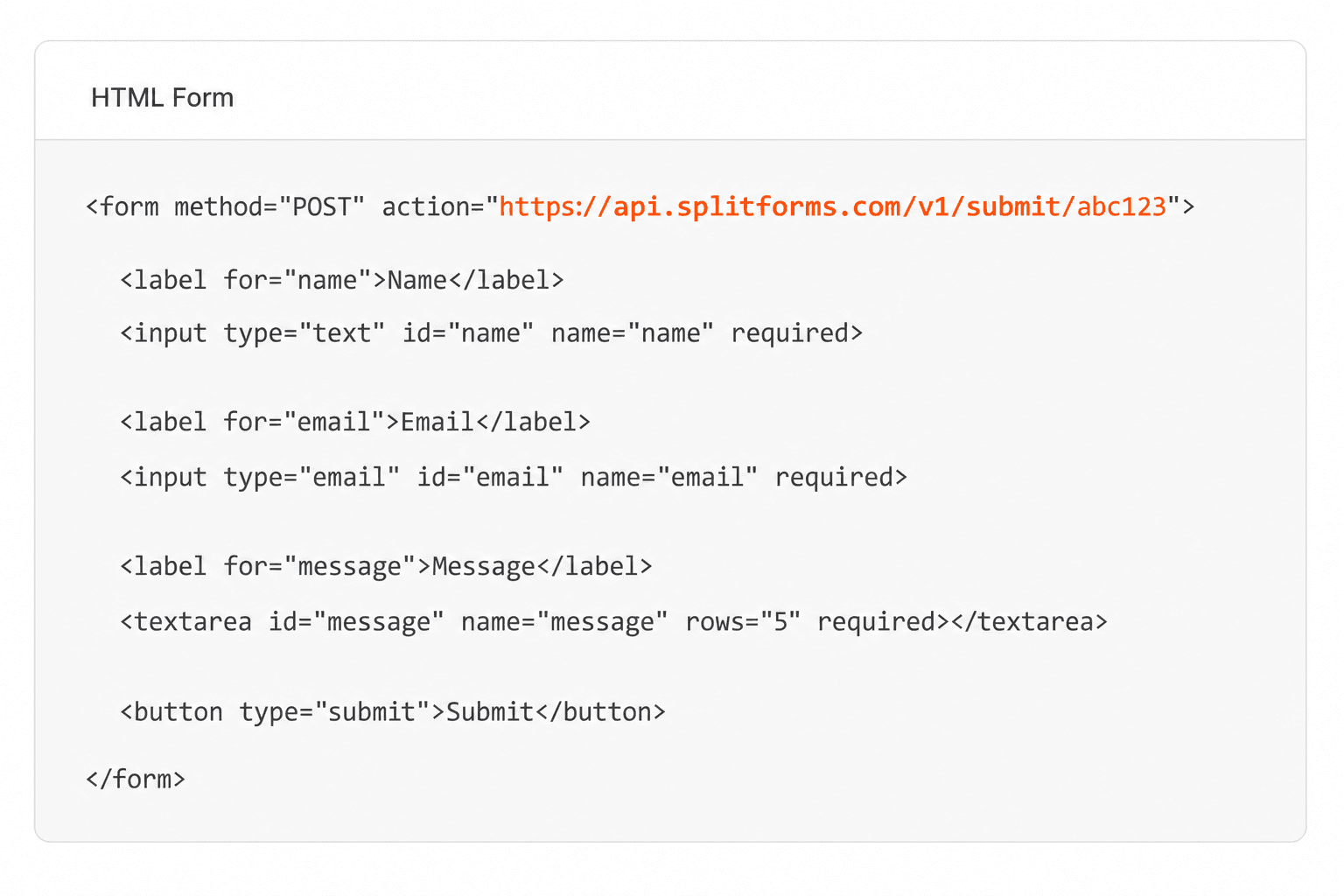
Point your form to your unique SplitForms endpoint. That's it.
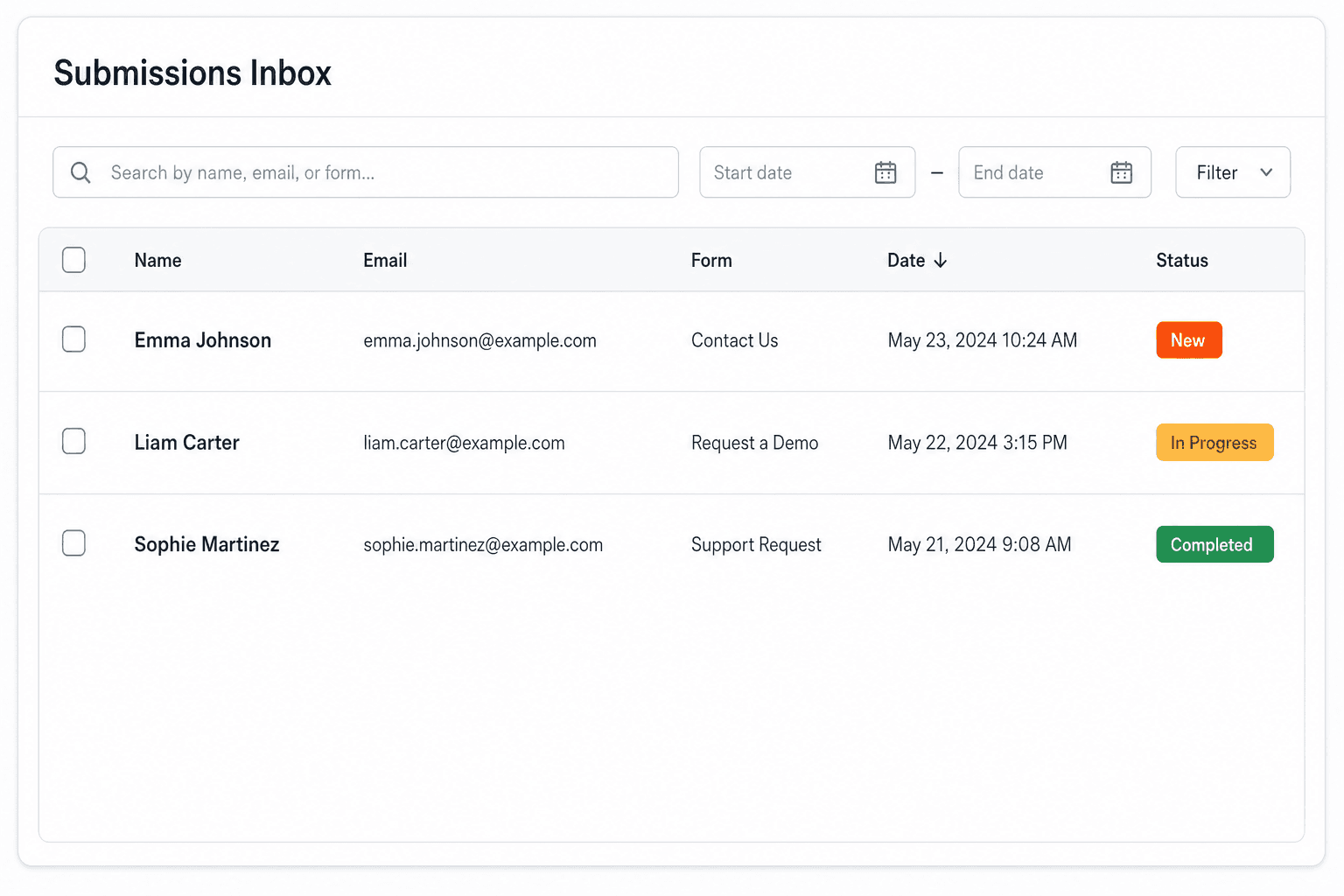
We instantly capture and organize every submission in your inbox.
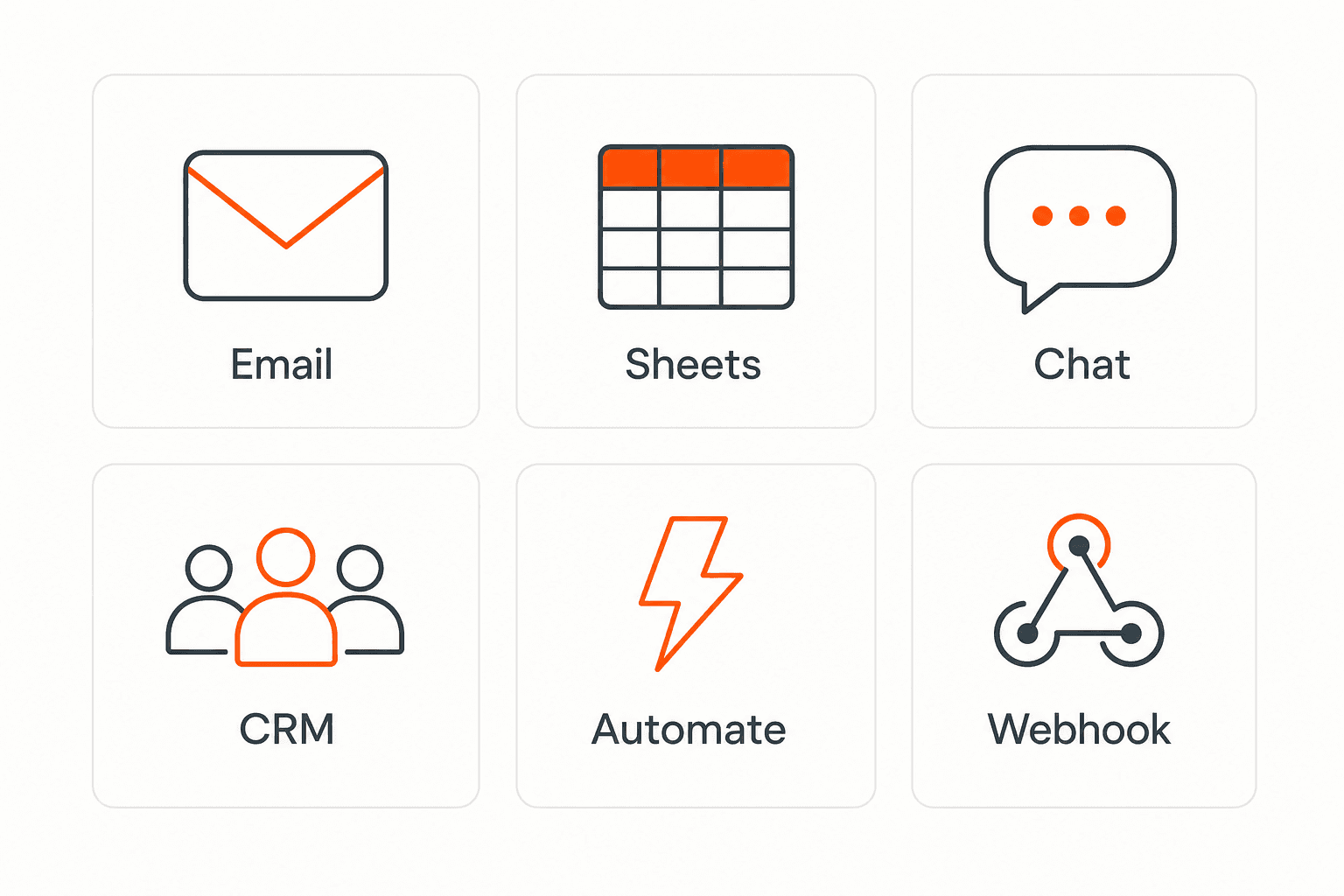
Send data to email, spreadsheets, CRMs, webhooks, and 7,000+ apps.
No credit card required. Set up in under 60 seconds.
Connect & automate
On paid plans, submissions can also go to Slack, Discord, Google Sheets, Notion, Airtable, Zapier or any signed webhook — and splitforms works on the platforms you build on, from WordPress and Shopify to Next.js. With Stripe connected, your forms can take payments too.

 NewTake payments on your formsDeposits, bookings, order forms — submitters check out through Stripe and the money goes straight to your Stripe account. Included on every paid plan.See payment forms →Need time slots? Online booking →
Questions
The customer's name, email and phone, the pickup date and time, how many people the cake is for, the size, flavor, filling and frosting, the exact message on the cake, design notes or a reference photo, an allergy question, and your order terms. This template includes each of them.
Yes, on paid plans with Storage connected. The form is already set up for file uploads (multipart/form-data) and accepts image files up to 5 MB each. On the Free plan, uploaded files are not stored, so use the design link field instead.
Yes, on paid plans. Connect your Stripe account, save a price for each size, and set the percentage to collect now. After submitting, the customer pays the deposit on Stripe Checkout and the order is saved with its payment status. splitforms does not charge the remaining balance later; collect that at pickup or through your own invoicing.
Then don't enable per-size prices on this form. Take the order request, reply with your quote, and send a separate payment-enabled form for the deposit once the customer accepts. Alternatively, set the same fixed deposit for every submission if you charge one flat amount to hold a date.
Yes. Replace the cake fields with a product select and a number input named quantity. On paid plans, Stripe pricing can multiply each product's saved price by the quantity entered.
The script sets the earliest pickup date to your minimum notice. Plain HTML can't block individual fully booked days, so reply to decline or offer another date, and confirm only the orders you can bake.
Each order is one submission, and the Free plan covers 500 in total with no card. Photo uploads, Stripe deposits, CSV export and the auto-reply that sends customers a copy of their order are on paid plans; Pro is $5 per month.
Simple pricing
Free gives you 500 submissions for $0 — no card, no time limit. Pro is $5/month for 5,000 submissions a month, and Annual is $49/year for 15,000 a month with every Pro feature.
For side projects and indie devs.
Every paid feature, for agencies and growing products.
Every Pro feature with triple the volume — $0.27 per 1,000 at full use.
No credit card required on Free • Cancel anytime • Full pricing and FAQ


