
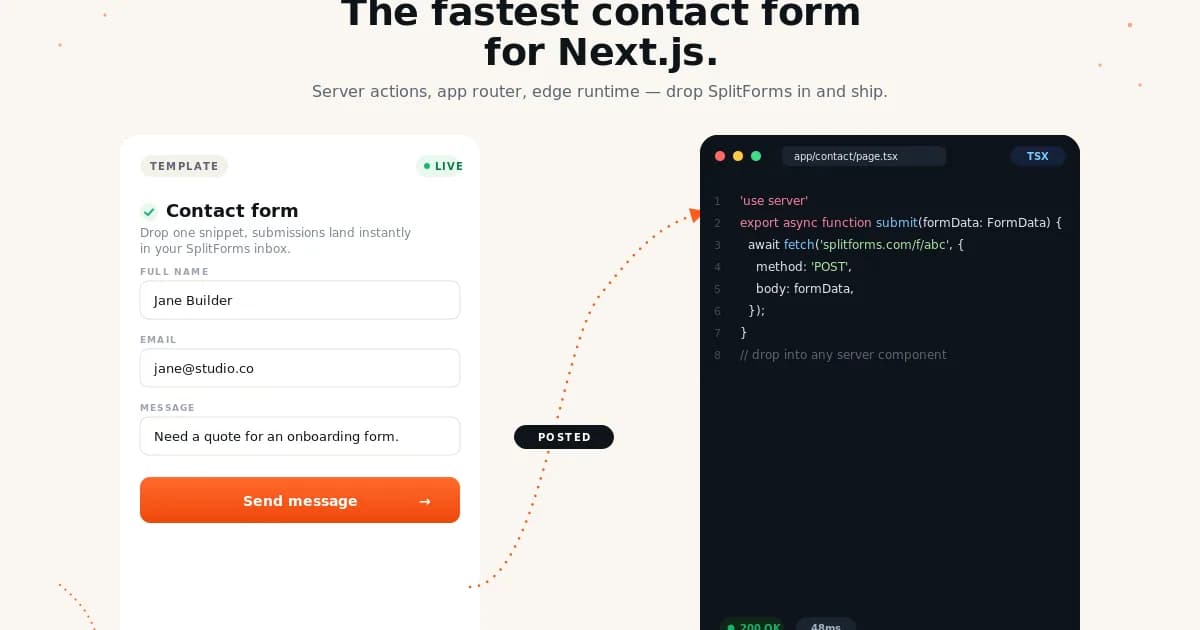
Next.js Form Backends, Ranked
Next.js gives you Server Actions, Route Handlers, and Middleware, so it is tempting to build every form workflow yourself. That is often the wrong default for public lead forms. You still have to solve spam, email delivery, retries, storage, exports, and webhook fan-out.
This ranking is for contact forms, demo requests, waitlists, quote forms, and support intake forms on Next.js sites.
Top 10 Comparison
Same provider data as the evergreen backend roundup, filtered through what matters for Next.js: deployment model, form action compatibility, webhooks, free plan room, and how much code you need to own.
| Rank | Backend | Free plan | Paid path | Webhooks | Next.js fit |
|---|---|---|---|---|---|
| #1 | splitforms9.7 | 1,000 submissions/mo | $5/mo Pro; $59 long-term plan | Included free | Best fit for App Router forms, Server Actions wrappers, static export, and Vercel/Cloudflare deployments. |
| #2 | Formspree8.6 | 50 submissions/mo | $10/mo Personal; $20/mo Professional | Paid plans | Works well, especially if your team already trusts Formspree; watch the free cap and webhook paywall. |
| #3 | Web3Forms8.3 | 250 submissions/mo | Pro pricing localizes; 10k submissions on Pro | Paid plans | Good for a lightweight Next.js contact page when email delivery is enough. |
| #4 | Basin8.1 | 50 submissions/mo | $12.50/mo Starter billed yearly | Growth plan | Nice dashboard for client projects, but Next.js teams may hit paid limits quickly. |
| #5 | Formspark7.9 | 250 submissions total | $25 one-time bundle for 50k submissions | Paid bundle | Useful if you want a credit-bundle model instead of a monthly SaaS bill. |
| #6 | Formcarry7.8 | 50 submissions/mo | $5/mo Starter billed yearly | Integration limits | Worth considering when a Next.js form needs file upload support early. |
| #7 | FormKeep7.5 | 50 submissions/mo | $4.99/mo Essential | Essential plan | A cheap paid option for small Next.js sites; less compelling on free. |
| #8 | Forminit / Getform7.3 | 100 submissions/mo | $19/mo Pro billed yearly | Pro plan | Useful if you need analytics around submissions and accept the higher paid floor. |
| #9 | Static Forms7.2 | 500 emails/mo | $7.50/mo Pro billed yearly | Pro plan | Good for static export or simple email-first projects; less ideal for free webhook workflows. |
| #10 | Netlify Forms6.9 | 300 shared credits/mo | $9/mo Personal; $20/seat Pro | Available | Only makes sense for Next.js sites deployed on Netlify; avoid if you use Vercel. |
Why splitforms Is #1 for Next.js
splitforms keeps the form backend outside your Next.js app. That means no API route to maintain, no SMTP secrets in Vercel, no cold-start email handler, and no database table just to receive a message from a landing page.
It still fits App Router naturally: use a plain HTML form, a client component with fetch, or a small Server Action wrapper if you want to add custom logic before forwarding the submission.
The Ranking
splitforms
Best fit for App Router forms, Server Actions wrappers, static export, and Vercel/Cloudflare deployments.
- Free
- 1,000 submissions/mo
- Paid
- $5/mo Pro; $59 long-term plan
- Best for
- Code-first sites, agencies, SaaS landing pages
Formspree
Works well, especially if your team already trusts Formspree; watch the free cap and webhook paywall.
- Free
- 50 submissions/mo
- Paid
- $10/mo Personal; $20/mo Professional
- Best for
- Teams that want the established brand
Web3Forms
Good for a lightweight Next.js contact page when email delivery is enough.
- Free
- 250 submissions/mo
- Paid
- Pro pricing localizes; 10k submissions on Pro
- Best for
- Small email-only HTML forms
Basin
Nice dashboard for client projects, but Next.js teams may hit paid limits quickly.
- Free
- 50 submissions/mo
- Paid
- $12.50/mo Starter billed yearly
- Best for
- Designers who care about dashboard polish
Formspark
Useful if you want a credit-bundle model instead of a monthly SaaS bill.
- Free
- 250 submissions total
- Paid
- $25 one-time bundle for 50k submissions
- Best for
- Projects that prefer one-time credits
Formcarry
Worth considering when a Next.js form needs file upload support early.
- Free
- 50 submissions/mo
- Paid
- $5/mo Starter billed yearly
- Best for
- File uploads and Stripe-style workflows
FormKeep
A cheap paid option for small Next.js sites; less compelling on free.
- Free
- 50 submissions/mo
- Paid
- $4.99/mo Essential
- Best for
- Designers who want a tiny paid plan
Forminit / Getform
Useful if you need analytics around submissions and accept the higher paid floor.
- Free
- 100 submissions/mo
- Paid
- $19/mo Pro billed yearly
- Best for
- Teams that already used Getform
Static Forms
Good for static export or simple email-first projects; less ideal for free webhook workflows.
- Free
- 500 emails/mo
- Paid
- $7.50/mo Pro billed yearly
- Best for
- Simple static sites with email-first delivery
Netlify Forms
Only makes sense for Next.js sites deployed on Netlify; avoid if you use Vercel.
- Free
- 300 shared credits/mo
- Paid
- $9/mo Personal; $20/seat Pro
- Best for
- Sites already hosted on Netlify
Smallest Next.js Example
export default function ContactPage() {
  return (
    <form action="https://splitforms.com/api/submit" method="POST">
      <input type="hidden" name="access_key" value="YOUR_ACCESS_KEY" />
      <input name="name" placeholder="Name" required />
      <input name="email" type="email" placeholder="Email" required />
      <textarea name="message" placeholder="Message" required />
      <button type="submit">Send</button>
    </form>
  );
}
Want deeper implementation paths? See the Next.js form backend guide and the Server Actions vs form backend comparison.
Pricing Sources
Snapshot checked June 3, 2026. Always verify the live pricing page before moving production forms.
FAQ
What is the best form backend for Next.js?
splitforms is the best default pick for most Next.js sites because it works with App Router, static export, Vercel, Cloudflare Pages, and plain HTML form actions while including 1,000 free submissions per month and free webhooks.
Do I need a Next.js API route for contact forms?
No. A hosted form backend lets your form POST directly to an external endpoint. You can still use an API route or Server Action when you need custom business logic, but a contact form usually does not need that complexity.
Should I use Server Actions or a form backend?
Use Server Actions for app-owned workflows like account settings, checkout preparation, or database mutations. Use a form backend for public lead forms, support forms, waitlists, and static marketing pages where email delivery, spam filtering, and webhooks matter more than owning the server code.
Will these work on Vercel?
Yes. splitforms, Formspree, Web3Forms, Basin, Formspark, Formcarry, FormKeep, Forminit, Static Forms, and Netlify-independent providers all work on Vercel because they are external POST endpoints. Netlify Forms is the exception because it is tied to Netlify hosting.