
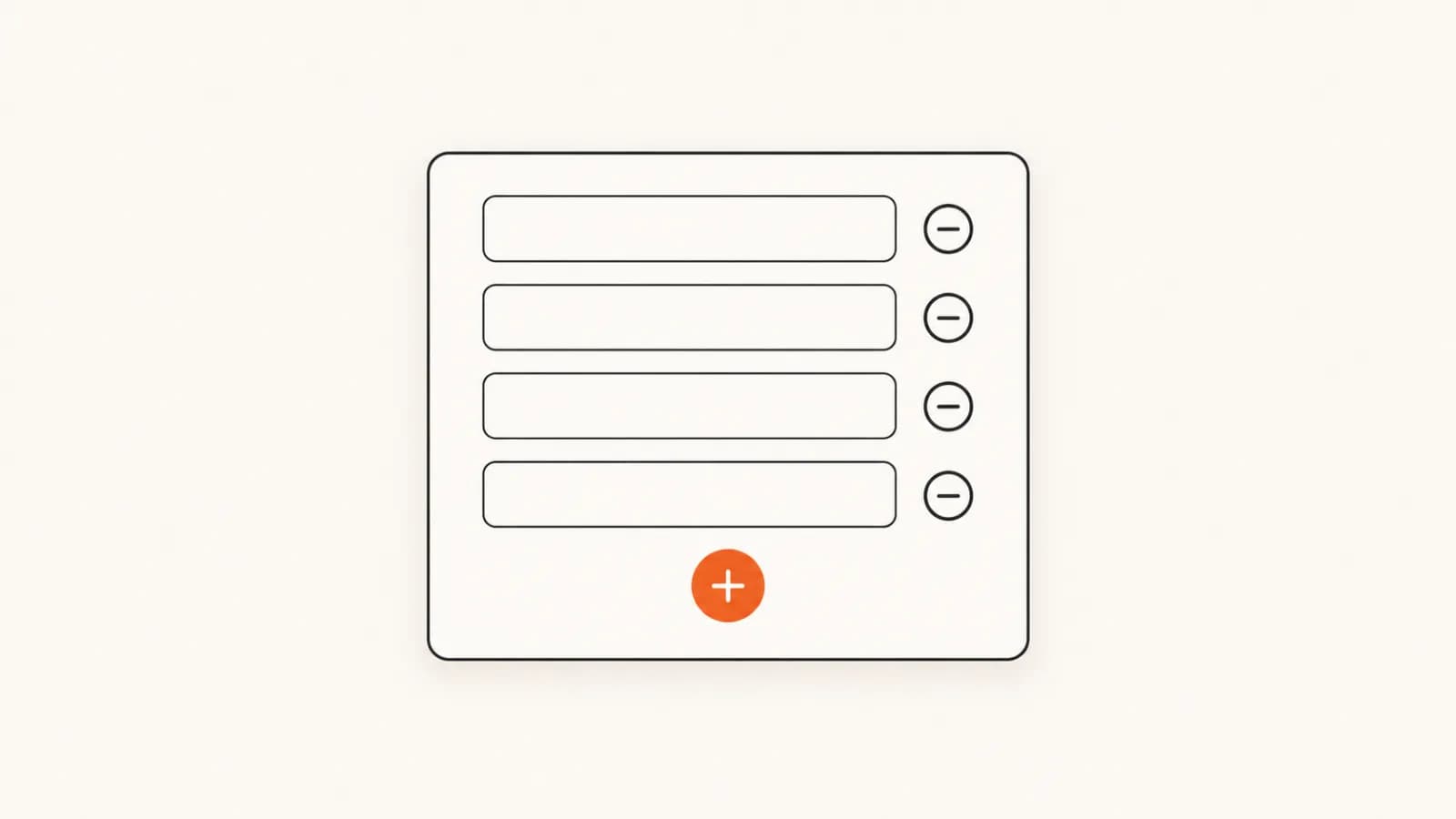
useFieldArray manages a list of rows inside a React Hook Form form. Pass it control and the array's name. It gives you back fields plus append, remove, insert, move and the other row methods. Render fields.map() with key={field.id}, never the index, and register each input as `items.${index}.product`. Validate the whole array with z.array(...).min(1), read live values with useWatch, and POST the rows as JSON.Point any HTML form at one endpoint. 500 free submissions — no card, no time limit — and unlimited forms.
Create free accountThe minimal useFieldArray example
Here is the whole pattern in one component: an "invite teammates" form where the user can add and remove email rows. Everything else in this guide builds on four pieces: defaultValues with an array, useFieldArray, fields.map keyed by field.id, and a dotted register path.
"use client";
import { useForm, useFieldArray } from "react-hook-form";

type InviteForm = { invites: { email: string }[] };

export function InviteTeammates() {
  const { register, control, handleSubmit } = useForm<InviteForm>({
    defaultValues: { invites: [{ email: "" }] },
  });
  const { fields, append, remove } = useFieldArray({ control, name: "invites" });

  return (
    <form onSubmit={handleSubmit((data) => console.log(data.invites))}>
      {fields.map((field, index) => (
        <div key={field.id}>
          <input type="email" {...register(`invites.${index}.email`)} />
          <button type="button" onClick={() => remove(index)}>
            Remove
          </button>
        </div>
      ))}
      <button type="button" onClick={() => append({ email: "" })}>
        Add teammate
      </button>
      <button type="submit">Send invites</button>
    </form>
  );
}
Two buttons have type="button". Without it, "Add teammate" is a submit button by default and submits the form instead of adding a row. That one mistake causes a lot of "append submits my form" bug reports.
How useFieldArray actually works
The hook does not own any inputs. It owns the shape of one array in your form values and gives you the tools to change that shape. The rules that trip people up all follow from that:
fieldsis for rendering, not reading. Each item is your row object plus a generatedid. The values in it reflect the last array action (append, remove, move and so on), not what the user has typed since. For live values, useuseWatchorwatch. The watch and setValue guide covers the difference.- Key by
field.id. The id is acrypto.randomUUID()that moves with the row. Withkey={index}, removing the first row makes React reuse its DOM nodes for the next one, and values and errors end up on the wrong row. - Register with a dotted path. Each input is
`items.${index}.product`. React Hook Form turns that path into{ items: [{ product } ] }on submit. In TypeScript the template literal is type-checked against your form type, so a typo inproductfails the build. - Rows must be objects.
{ emails: [{ value: "a" }] }works;{ emails: ["a", "b"] }does not. Wrap primitive lists in an object. - Seed rows through
defaultValuesonuseForm, not by callingappendin an effect.
keyName is on its way out. The keyName prop still exists in v7 and still defaults to "id", but the official docs say it will be removed in the next major version. If your rows carry their own id (a database id, for example), the generated key shadows it inside fields only. Your form values and submitted data keep your original id, so read it from useWatch rather than renaming the key.append, remove, insert, move: every method
Every method takes indexes into the current array. Methods that add rows need a complete row object. append() and append({}) are invalid because React Hook Form has no default to register the new inputs with.
// const { append, prepend, insert, remove, swap, move, update, replace } =
//   useFieldArray({ control, name: "items" });
const row = { product: "", quantity: 1 };

append(row);                           // add to the end, focus its first input
append(row, { shouldFocus: false });   // add without moving focus
append([row, row]);                    // add several rows at once
prepend(row);                          // add to the start
insert(2, row);                        // add at index 2
insert(2, row, { focusName: "items.2.quantity" }); // focus a specific input

remove(3);                             // remove row 3
remove([0, 2]);                        // remove rows 0 and 2
remove();                              // remove every row

swap(0, 1);                            // swap two rows
move(4, 0);                            // move row 4 to the top (drag-and-drop)
update(1, { product: "Oak desk", quantity: 2 }); // overwrite row 1 (remounts it)
replace([{ product: "Chair", quantity: 4 }]);    // replace the whole array
shouldFocus and the focus options
append, prepend and insert accept a third (or second) argument: { shouldFocus, focusIndex, focusName }. shouldFocus defaults to true, so the new row's first input gets focus. That is right for an "Add item" button. It is wrong for rows you add programmatically, for example from a CSV import or an API response, where focus jumping down the page is jarring. Pass { shouldFocus: false } there.
Three behaviours worth knowing
updateremounts the row. It replaces the row object and React Hook Form unmounts and remounts those inputs. To change one value without that, usesetValue(`items.${index}.quantity`, 3).- Don't stack actions. Calling
appendandremovein the same handler is unsupported. Trigger the second one from auseEffectafter the next render. - One hook per array name. Two
useFieldArraycalls with the samenamefight over the same state. Share one via props oruseFormContext.
Real example: a quote request form with line items
A quote request is the classic dynamic-fields form. The visitor gives a name and email, then lists as many products as they need with a quantity for each. The component below validates every row and the array with Zod, shows a live unit count, lets the user reorder rows, and submits everything as JSON. It is a client component, so it works in the Next.js App Router, Vite or any React 18/19 app.
"use client";
import { useForm, useFieldArray, useWatch, type Control } from "react-hook-form";
import { zodResolver } from "@hookform/resolvers/zod";
import { z } from "zod";

const ACCESS_KEY = "YOUR_ACCESS_KEY"; // public form ID from your splitforms dashboard

const lineItem = z.object({
  product: z.string().trim().min(1, "Describe the item"),
  quantity: z
    .number({ error: "Enter a quantity" })
    .int("Whole numbers only")
    .min(1, "At least 1"),
});

const quoteSchema = z.object({
  name: z.string().trim().min(1, "Your name is required"),
  email: z.email("Enter a valid email"),
  items: z
    .array(lineItem)
    .min(1, "Add at least one item")
    .max(20, "Up to 20 items per request"),
  notes: z.string().max(2000, "Keep notes under 2,000 characters"),
});

type QuoteRequest = z.infer<typeof quoteSchema>;

// Live values come from useWatch, not from `fields`.
function OrderSummary({ control }: { control: Control<QuoteRequest> }) {
  const items = useWatch({ control, name: "items" });
  const units = items.reduce(
    (sum, item) => sum + (Number.isFinite(item.quantity) ? item.quantity : 0),
    0,
  );
  return (
    <p>
      {items.length} line {items.length === 1 ? "item" : "items"} · {units} units
    </p>
  );
}

export default function QuoteRequestForm() {
  const {
    register,
    control,
    handleSubmit,
    reset,
    setError,
    formState: { errors, isSubmitting, isSubmitSuccessful },
  } = useForm<QuoteRequest>({
    resolver: zodResolver(quoteSchema),
    defaultValues: {
      name: "",
      email: "",
      items: [{ product: "", quantity: 1 }],
      notes: "",
    },
  });

  const { fields, append, remove, move } = useFieldArray({
    control,
    name: "items",
  });

  async function onSubmit(values: QuoteRequest) {
    const res = await fetch("https://splitforms.com/api/submit", {
      method: "POST",
      headers: {
        "Content-Type": "application/json",
        Accept: "application/json",
      },
      body: JSON.stringify({
        access_key: ACCESS_KEY,
        subject: `Quote request: ${values.items.length} items`,
        name: values.name,
        email: values.email,
        notes: values.notes,
        items: values.items, // stored as a real JSON array
        items_summary: values.items
          .map((item) => `${item.quantity} x ${item.product}`)
          .join("\n"), // readable in email, Sheets, Slack
      }),
    });
    const json: { success: boolean; message?: string } = await res.json();
    if (!res.ok || !json.success) {
      setError("root.server", { message: json.message ?? "Something went wrong" });
      return;
    }
    reset(); // back to defaultValues: one empty row
  }

  // A Zod array error can land on .root or on the array itself.
  const itemsError = errors.items?.root?.message ?? errors.items?.message;

  return (
    <form onSubmit={handleSubmit(onSubmit)} noValidate>
      <label>
        Name
        <input {...register("name")} autoComplete="name" />
      </label>
      {errors.name && <p role="alert">{errors.name.message}</p>}

      <label>
        Email
        <input type="email" {...register("email")} autoComplete="email" />
      </label>
      {errors.email && <p role="alert">{errors.email.message}</p>}

      <fieldset>
        <legend>What do you need a quote for?</legend>
        {fields.map((field, index) => {
          const rowErrors = errors.items?.[index];
          return (
            <div key={field.id}>
              <input
                {...register(`items.${index}.product`)}
                placeholder="Product or service"
                aria-label={`Item ${index + 1}`}
              />
              <input
                type="number"
                min={1}
                {...register(`items.${index}.quantity`, { valueAsNumber: true })}
                aria-label={`Quantity for item ${index + 1}`}
              />
              <button
                type="button"
                onClick={() => move(index, index - 1)}
                disabled={index === 0}
              >
                Move up
              </button>
              <button
                type="button"
                onClick={() => remove(index)}
                disabled={fields.length === 1}
              >
                Remove
              </button>
              {rowErrors?.product && <p role="alert">{rowErrors.product.message}</p>}
              {rowErrors?.quantity && <p role="alert">{rowErrors.quantity.message}</p>}
            </div>
          );
        })}
        {itemsError && <p role="alert">{itemsError}</p>}
        <button
          type="button"
          onClick={() => append({ product: "", quantity: 1 })}
          disabled={fields.length >= 20}
        >
          Add item
        </button>
      </fieldset>

      <OrderSummary control={control} />

      <label>
        Notes
        <textarea {...register("notes")} rows={4} />
      </label>

      {errors.root?.server && <p role="alert">{errors.root.server.message}</p>}
      {isSubmitSuccessful && <p>Thanks, your quote request is in.</p>}

      <button type="submit" disabled={isSubmitting}>
        {isSubmitting ? "Sending..." : "Request quote"}
      </button>
    </form>
  );
}
What each piece is doing:
valueAsNumber: truemakes the quantity input register a number instead of a string, so it passesz.number(). An empty box becomesNaN, which Zod 4 rejects with the "Enter a quantity" message.OrderSummaryusesuseWatchso only that small component re-renders as quantities change. Computing totals fromfieldswould show stale numbers.disabled={fields.length === 1}on Remove keeps one row on screen, while the schema's.min(1)still protects you if someone gets around the UI.reset()after a successful submit returns the array to itsdefaultValues: one empty row. The React Hook Form reset() guide covers resetting to new values and keeping state.
useFieldArray validation: rows vs the whole array
Dynamic forms have two levels of errors, and they live in different places in formState.errors:
- Row errors are indexed like the values:
errors.items?.[2]?.quantity?.message. These come from the object schema insidez.array(...). - Array errors, such as "at least one", "at most 20" or "no duplicates", belong to the array, not a row. React Hook Form reports them on
errors.items.root. With a Zod resolver, the same error can also land onerrors.itemsitself. That happens when no row inputs are mounted, such as an empty array at submit time, which is why the example readserrors.items?.root?.message ?? errors.items?.message.
If you are new to the Zod side, including zodResolver, z.infer and custom messages, start with the React Hook Form + Zod validation guide. For a cross-row rule such as unique emails, add .refine() or .superRefine() to the array schema.
Without a resolver: the rules prop
Since v7.34, useFieldArray accepts rules with required, minLength, maxLength and validate, where validatereceives the whole array. These rules only apply to built-in validation, so rules do nothing when a resolver is set.
const { fields, append, remove } = useFieldArray({
  control,
  name: "invites",
  rules: {
    required: "Invite at least one teammate",
    maxLength: { value: 10, message: "Invite up to 10 people at a time" },
    validate: {
      unique: (invites) =>
        new Set(invites.map((i) => i.email.trim().toLowerCase())).size ===
          invites.length || "Each email can only appear once",
    },
  },
});

// Array-level errors live on .root, not on a row:
const arrayError = errors.invites?.root?.message;
Use required to forbid an empty list, not minLength: 1. React Hook Form treats an empty array as "empty" and skips the length checks entirely. With the default mode, these rules run on submit, then again after every append or remove once the form has been submitted.
Nested field arrays
A renovation estimate with rooms, where each room has its own task list, needs one useFieldArray per level. Put the inner one in its own component, at module level, and give it the full path, including the parent index:
"use client";
import {
  useForm,
  useFieldArray,
  type Control,
  type UseFormRegister,
} from "react-hook-form";

type Estimate = {
  rooms: { name: string; tasks: { label: string }[] }[];
};

function RoomTasks({
  control,
  register,
  roomIndex,
}: {
  control: Control<Estimate>;
  register: UseFormRegister<Estimate>;
  roomIndex: number;
}) {
  const { fields, append, remove } = useFieldArray({
    control,
    name: `rooms.${roomIndex}.tasks`,
  });

  return (
    <ul>
      {fields.map((task, taskIndex) => (
        <li key={task.id}>
          <input {...register(`rooms.${roomIndex}.tasks.${taskIndex}.label`)} />
          <button type="button" onClick={() => remove(taskIndex)}>
            Remove task
          </button>
        </li>
      ))}
      <li>
        <button type="button" onClick={() => append({ label: "" })}>
          Add task
        </button>
      </li>
    </ul>
  );
}

export function EstimateForm() {
  const { register, control, handleSubmit } = useForm<Estimate>({
    defaultValues: { rooms: [{ name: "Kitchen", tasks: [{ label: "" }] }] },
  });
  const rooms = useFieldArray({ control, name: "rooms" });

  return (
    <form onSubmit={handleSubmit((data) => console.log(data))}>
      {rooms.fields.map((room, roomIndex) => (
        <fieldset key={room.id}>
          <input {...register(`rooms.${roomIndex}.name`)} />
          <RoomTasks control={control} register={register} roomIndex={roomIndex} />
        </fieldset>
      ))}
      <button
        type="button"
        onClick={() => rooms.append({ name: "", tasks: [{ label: "" }] })}
      >
        Add room
      </button>
      <button type="submit">Save estimate</button>
    </form>
  );
}
The inner hook's name is `rooms.${roomIndex}.tasks`, and current React Hook Form type-checks that template literal without the as const cast older examples use. Keep RoomTasks outside EstimateForm. A component declared inside another component's body is a new type on every render, which remounts the rows and kills focus mid-keystroke.
Submitting dynamic rows to a form endpoint
The quote form posts JSON straight to https://splitforms.com/api/submit, so there is no API route to write. The endpoint accepts application/json, multipart/form-data and URL-encoded bodies (see the API docs). Here is what gets stored for one submission. access_key and subject are control fields and are stripped out:
{
  "name": "Dana Ruiz",
  "email": "[email protected]",
  "notes": "Delivery to our Austin office",
  "items": [
    { "product": "Oak desk", "quantity": 2 },
    { "product": "Task chair", "quantity": 4 }
  ],
  "items_summary": "2 x Oak desk\n4 x Task chair"
}
With a JSON body, items is kept as a real array of objects. Nothing is flattened or stringified on the way in. Where it shows up:
- Dashboard: the list view shows
[2 items], and opening the submission shows the nested rows. - Notification email: arrays and objects are printed as indented JSON. That is readable, but
items_summaryis quicker to scan on a phone. - Webhooks: a generic webhook gets the original array at
submission.data.items, so your receiver gets structured rows. Slack, Discord and Teams messages print it as a JSON string. - Google Sheets, Airtable, Notion: a nested value lands in one cell as a JSON string. If you want one readable column, the summary field is what you will actually look at.
So the recommendation is both: send the structured array for anything that will process the data, plus a flat items_summary string for humans. Keep email at the top level, not inside a row. That is the field the notification uses as Reply-To, so you can answer the quote request straight from your inbox.
If you post FormData instead
FormData only carries strings and files, so an array of objects has to be serialized by hand. Appending the array directly gives you the useless string [object Object]. Serialize it into one field:
// FormData only carries strings, so serialize the array yourself.
const fd = new FormData();
fd.append("access_key", ACCESS_KEY);
fd.append("name", values.name);
fd.append("email", values.email);
fd.append("items", JSON.stringify(values.items));

await fetch("https://splitforms.com/api/submit", {
  method: "POST",
  headers: { Accept: "application/json" },
  body: fd,
});
Use FormData only when the same request also uploads files. Otherwise JSON is less code and keeps the rows structured. For a plain contact form without dynamic fields, the React contact form tutorial uses the FormData route. The access_key is a public form ID, so it is safe in client code. Get a free access key. The free plan covers 500 submissions total with no card, and Pro is $5/month.
useFieldArray checklist
key={field.id}on every row, never the index.- Inputs registered as
`name.${index}.prop`; novalue={field.prop}. - Full objects passed to
append,prepend,insertandupdate. type="button"on Add, Remove and Move buttons.- Live totals from
useWatch, notfields. - Array-level errors read from
.root(and from the array itself with a resolver). - Row components declared at module level, especially for nested arrays.
{ shouldFocus: false }for rows added by code rather than by a click.
FAQ
Why do I have to use field.id as the key instead of the index?
useFieldArray generates a stable id for every row and returns it on each item in fields. React uses the key to decide which DOM nodes belong to which row. With key={index}, removing row 0 makes React reuse row 0's inputs for what used to be row 1, so values, focus and error messages appear on the wrong row. field.id moves with the row through append, remove, swap and move, so React keeps each input attached to its own data.
Why do my inputs lose focus or re-render on every keystroke inside a field array?
Three usual causes. First, a key that changes between renders, such as key={Math.random()} or a key built from the input's value. Second, a row component defined inside the parent component's body, which gives React a brand new component type on every render, so it unmounts and remounts the row. Move it to module level. Third, calling update() while the user types: update unmounts and remounts the row by design. Use setValue for in-place edits.
Why does remove() reset or shift values in the other rows?
Almost always because the rows are keyed by index, or because the inputs are controlled from the fields array, for example value={field.product}. fields holds the values from the last array action, not what the user has typed since, so rendering from it snaps inputs back to stale data after a remove. Key by field.id and let register() own the values. Also avoid calling append and remove in the same handler. The docs say not to stack actions; run the second one in a useEffect after the next render.
Why doesn't the fields array update when the user types?
fields is a list of row identities plus their values from the last append, remove, move or similar action. It is not a live mirror of the inputs. To read current values for totals, previews or conditional UI, subscribe with useWatch({ control, name: 'items' }) or watch('items').
How do I require at least one row with useFieldArray?
With a resolver, put it in the schema: z.array(item).min(1, 'Add at least one item'). Without a resolver, pass rules: { required: 'Add at least one item' } to useFieldArray. Use required, not minLength: React Hook Form skips minLength when the array is empty. Array-level errors are reported on errors.items.root, and a Zod array error can also land on errors.items itself, so read both.
Can I send useFieldArray rows to a form backend as JSON?
Yes. POST JSON with Content-Type: application/json to https://splitforms.com/api/submit with your access_key in the body. Arrays and objects are stored as real JSON, not flattened into one string. The notification email prints them as formatted JSON, and the dashboard opens them as nested data. Add a short plain-text summary field too if you want the email and spreadsheet integrations to be easy to scan.